Accelerate Your Marketing Without Growing Headcount
Danish Wadhwa
CEO, webdew
Blog
Top 8 of Kinetic Typography Templates that can Elevate your Brand
Written by:Chehak Wadhwa
DateAug 07, 2019
4 min Read
Table of contents
Kinetic typography animation is getting more and more love from animators every day due to its power to acquire and retain internet users’ attention in this attention economy. The statistic shows that 6 out of 10 people prefer online videos over traditional ones.
Producing and publishing amazing videos is essential to make your viewers take action after watching the content. Creating every video from scratch is not wise, which is why we have templates.
Using existing kinetic typography templates, you can develop a stunning video that will give you great results. But, you must use top-notch templates to create a compelling video for your project.
Have a look at this amazing Kinetic typography video.
Eight Kinetic Typography Templates that Can Supercharge Your Branding Effort
Plenty of kinetic typography templates are online, but not all are equally good. In this part of the article, I will cut down your research by revealing the top eight templates you can use and take inspiration from to create your masterpiece.
Here are the eight kinetic typography examples that you would love to use:
1. Corporate Titles
There are 99 titles that you can use in multiple projects. All titles and designs are easy to customize, and you do not need any additional plugins or sophisticated skills to edit the template.
You can use this very template for producing various qualities of videos, including 4k videos (3840X2160). It is easily compatible with any version of Adobe CC if it is above 5.5. You have the option of customizing the colours of the templates, and there is also a free PDF tutorial which will walk you through the customization process of the model.
The users who have tried out this template have had an excellent experience, and they have taken the time from their busy schedules to leave a review after using this product. The majority of feedback reflects the satisfaction of the users.
2. Abstract Opener
Adobe After Effects is one of the best software for kinetic typography. We can use this application for almost every type of project, ranging from personal to professional. This template suits Adobe After Effects’ nature due to its versatility, and you can use it for videos of a different kind.
This template is available for HD use, and it easily integrates with all versions of After Effects over 4 without needing additional plugins. The video created with this template is super fast, as you can use it quickly for advertisement videos without making plenty of changes to it.
The developer of this template has used Arial font, which is excellent for presentation purposes. The colour manager allows you to change the entire project colour with only 2-3 clicks.
3. Animated Shapes
Those who are fond of simplicity would love this template. Animated Shapes is a simple-to-use template which is clean and fresh. You can use this template for various purposes like promoting your app, resume, service, website, and so on clearly and attractively.
Animated Shapes revolves around only 3 scenes, which may look like no variety, but you would be amazed by its style after using it. Changing colour is incredibly easy, and you can control the expression of colour.
Get PDF and video tutorials on how to use this template, enabling you to use it to the fullest and get the best value for your money.
4. Reveal
Reveal is an excellent example of fluid kinetic typography, and this template is all about it. With this product, you get to reveal critical information with suspense. It works great for both personal and professional projects.
You can position your texts in this template in twelve places, and you can choose from various colours. It is easy to edit this template, and the video tutorial is available with this template, allowing you to learn and implement it quickly.
5. Franchise
The franchise is a free Adobe After Effects kinetic typography template, which is excellent for use with motion graphics projects.
This template makes use of only four colours and 25 frames. It is one of the most popular templates among animators who want to finish their projects without spending much money on them. It has a bold and straightforward design that makes it an excellent fit for numerous types of projects.
6. Type-O-Matic
Type-O-Matic is a flexible and fresh template and an excellent choice for anyone fond of playing with fonts. This template lets you make custom animated typefaces. You can use this template for free without paying a dime.
You get your hands on three kinds of templates with a unique design. It gives you full control on how you want to place your objects. It is possible to rotate, change opacity, experiment with velocity, scale, and more with this template.
7. Brush
The brush template is for you if you like fresh and colourful stuff. It represents originality and freshness and will give a new twist to the boring typography you usually see on the internet. Just integrate this template with the Kinetic typography generatorand see the magic for yourself.
You only need to position your message in the template, brush it with different colours, and adjust the scenes. You have all the freedom to put your creativity on the screen. There are over 15 brushes that you get with this template, and doing the editing job is pretty straightforward.
It is compatible with CS5 and above versions, and you require no additional plugins.
8. Kinetic Typo Animation
Kinetic Typo Animation has over 100 combinations that you can try to make your video outstandingly effective. All combinations are easy to edit, and you also get pre-rendered scenes, making it less time-consuming to complete your task.
You can use this in 4k video quality without any distortion in the performance. There are plenty of text animations that you can try with this template. You get access to video tutorials that will teach you all that you need to use this template in a significant way.
Choose the best template to create Kinetic Typography Animation
It is essential to keep a note of your video production time as well. Using the premium templates, you can quickly publish a video to capitalize on the market trend or a growing market. There is no need to reinvent the wheel all the time when you can succeed by doing minor tweaks on existing things.
All the templates that I’ve mentioned have produced excellent results for its users. Which one are you going to use first? Let us know your thoughts in the comment section below. Or, if you need some professional help to create amazing animated videos, contact us.
Popular software for creating kinetic typography includes Adobe After Effects, Adobe Premiere Pro, Apple Motion, and various online tools. These software options provide the necessary features and capabilities for crafting dynamic text animations.
How to get motion array templates for free?
Motion Array occasionally offers free templates and assets to its users. You can visit their website and look for promotions, free trials, or special offers that may include access to free templates. Additionally, they may offer a limited selection of free templates for download.
What are the characteristics of kinetic typography?
Key characteristics of kinetic typography include animated text, dynamic movement, synchronization with audio or music, creative font choices, precise timing, and the use of visual effects to enhance the impact of the text animations.
Is there a free typography plugin for After Effects?
While there are various plugins and scripts available for After Effects, some of which may include typography-related features, high-quality typography plugins often come at a cost. However, you can find free scripts and plugins in the Adobe After Effects community or third-party websites, though their functionality may be limited compared to paid options.
Dive Into our Client Testimonials
Listen to business owners like you share how we’ve helped them grow. Your story could be next!
Play Video
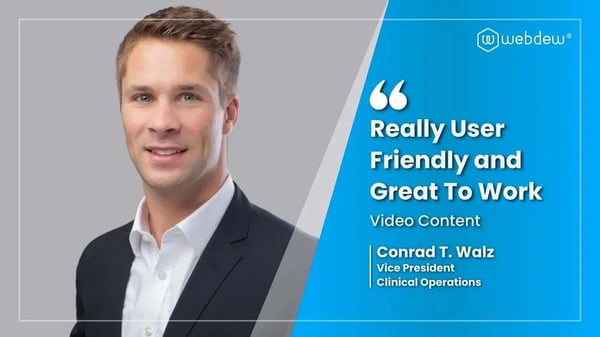
“Recently we reached out to Webdew for a website inside of HubSpot and they also did some mocking automation for us.”
Conrad T. WalzVice President, Ortholive
Play Video
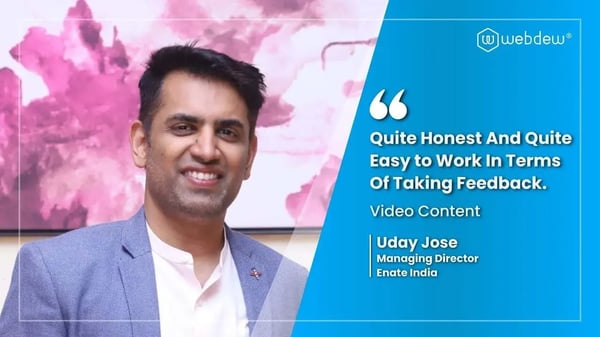
“Webdew team was quite honest and quite easy to work with in terms of taking feedback implementing it, showing that it doesn’t happen again and things like making sure that it meets our expectations.”
Uday JoseManaging Director, Enate India
Play Video
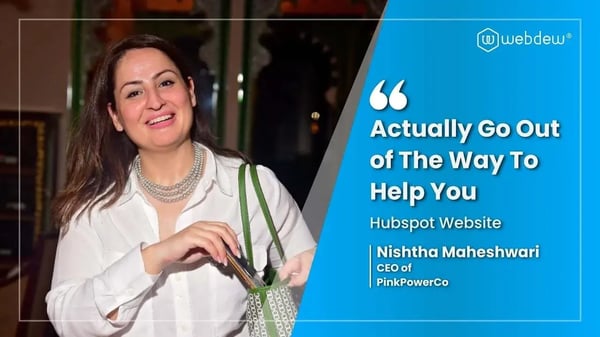
“We worked with webdew to help us build our HubSpot website and they did an amazing job with it. They were very quick.”
Nishtha MaheswariCEO, Pinkpowerco
Play Video
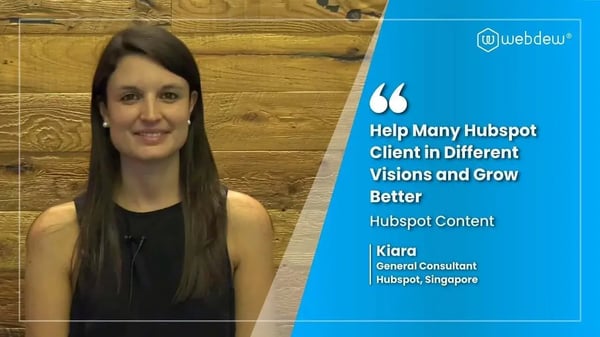
“webdew has helped us optimize the sales and marketing processes, and this is automating a lot of processes.”
“Hi everyone my name is Kara and I work as a channel consultant at HubSpot Singapore. I’ve been working closely with webdew agency”
KiaraGeneral Consultant, HubSpot Singapore
Play Video
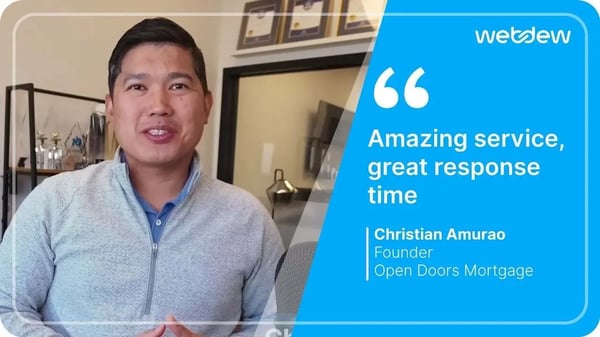
“Hi my name is Christian from OpenDoors Mortgage team and I’m in the mortgage business and just trying to work on new projects and kind of incorporating HubSpot for my operations”
Christian AmuraoFounder, OpenDoors Mortgage
Play Video
“I’m one of the technology directors for Travelopia. We are the largest experiential travel company in the world. We’ve engaged webdew recently, not recently, it’s been about a couple of quarters now.”
SreekandhTechnology Director, Travelopia
“We worked with Chehak over the past several months to create a series of animated videos for an academic planner that we produce. And from the very beginning, she was absolutely professional and a pleasure to work with.”
Veronica BishopContent Writer, Bishop Content Studio
6x
We helped clients multiply their website conversion rates through strategic design and UX optimization.
20%
Our marketing campaigns led to a 20% uplift in customer engagement across digital channels.
2K+
Delivered over 2,000 qualified leads through targeted funnels and smart automation.
120+
Our video content has earned 120,000+ views, driving brand awareness and audience retention.
“I recently had the pleasure of working with Chehak on a video demo project, and I was thoroughly impressed with her services.”
Matt KayCo-founder, Talem AI
Additional Resources
Access expert tips, trends, and strategies designed for small businesses. Stay ahead of the curve and make informed decisions with our comprehensive resources!


 We typically respond the same day





.svg)



.svg)