Pros
- User-friendly interface
- Excellent customization options
- Many eye-catching templates
- SEO-friendly features
Cons
- Less flexibility for complex websites

HubSpot Services

HubSpot Audit
HubSpot Platform
webdew SaaS Services

HubSpot Audit
 We typically respond the same day
 We typically respond the same day
Are you a freelancer, entrepreneur, or business owner searching for a cost-effective way to enhance your online presence? The best way to achieve this goal is by building a website. Fortunately, there are various website builders available to streamline the process.
However, you cannot choose just any website builder randomly, especially with a tight budget. In such cases, you must look for a reliable and cost-effective solution. Searching the internet and choosing a cheap website builder takes time.
I researched and compiled a list of the most cost-effective website builders. The platforms on my list will help you build a website without breaking the bank.
Now, coming to the main part. Now, I will discuss some of the best website builders you can use cheaply. Remember that I have tested all of them. So I can give you real insights, along with their pros, cons, and pricing.
Weblium is one of the cheapest website builders in Ukraine. It comes with various unique templates. If you’re looking for a website builder where you can customize your templates, I strongly recommend Weblium.
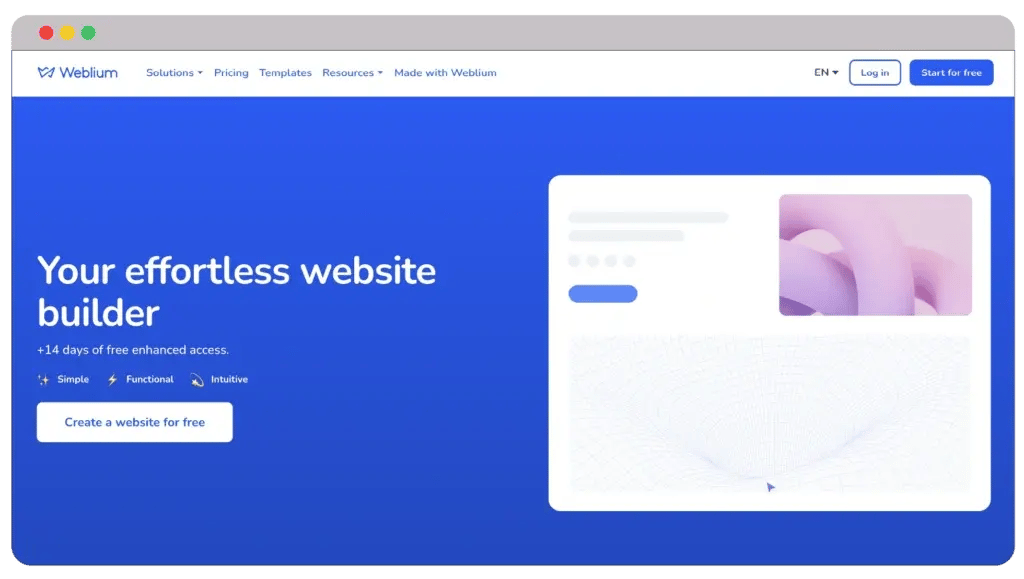
You will also get AI design supervision and SEO and marketing features. So, do these features look similar to you? Are you thinking of something specific?

Yes, you got that right. Weblium is perfect for creating online and eCommerce stores. But that doesn’t mean you cannot create landing pages, blog pages, and a personal website. With its 14-day free trial, you can decide if it’s the right option in 2024.
Pros
Cons
Even if you use the free plan, Weblium won’t disappoint you. You will get various ready-made blocks and templates. Moreover, the best free website builder also includes CRM and Google Cloud web host.
1. Free: $0
2. Pro: $15/month
The free plan provides you with these many features. Wonder what you’ll get when you upgrade to a pro plan. This sounds highly anticipated, right?
For starters, you will get advanced integration with the pro plan. You will get CSS code, contact forms, and pop-ups. You can also purchase a new domain or connect an existing one to your Weblium website.
If you’ve been following my blogs for a while, you know my admiration for Wix. It’s one of the best website builders in the market. Free and paid plans (cheap) are enough to capture anyone’s attention.
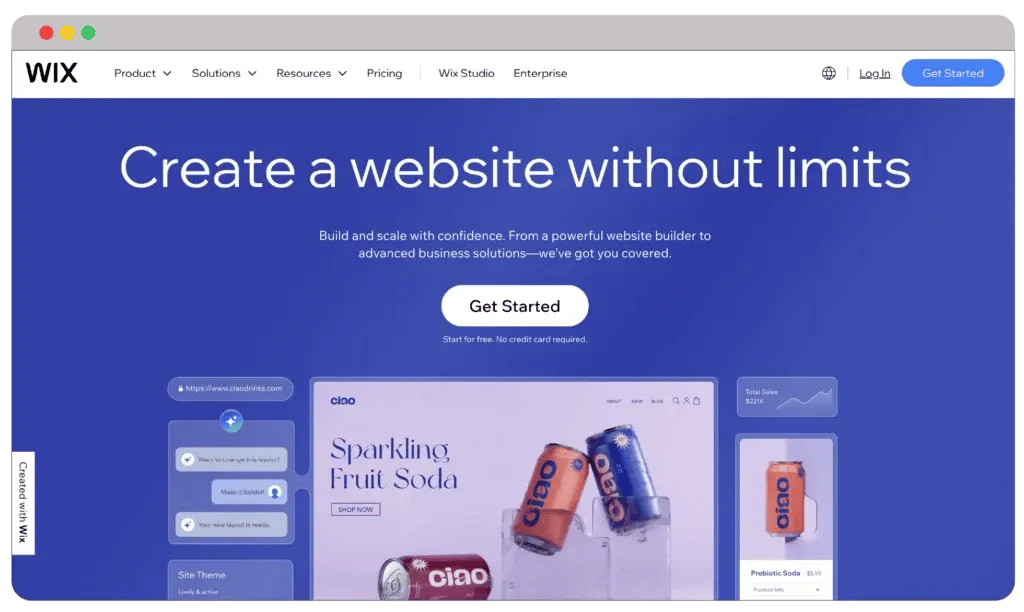
This cheap website builder offers the most templates. Even using the free version, you can still choose anything from its 900+ templates. And if you ask me, the template library is huge, with solid categorization. As of 2024, Wix has more than 260 million users worldwide.

Wix offers a free plan and advanced tools. Even though the free version’s functionality is quite limited, it’s still good. Some of the most notable ones are Facebook advertising, SEO, eCommerce, analytics, customer management, embedded HTML, etc.
Pros
Cons
But if you ask me, I really like the free plan. It’s perfect for creating a highly functional personal website. However, the premium plans take it further by removing the Wix branding and ads. You can also connect your custom domain, giving your website a more professional look.
1. Free: $0
2. Light: $17/month
3. Core: $29/month
4. Business: $36/month
5. Business Elite: $159/month
Similar to other cheap website builders, Wix offers a 14-day free trial. However, I don’t see the point of this, as the free plan is more than enough to gauge its effectiveness. Nevertheless, you will get your money back if you’re not 100% satisfied.
There’s one thing that I should mention. Wix provides various business features to ensure your company doesn’t fall behind. These include hotel management, event management, Wix Fit platform, etc.
Ucraft is another cheap website builder. It provides templates that are updated regularly, so you can build your website without any problems. Some of these templates are free, while some are paid.
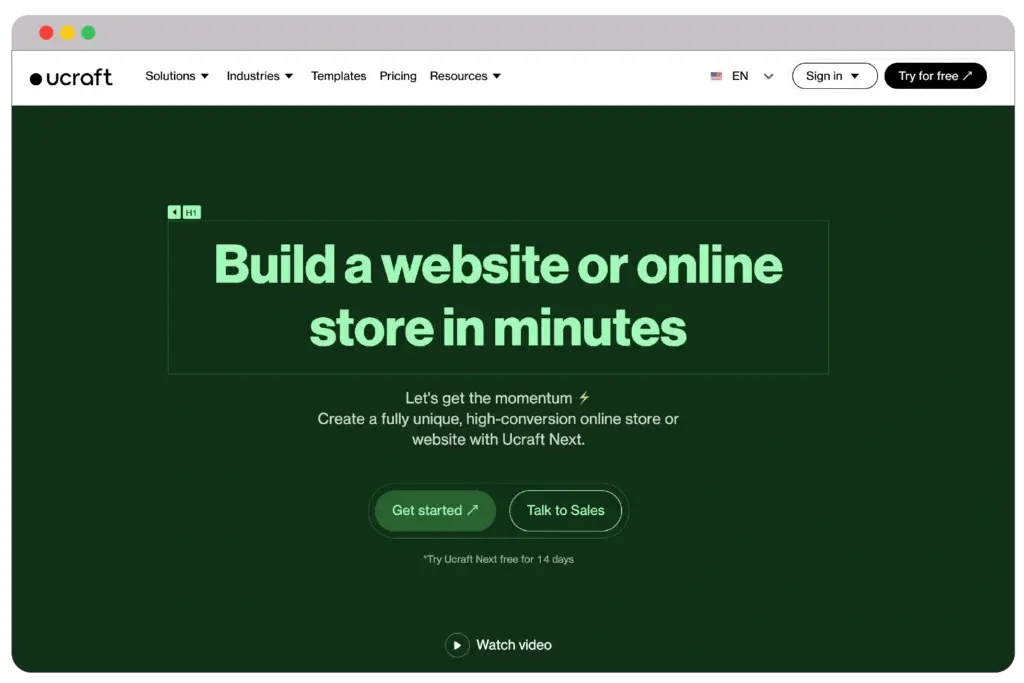
But don’t worry. These templates are more than enough to get you started. For example, you’re looking for eCommerce templates with higher graphical input. Such templates are extremely hard to find, especially when your requirements are huge.

Even if you’re a free user, your limitation won’t be high. You can easily create a website of up to 15 pages. This is huge because a cheap website builder offers higher web pages with its free plan.
Pros
Cons
Then comes the advanced settings. The advanced settings are simply astounding. You will get various other features that will make your website highly unique. I believe the SEO part requires the most attention.
1. eCommerce Starter: $21/month
2. eCommerce Growth: $48/month
3. eCommerce Unlimited: $125/month
Moreover, Ucraft will help you create a fantastic looking website easily from scratch. However, the AI functionalities are quite low. It cannot build web pages properly.
You will get unlimited pages with Ucraft without any watermarks. You can use SEO, embed custom HTML codes, and add team members easily.
If you’re looking for a cheap website builder, Jimdo will have your attention. Besides providing cost-effective plans, Jimdo is super easy to use. It’s perfect for people planning to create an online store.
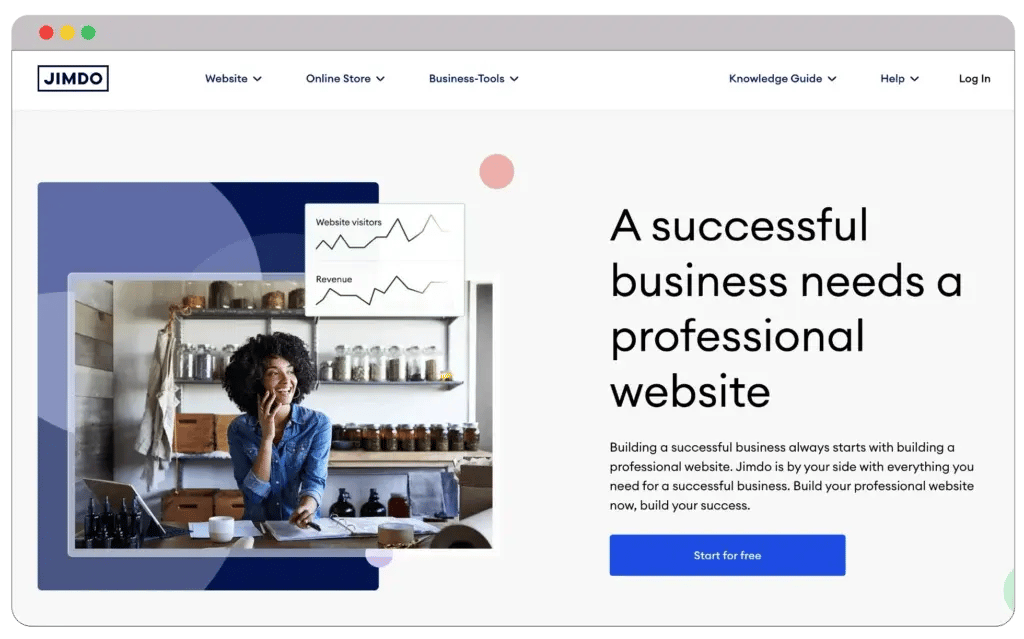
Jimdo also comes with various integrated tools to add product catalogs. This is particularly important for online stores and eCommerce businesses. They can manage payments and orders smoothly.

Jimdo’s free version has five pages, an image library, and contact forms. When you choose paid plans, you will get advanced SEO optimization, site analytics, indexing, etc.
Pros
Cons
Remember that Jimdo online shops are perfect for less than 100 products. Thus, this cheap website builder is suitable for newcomers. You can transfer your domain to Jimdo easily.
1. Play: $0
2. Start: $9/month
3. Grow: $15/month
4. Unlimited: $39/month
Jimdo’s pricing structure will capture your attention. Various plans are according to your needs and budget. However, there’s a catch.
The design and promotion options are quite limited. For instance, you cannot add HTML or CSS codes, meaning you cannot customize your website. Also, you won’t get any blogging or internal marketing features.
Strikingly is perfect for entrepreneurs and creatives looking for an affordable website builder. Strikingly is focused more on creating one-page websites. Therefore, it’s perfect for landing pages, portfolios, and simple sites.
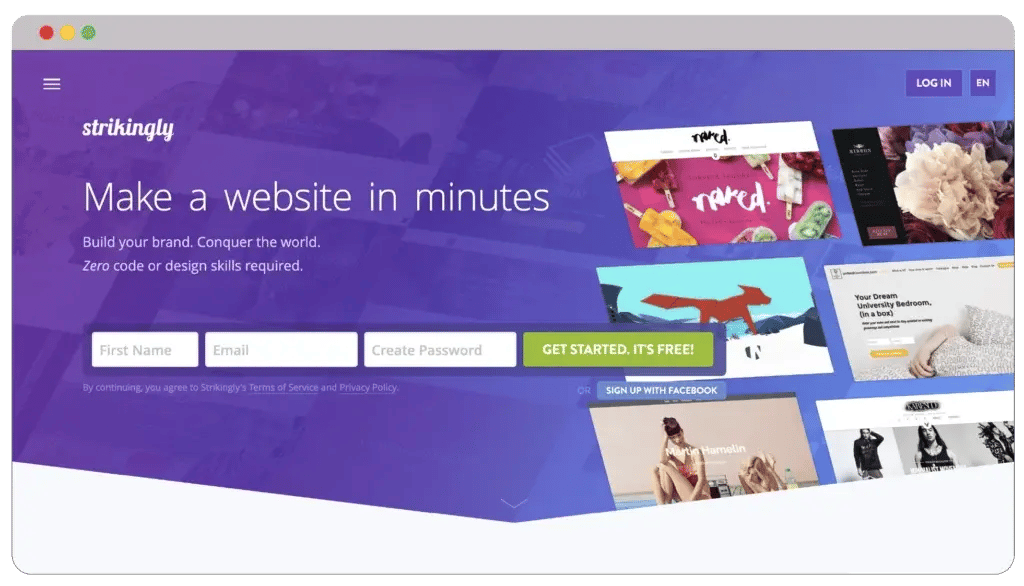
You will find Strikingly’s editing highly intuitive and customizable. There are various pre-designed sections to create websites effortlessly. You will also get five payment options, which will prove beneficial in the long run.

Choosing the free plan gives you unlimited free sites, five pages, and free SSL certificates. But, the paid plans will let you connect your site to a custom domain. Some eye-catching advanced tools are multi-language support, product reviews, newsletters, and custom codes.
Pros
Cons
I really like Strikingly’s fast website building process. You don’t need to scorch the internet to find guides and tutorials. As long as you follow the detailed instructions, you’re good to go.
1. Limited: $8/month
2. Pro: $16/month
2. VIP: $49/month
But remember that Strikingly is not suitable for bloggers. Yes, you can create a portfolio, but not a blogger one. Moreover, large online businesses will find its advanced features too low.
Even though this is a cheap website builder, you won’t get too many features. For instance, it lacks advanced analytics, marketing, and content management tools. On top of that, only paid plans will allow you to include custom HTML codes.
Webnode will allow you to design sites affordably with a simple editor. You can change and customize your website anywhere using any device. This means that it’s mobile and tablet-friendly.
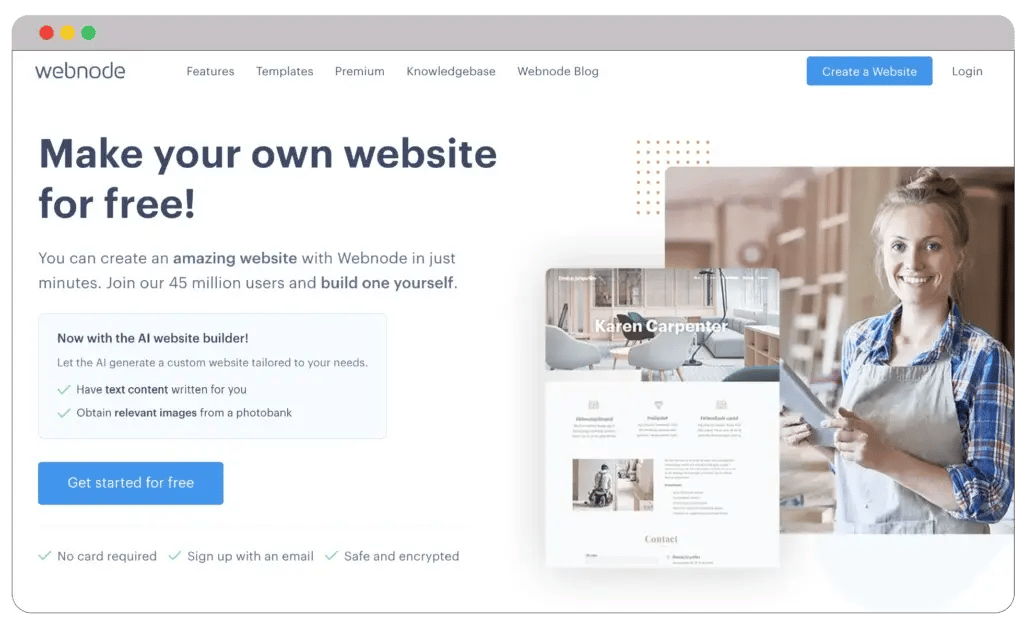
Webnode comes in 24 languages. Thus, you can create your website in any language you like. You will also get advanced SEO tools for eCommerce, such as in-built SEO.

With Webnode, you can create a website with its reliable hosting solution. You will get unlimited pages and professional support. You will also get one year of free domain registration.
Pros
Cons
While Webnode is famous for its affordable pricing plans, there’s no compromise on performance. You can create up to 100 mailboxes, giving your customers a personalized shopping experience.
1. Free: $0
2. Limited: $4.50/month
3. Mini: $8.50/month
4. Standard: $90/month
5. ProFI: $22.90/month
You will get referral resources and a traffic overview. These features will help you understand your customers. You can collect information and build a strategy that fits your customers’ needs.
However, you will face problems editing styles and layouts. The options are quite limited, especially for deeper customization. This is why Webnode is geared more towards small businesses with simple needs.
Next is SITE123, one of the cheapest website builders in the market. But who should use SITE123? I recommend it for entrepreneurs and startups, not because of its features but for its cost-effectiveness.
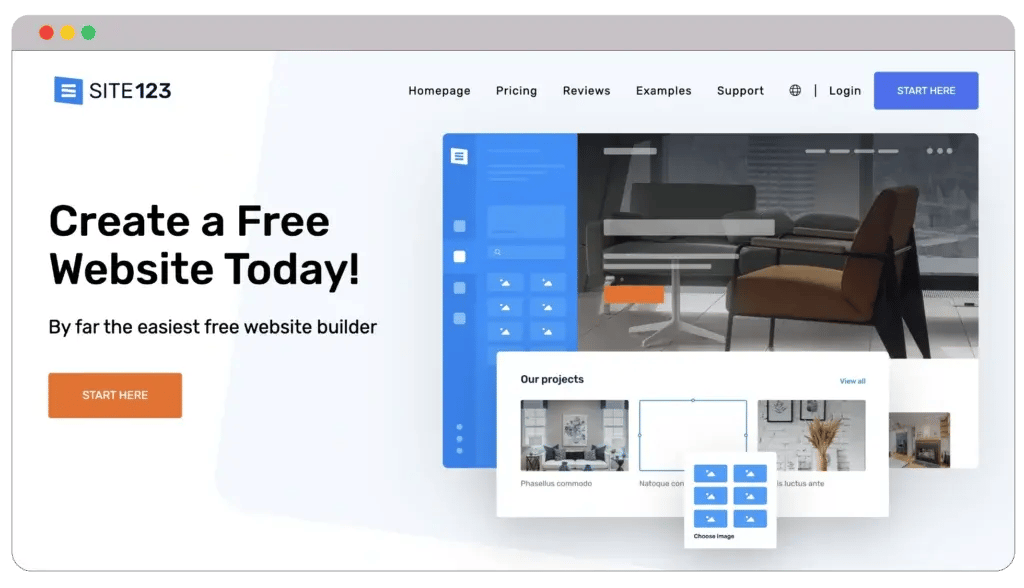
When you use SITE123, you can choose the type of website to create. You can either create a single-page or multi-page website. You can use functional models to form the site structure.

Now, SITE123 will make your blogging much more effective. You can integrate a blogging platform, which will also work as a content management system. This way, you can upload blogs or sell tickets for online events.
Pros
Cons
One of the best features is that you will get more than 40 third-party tools. You will also get numerous integrations to add to your website. These include live chat support, analytics, webmaster tools, and marketing.
1. Free: $0
2. Premium: $5/month
You can also choose from various domain options. However, I recommend sticking to only one to maintain a solid consistency. In such cases, you can use a domain name generator tool.
But do you know why it’s not perfect for large enterprises? Because SITE123 isn’t highly scalable or flexible. Thus, it may fail to adapt to your growing needs.
You should look into Podia if you offer online courses, memberships, coaching services, or digital downloads. Podia streamlines creating websites by providing various tools in one location at a very reasonable cost.
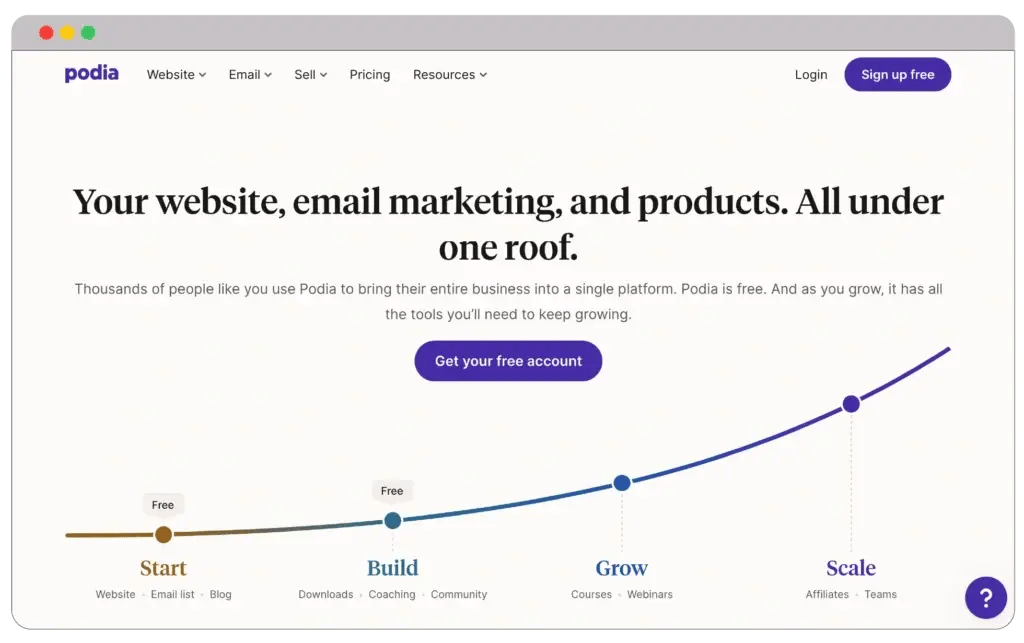
The affordable monthly fee of $4 for the easy-to-use platform ensures accessibility for small and growing businesses. This cost-effectiveness makes Podia an excellent option for startups.

Podia is an impressive tool that allows you to create a website, sell items and courses, add a blog, and even start email marketing. You can also add courses and publish your website.
Pros
Cons
You can provide community features—all at no cost. Just upgrade if you wish to begin selling your goods and services or if you require a custom domain.
1. Free: $0
2. Starter: $39/month
3. Mover: $39/month
4. Shaker: $79/month
Although the visual editor lacks drag-and-drop capability and offers fewer website templates than other website builders, you still have fair flexibility to adjust layouts and styles and create a contemporary website design.
On top of that, remember that Podia isn’t scalable. So, when your business grows, you may find it irrelevant to your business’s needs.
This cheap website builder provides a robust visual style editor and adjustable templates that are fit for any type of business. The pricing structure is also reasonably good for various website creation.
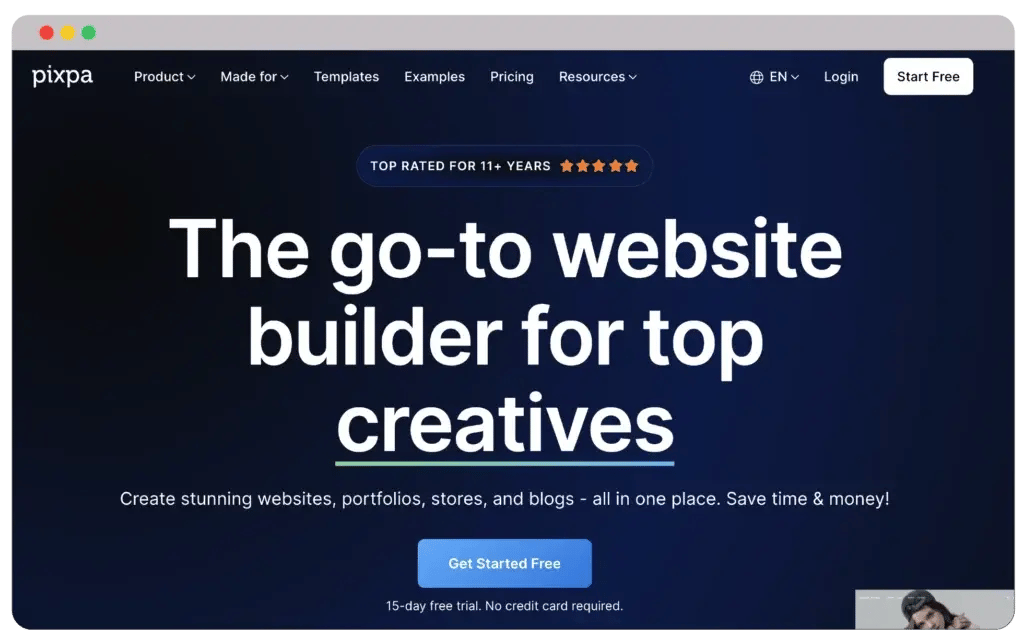
Additionally, you can alter the website with CSS overrides and HTML editing. Pixpa site builder offers a 30-day money-back guarantee and a 15-day free trial for all new subscriptions.

The costs of paid programs vary based on whether you choose a monthly, yearly, or two-year subscription. All options come with features like integrated SEO and direct payments. You can use more than 100 apps to run your website.
Pros
Cons
eCommerce stores can use Pixpa to handle orders, taxes, and shipping swiftly. You can convert your photographic business to a 100% digital operation.
1. Basic: $6/month
2. Creator: $12/month
3. Professional: $18/month
4. Advanced: $25/month
Pixpa provides all yearly plan subscribers through their partner for the first year with a free personalized domain name. This will prove highly beneficial for small businesses planning to test the features first.
Lastly, you will also get gallery functionality, which will help you showcase your portfolio. But this website builder isn’t perfect for creating business sites or blogging sites.
With Hostinger, customers can easily create a website in three easy steps. This cheap website builder will undoubtedly capture your attention.
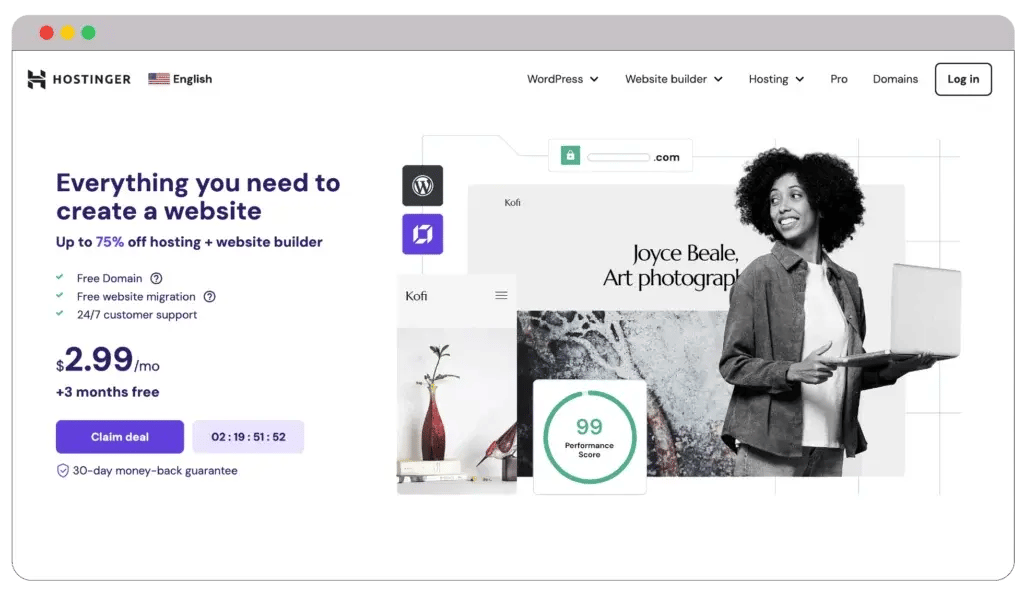
Start by creating a normal website or selecting from various completely editable themes. Next, play around with fonts, color schemes, and element positioning.

Then, select a domain name. The annual Premium and Business subscriptions feature free domain name registration for the first year. This way, you can test the subscriptions.
Pros
Cons
Hostinger can incorporate websites from other open-source builders. This is the best advantage of using Hostinger website builder. Even the most basic subscription includes weekly backups, limitless bandwidth, and email.
1. Premium website builder: $2.99/month
2. Business website builder: $3.99/month
Google Analytics and marketing integrations are examples of sophisticated tools. Hostinger prioritizes data security, which will protect your website from attackers and scammers.
Before being a website builder, Hostinger’s primary focus was on hosting. It has few design possibilities but excellent performance.
E-commerce websites are the primary target audience for the Squarespace platform. But why does Squarespace only focus on eCommerce businesses or online stores?
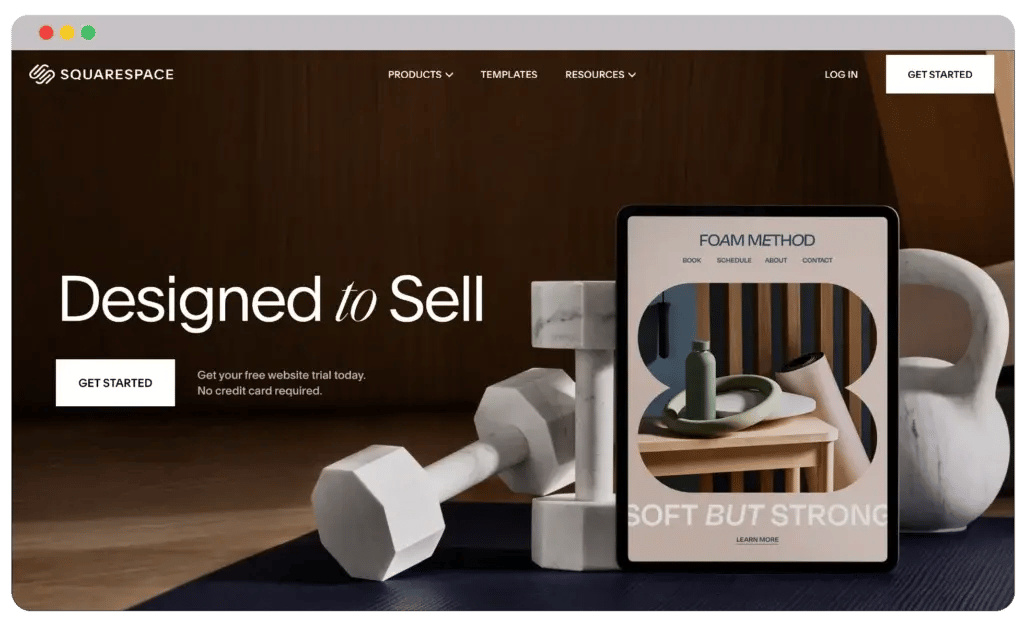
With the help of social networking tools and branded email campaigns, customers can market their businesses and develop websites using pre-made themes, designer fonts, and color schemes.

All four programs come with a 14-day trial period. The most basic subscription includes unlimited bandwidth, video hosting, sending invoices, contributors, and extensions.
Pros
Cons
You will get full customization with CSS, JavaScript, and SEO for site visibility. Completely managed cloud hosting is included with every Squarespace subscription, guaranteeing your website is always accessible.
1. Personal: $16/month
2. Business: $23/month
3. Commerce Basic: $28/month
4. Commerce Advanced: $52/month
Additionally, it is possible to make tutorials and courses, post videos, swiftly build lessons, and provide students with an excellent online learning environment. As you work, you can view quick tutorial videos.
But, compared to the other site builders on this list, its cost might be more expensive, making it less accessible to consumers on a tight budget.
There you have it—the list of best and cheapest website builders for your business to create a website quickly. Despite providing cost-effective plans, these web builders don’t compromise features or performance.
So, you can choose any platform from my list and use it to create a highly functional website. However, determine your needs before choosing any specific website builder plan.
I am positive you liked my blog. What cheap website builder have you used before? Let me know in the comments below.
Listen to business owners like you share how we’ve helped them grow. Your story could be next!






We contracted webdew to build our new website. And let me tell you, they did a fantastic job. Their team was really easy to communicate with.”
We contracted webdew to build our new website. And let me tell you, they did a fantastic job. Their team was really easy to communicate with.”
We contracted webdew to build our new website. And let me tell you, they did a fantastic job. Their team was really easy to communicate with.”
“We worked with Chehak over the past several months to create a series of animated videos for an academic planner that we produce. And from the very beginning, she was absolutely professional and a pleasure to work with.”


We helped clients multiply their website conversion rates through strategic design and UX optimization.
Our marketing campaigns led to a 20% uplift in customer engagement across digital channels.
Delivered over 2,000 qualified leads through targeted funnels and smart automation.
Our video content has earned 120,000+ views, driving brand awareness and audience retention.
“I recently had the pleasure of working with Chehak on a video demo project, and I was thoroughly impressed with her services.”


Access expert tips, trends, and strategies designed for small businesses. Stay ahead of the curve and make informed decisions with our comprehensive resources!