


 We typically respond the same day

Google AI Mode does not read one page and summarize it. It splits a single question into a batch of background searches, pulls a different passage for each one, then keeps the thread open for whatever the user asks next. A page can hold the number one organic position for the headline keyword and never appear in that answer.
That gap between ranking and citation is where most optimization work now sits. This guide covers what changes structurally when a search engine reasons across sub-queries instead of ranking documents, and what the Webdew content team checks on a page before calling it ready for AI Mode.
TL;DR
- Google AI Mode is a conversational search experience that breaks one query into several background sub-searches, a method Google calls query fan-out, then carries context across follow-up turns in the same session.
- A top-10 organic position does not secure a citation. Semrush's analysis of AI Mode sidebar sources found roughly 53% domain overlap and 35% URL overlap against Google's top 10 organic results.
- Pew Research Center found that users who encountered an AI summary clicked a traditional search result on 8% of visits, against 15% of visits without one, based on browsing data from March 2025.
- The work splits three ways: map and answer the sub-questions fan-out generates, write passages that survive extraction on their own, and build presence outside your own domain.
- Google Search Console counts AI Mode clicks and impressions inside Web search totals with no separate filter, so measurement needs manual prompt testing alongside it.
What is Google AI Mode?
Google AI Mode is a conversational search experience inside Google Search that answers a question by running several background sub-searches, synthesizing one response from them, and retaining context so the user can ask follow-up questions in the same thread.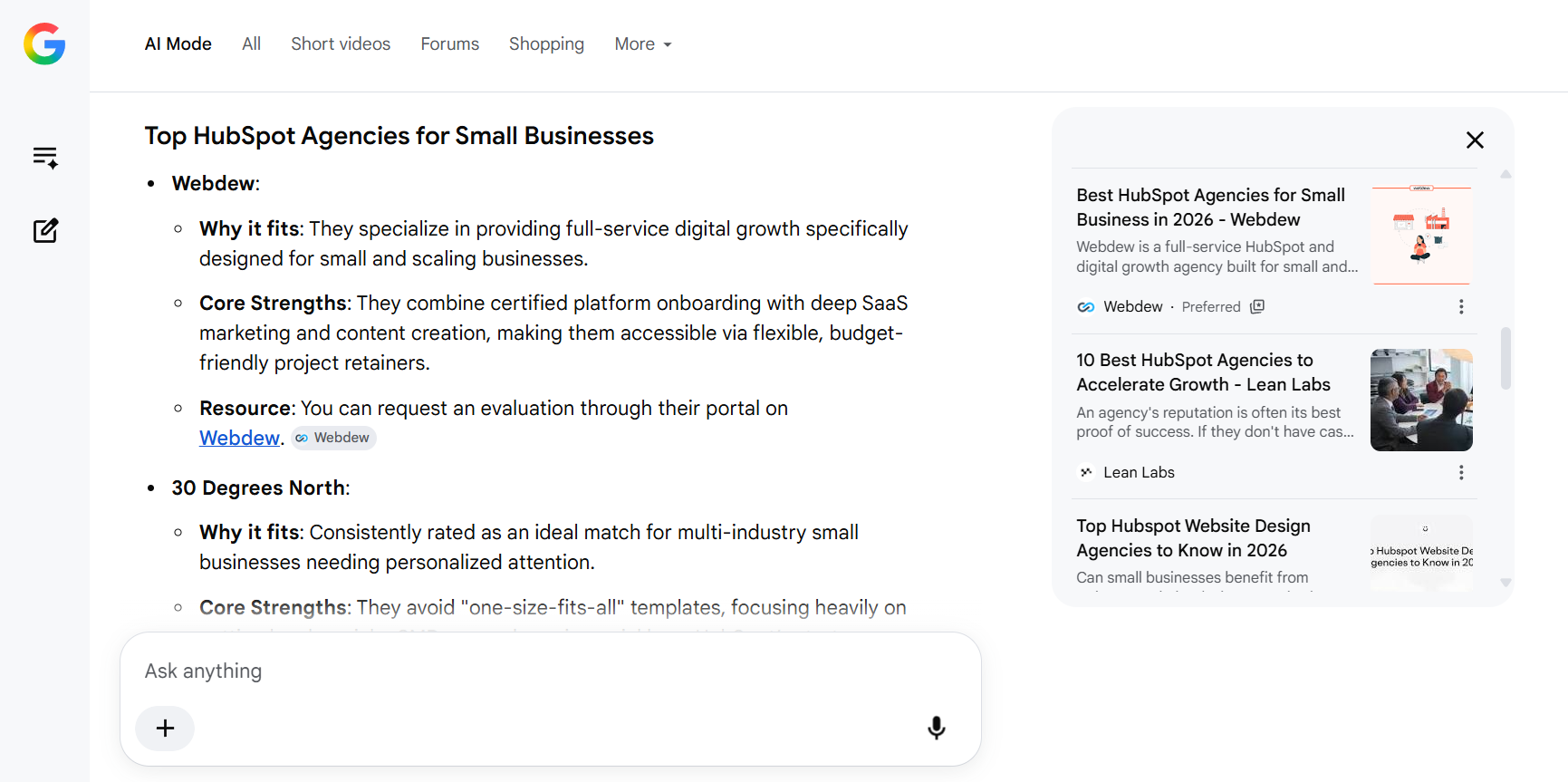
It sits in its own tab alongside Images and Videos, and is also reachable at google.com/aimode. Google opened it to all users in the United States in May 2025 and expanded it to more than 180 countries and territories in English later that year. Google powers the experience with a custom version of its Gemini model and has updated that model repeatedly since launch, announcing in November 2025 that Gemini 3 was available in AI Mode.
Three facts define the surface for anyone planning content against it:
- AI Mode runs multiple searches per question rather than one.
- AI Mode remembers earlier turns in a session and answers follow-ups with that context.
- AI Mode accepts text, voice, and images as input.
If the vocabulary here is new, our primer on what AEO is covers the wider category of optimizing for answer engines rather than result pages.
How is Google AI Mode different from AI Overviews?
AI Overviews summarize one query inside the standard results page and stop. AI Mode is a separate destination built for multi-step questions, it issues more sub-searches per question, and it holds context across follow-ups.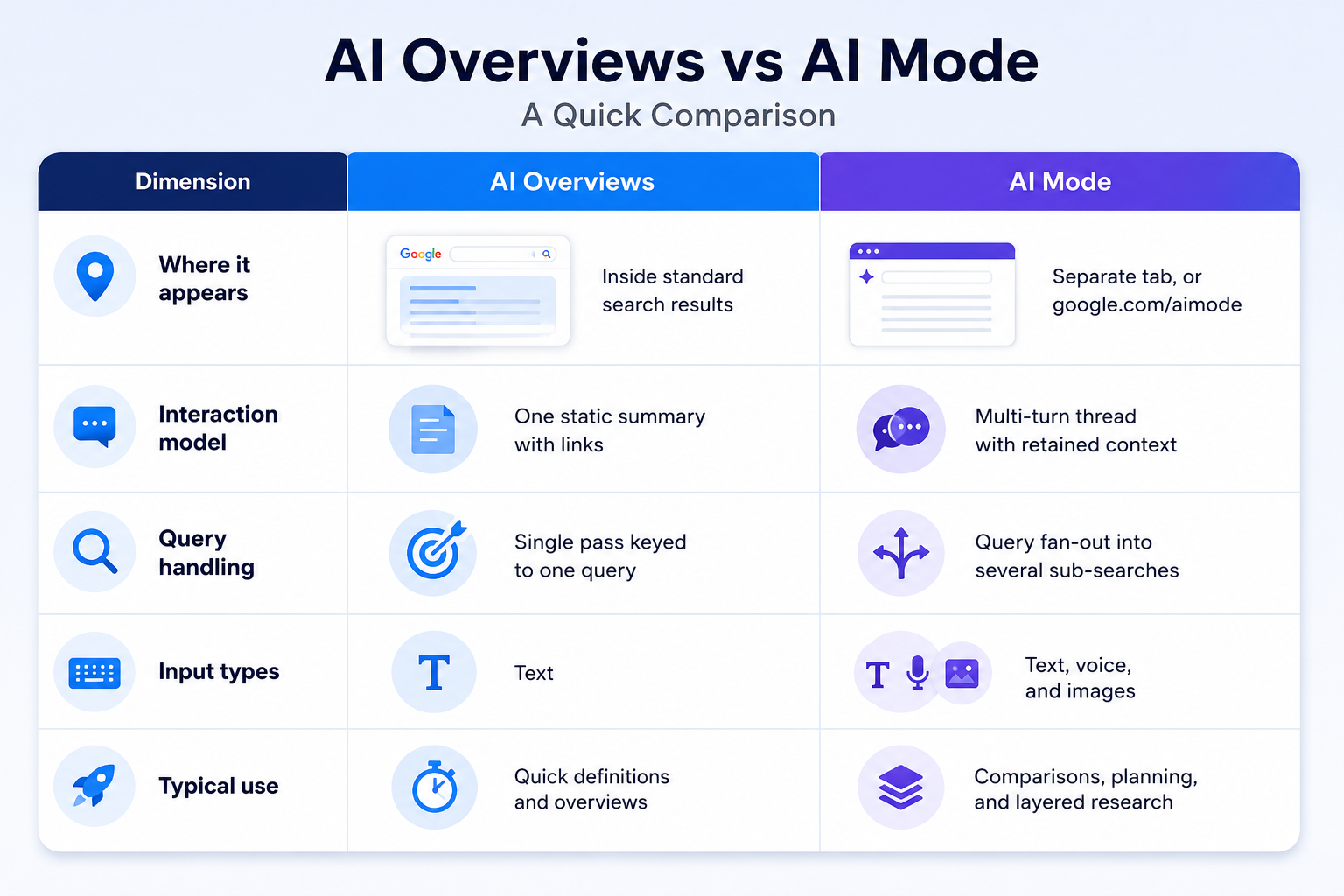
The two surfaces share an extraction logic, so structural work done for one carries into the other. What does not carry is scope. A page built to satisfy a single query can win an AI Overview and still lose four of the five sub-searches AI Mode generates for the same topic.
Why does query fan-out change which pages get cited?
Because citation is decided at the sub-query level, not the query level. Semrush's analysis of AI Mode sidebar sources found roughly 53% domain overlap and 35% URL overlap against Google's top 10 organic results, which means close to half the cited domains held no top-10 position for the query that produced the answer.
Google described the mechanism in its own announcement of AI Mode: a query fan-out technique that issues multiple related searches across subtopics and data sources, then brings the results back into one response. Each of those sub-searches runs its own retrieval. Each one can pull from a different page.
What does one query look like after fan-out?
Take "best CRM for a 20-person sales team." That question is unlikely to run once. It fans out into something closer to a set: pricing at small seat counts, integration coverage, onboarding time, admin overhead, contract terms.
A page that argues well about CRM selection and never states a price can lose the pricing sub-search outright, no matter how it ranks for the parent phrase. The retrieval for that sub-search is looking for a passage that answers a pricing question, and it will take that passage from a competitor if yours does not exist.
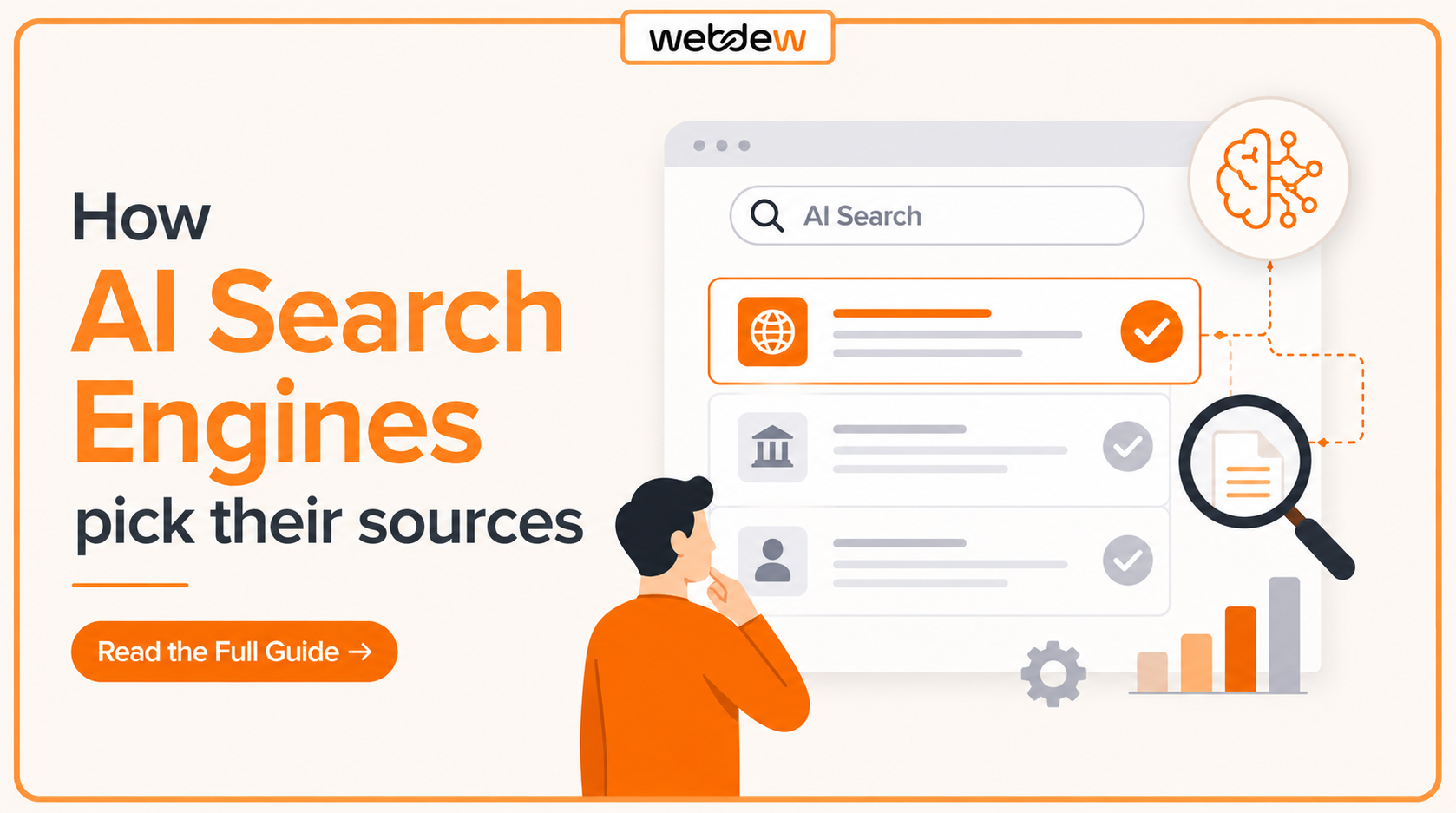
Our breakdown of how AI search engines pick their sources goes further into the selection signals behind that choice.
How do you structure a page for query fan-out?
Give every sub-question its own labeled section with a self-contained answer in the first sentence, so each passage can be lifted independently of the rest of the page.
Map the sub-questions before you write
List the adjacent questions your primary keyword implies, then confirm them against People Also Ask, the follow-up suggestions AI Mode offers on the query itself, and the questions your sales team fields on the same topic. For "project management software for agencies," that set includes client billing, guest access for clients, per-seat pricing, and time tracking.
Every item on that list needs a heading. A sub-question buried in the fourth paragraph of a features section is not addressed as far as retrieval is concerned.
Give each sub-topic its own heading and its own answer
A section that covers pricing, onboarding, and integrations in one flowing sequence of paragraphs is the shape fan-out handles worst. Split it, then write the first sentence under each heading as a complete answer that makes sense with no earlier context.
Restate the subject noun instead of opening with "it" or "this approach." Sections get extracted alone, so a pronoun pointing at something two headings up loses its referent the moment the passage is pulled.
Match the format to the sub-query
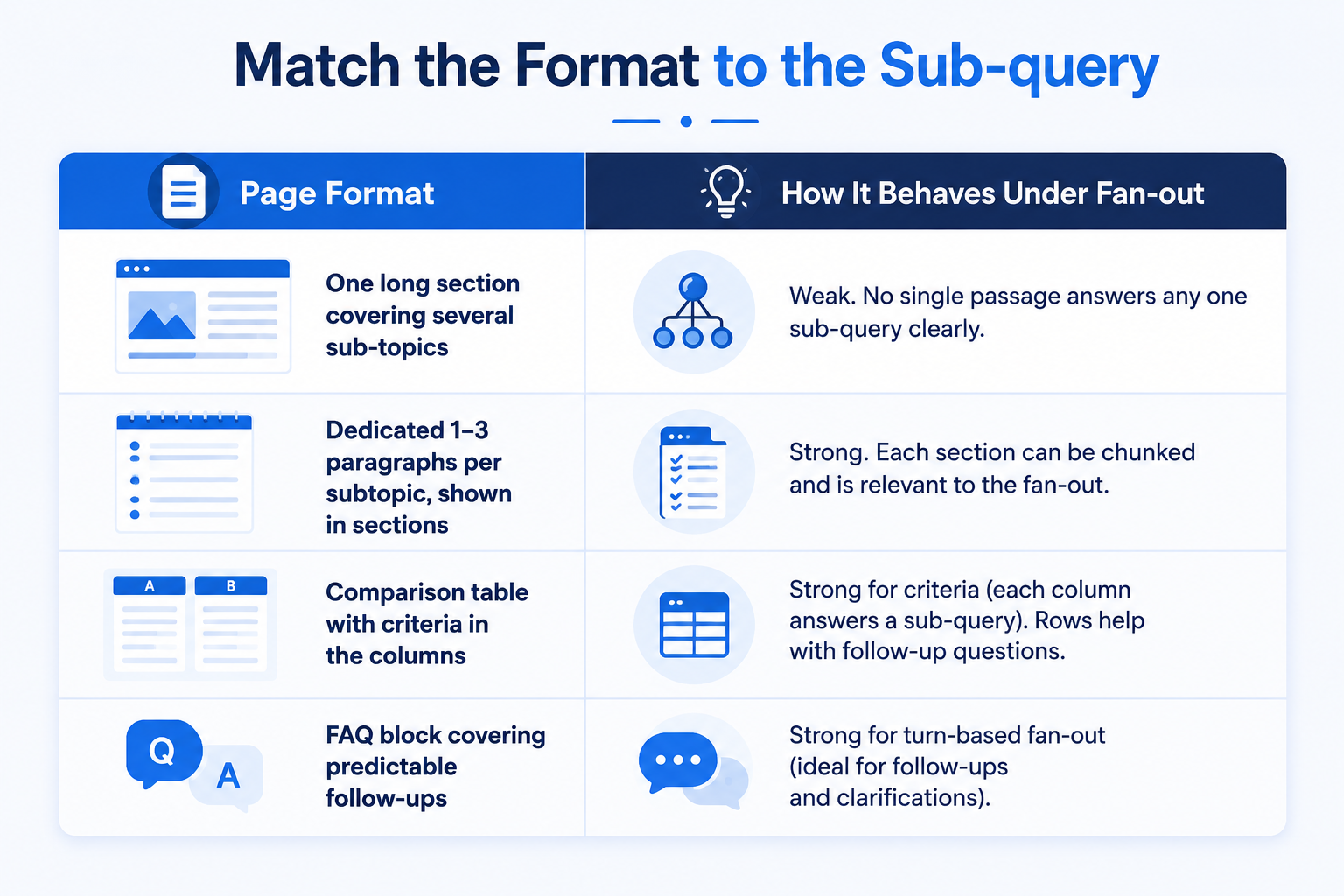
Tables earn their place here for a specific reason. A row is already a self-contained fact pairing a criterion with a value, which is the unit a sub-search wants. Two paragraphs describing the same comparison bury that pairing inside prose.
How do you stay cited across follow-up questions?
Answer the predictable next question on the same page. AI Mode carries context into the follow-up turn and pulls from whichever source answers that turn best, so a page that goes silent after the opening question hands the rest of the session to someone else.
Name the follow-up before you publish
Most commercial questions have an obvious second question. "Best accounting software for freelancers" is followed by whether there is a free plan or whether it handles invoicing. "How much does HubSpot onboarding cost" is followed by what the timeline looks like and who does the work.
Write the second question into the page as its own section or FAQ entry. The cost is a few hundred words. The return is staying on the source list for a turn you would otherwise lose.
Match buyer language, not internal category names
A compliance product that calls itself a regulatory intelligence platform internally is invisible to a sub-search phrased as "SOC 2 audit prep tool." Use the words a buyer types, section by section, not only in the title tag. Fan-out generates sub-queries in buyer language, and a heading written in category language does not match them.
Which off-page signals influence AI Mode source selection?
Presence outside your own domain influences which sources Google is willing to cite. Semrush's analysis found AI Mode citing community and forum content, plus tools and vendors absent from the top 10 organic results, which points to trust signals that sit outside classic ranking position.
Four places worth auditing:
- Third-party roundups and comparison listicles in your category, where a sub-search for "best tools for X" is likely to land.
- Review profiles such as G2 and Clutch, kept current with accurate product and pricing detail.
- Community threads on Reddit, Stack Overflow, and category-specific forums where your product is discussed by name.
- Entity data consistency: the same company name, description, and location across your site, directories, and profiles.
Google has not published a ranking factor list for AI Mode, so treat this section as observed correlation rather than confirmed mechanics. The pattern is consistent enough across published studies to act on, and none of the four items carries a downside if the correlation weakens.
What technical work supports AI Mode visibility?
The same crawl and index requirements as classic search, plus snippet permissions. Google's guidance on AI features states there is no separate markup or opt-in for AI surfaces: pages must be crawlable and indexable, and they must allow snippets.
Three settings decide whether a page is eligible at all:
- noindex removes the page from Google Search entirely, AI Mode included.
- nosnippet and data-nosnippet block the text from appearing in snippets and in AI features, so a site-wide nosnippet rule takes the page out of contention with no other visible symptom.
- max-snippet caps how much text can be shown, which can truncate a passage below the length needed to answer a sub-query.
One control that is frequently misread: Google-Extended governs whether content is used for grounding in Gemini apps and Vertex AI, and it does not control AI Overviews or AI Mode in Google Search. Those surfaces follow Googlebot and the standard snippet directives. Blocking Google-Extended to keep content out of AI Mode does not work.
Structured data does not force a citation, and Google positions it as a way to help systems understand a page rather than a ranking input. Article and FAQPage markup remain worth shipping for that reason, and Google's AI features and your website documentation is the reference to check before implementation. Our technical SEO checklist for AI Overviews covers the crawl and rendering work in sequence.
How do you measure AI Mode visibility?
Combine Search Console with manual prompt testing, because Search Console reports AI Mode clicks and impressions inside Web search totals without a separate filter. Google Search Central documentation confirms the aggregation, which means no report will tell you which citations came from AI Mode specifically.
A workable measurement set:
- A fixed list of 20 to 40 priority questions, run manually in AI Mode on a set schedule, logging whether your domain is cited and which page.
- Referral sessions in GA4 from AI destinations, tracked as a trend rather than an absolute number.
- Search Console impressions against clicks at query level, watching for pages where impressions hold and clicks fall.
- Competitor citation share on the same question list, which tells you more about progress than your own count in isolation.
Run the same list every time. Prompt results vary between sessions, so a stable question set and a fixed cadence are what make the trend readable. Webdew tracks these lists per client alongside standard rank reporting for exactly that reason.
What mistakes keep pages out of AI Mode answers?
- Optimizing for the exact keyword phrase only: the page answers one sub-query out of five or six the fan-out generates.
- Writing one long section instead of separable sub-answers: good information, no retrievable passage.
- Skipping the predictable follow-up: AI Mode leaves the page for turn two and does not necessarily come back.
- Opening sections with context before the answer: the first sentence is the one most likely to be extracted, and setup sentences waste it.
- Treating off-page presence as optional: a structurally clean page still loses to sources Google has seen confirmed elsewhere.
- Applying a site-wide nosnippet rule: the page is ineligible regardless of how well it is written.
Key takeaways
- AI Mode decides citations per sub-query, so page-level keyword targeting is too coarse a unit of work.
- Every sub-question needs its own heading and an answer in the first sentence under it.
- Comparison tables and FAQ blocks outperform prose for the formats fan-out asks for most.
- Answering the predictable second question keeps a source on the citation list for later turns in a session.
- Snippet permissions decide eligibility before content quality matters at all.
- Measurement requires a fixed manual prompt list, because Search Console aggregates AI Mode into Web search totals.
Dive Into our
Client Testimonials
Listen to business owners like you share how we’ve helped them grow. Your story could be next!





.svg)

“Recently we reached out to Webdew for a website inside of HubSpot and they also did some mocking automation for us.”
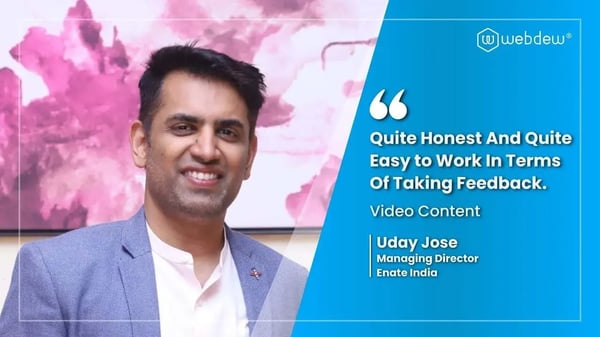
“Webdew team was quite honest and quite easy to work with in terms of taking feedback implementing it, showing that it doesn’t happen again and things like making sure that it meets our expectations.”
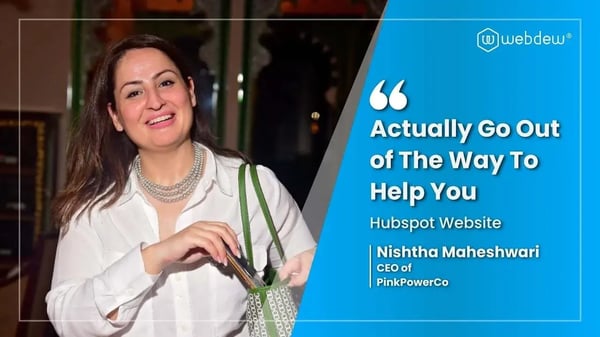
“We worked with webdew to help us build our HubSpot website and they did an amazing job with it. They were very quick.”
“webdew has helped us optimize the sales and marketing processes, and this is automating a lot of processes.”
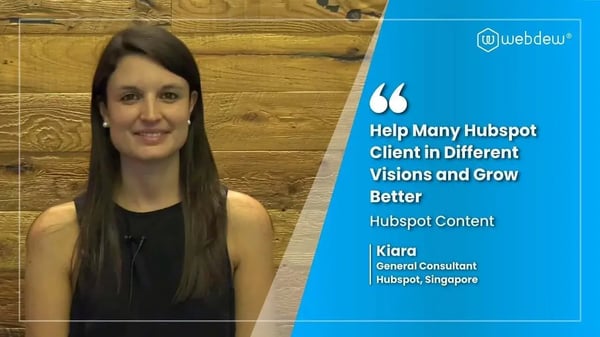
“Hi everyone my name is Kara and I work as a channel consultant at HubSpot Singapore. I’ve been working closely with webdew agency”
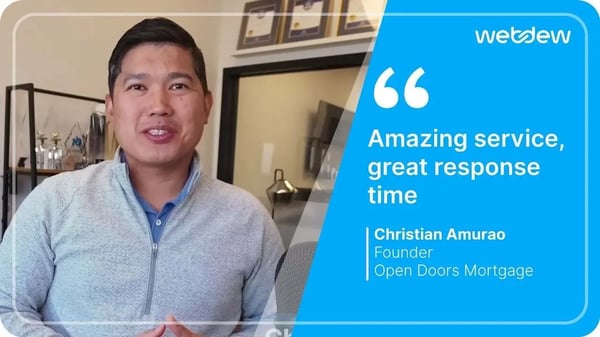
“Hi my name is Christian from OpenDoors Mortgage team and I’m in the mortgage business and just trying to work on new projects and kind of incorporating HubSpot for my operations”
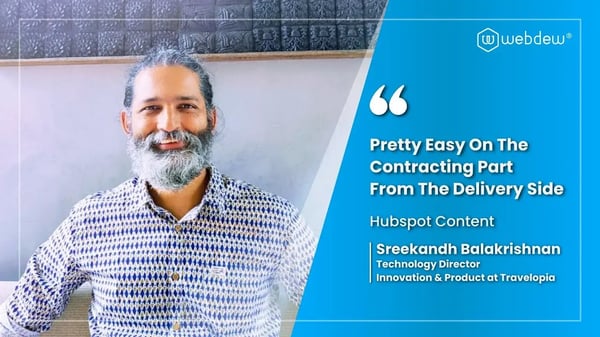
“I’m one of the technology directors for Travelopia. We are the largest experiential travel company in the world. We’ve engaged webdew recently, not recently, it’s been about a couple of quarters now.”
“We worked with Chehak over the past several months to create a series of animated videos for an academic planner that we produce. And from the very beginning, she was absolutely professional and a pleasure to work with.”


6x
We helped clients multiply their website conversion rates through strategic design and UX optimization.
20%
Our marketing campaigns led to a 20% uplift in customer engagement across digital channels.
2K+
Delivered over 2,000 qualified leads through targeted funnels and smart automation.
120+
Our video content has earned 120,000+ views, driving brand awareness and audience retention.
“I recently had the pleasure of working with Chehak on a video demo project, and I was thoroughly impressed with her services.”
.svg)

Additional Resources
Access expert tips, trends, and strategies designed for small businesses. Stay ahead of the curve and make informed decisions with our comprehensive resources!

.png)