

 We typically respond the same day

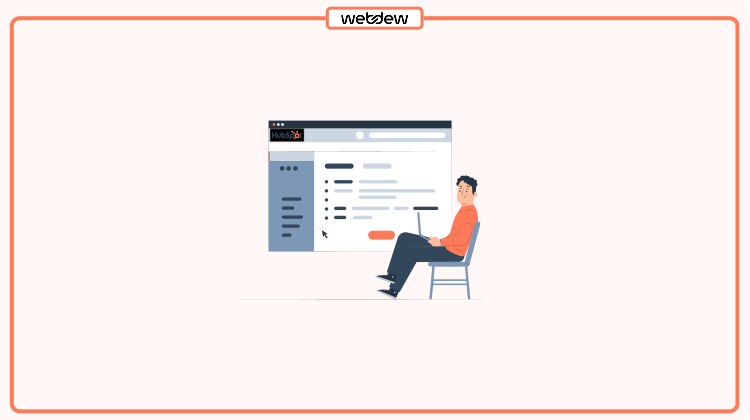
Table of contents
The campaign is one of the most common and overused words in the field of marketing, if not in business. If you are from a marketing background, then you might be familiar with the term campaign.
From launching the business to a sending emails to the target audience, campaigns can mean different things to different audiences or businesses.
It’s not just only marketers who can avail of this tool, but in HubSpot marketing Hub, a campaign is one of the fundamental building blocks to execute a successful strategy. Even if you are from a sales background, then also you can leverage this campaign HubSpot tool to execute the task more professionally.
Basically, campaigns are acute and focused marketing efforts that allow the team to reach a singular goal. By setting up your campaign in HubSpot, you can easily build and manage campaigns from a single place.
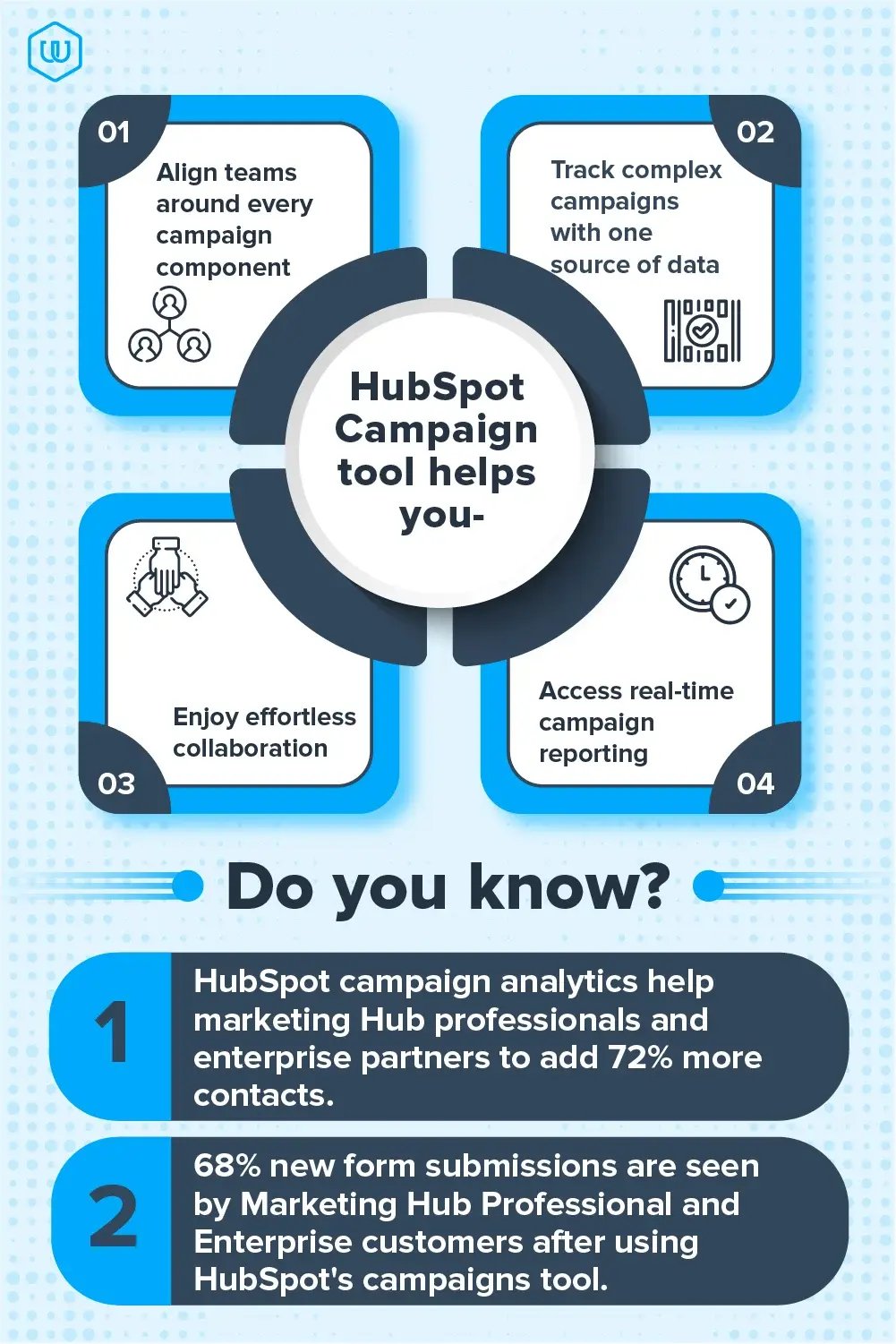
Now, before we take a deeper insight into the HubSpot campaign tool, let’s first know more about the HubSpot Marketing Hub.
What is a Marketing Hub?
The marketing hub is one of the commonly chosen hubs from HubSpot. It aims to increase the overall traffic on the website through SEO suggestions, social media promotional posts, online ads, marketing emails, campaigns. In broader terms, it helps you to create and publish content that helps in engaging with as many prospects as possible.
Now that you are familiar with the HubSpot marketing hub let’s know more about HubSpot campaign tools.
What is a Campaign Tool?
The campaign tool in HubSpot has everything that you need to manage your business well. Campaigns are a key growth accelerator for the business.
The primary objective behind designing is to help marketers to invest their time, effort, and hard work toward a specific goal and then create a result that goes with the overall development of the organization. It helps marketers to build, manage and engage in campaigns from one central place.
When you are approaching your audience through a campaign, you don’t act as an individual marketer, but as a unified organization, with one powerful voice, which further helps in reducing the friction along the buyer’s journey. Also, it escalates the chances of converting your prospect into a customer.
One of the biggest advantages of running a campaign in HubSpot is that you can track your Return on Investment (ROI) of the marketing campaigns. With this, you can make a decision about when and where to invest your money. Overall, it’s an attempt to drive audience attention to take meaningful action toward your business.
Great campaigns commonly follow a smart goal-setting structure. For example, it is specific, measurable, attainable, relevant, and timely. Thus, if you wish to make your campaign a successful one, then you should surely leverage this campaign tool in HubSpot lead capture tools.
Now that you know why your business should create a campaign in HubSpot let’s learn how to do that.
How to create a Campaign in HubSpot?
Let’s begin!
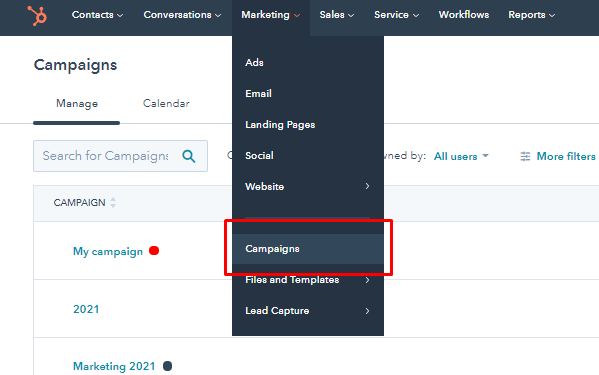
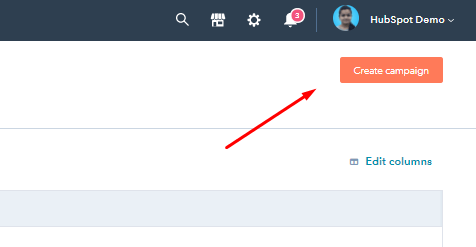
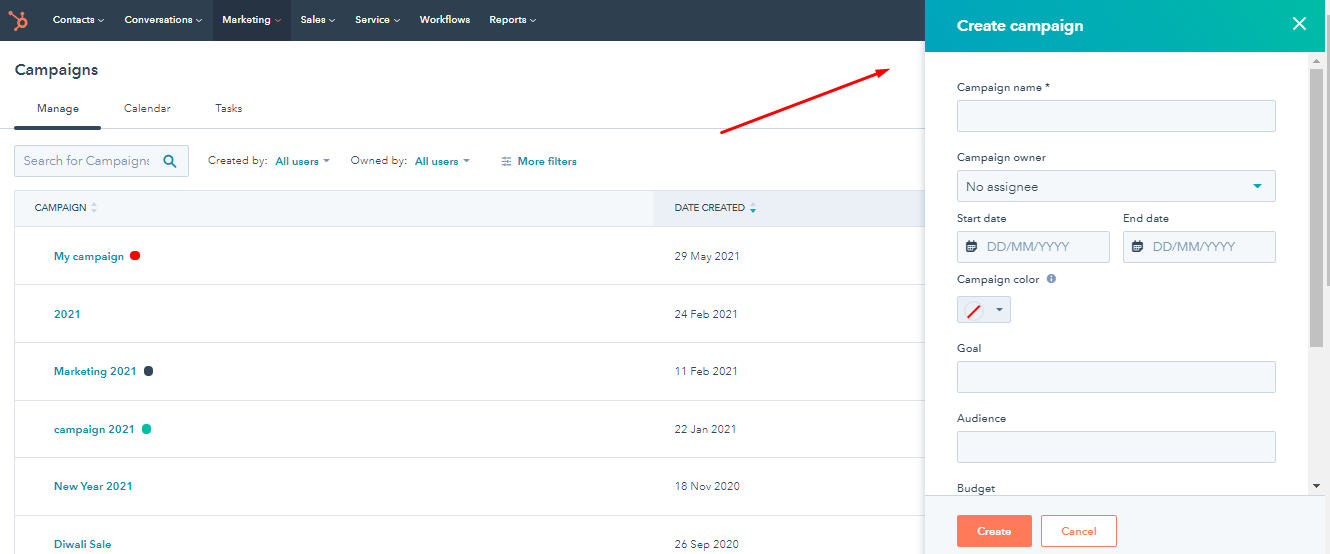
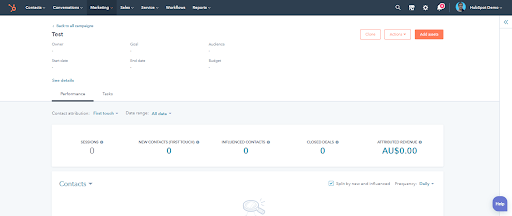
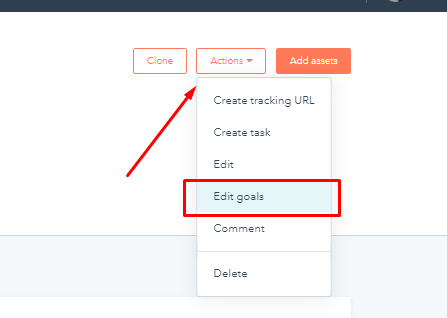
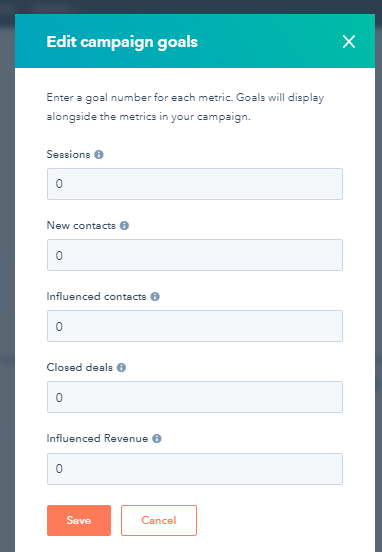
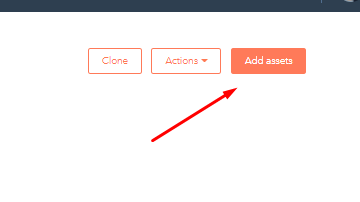
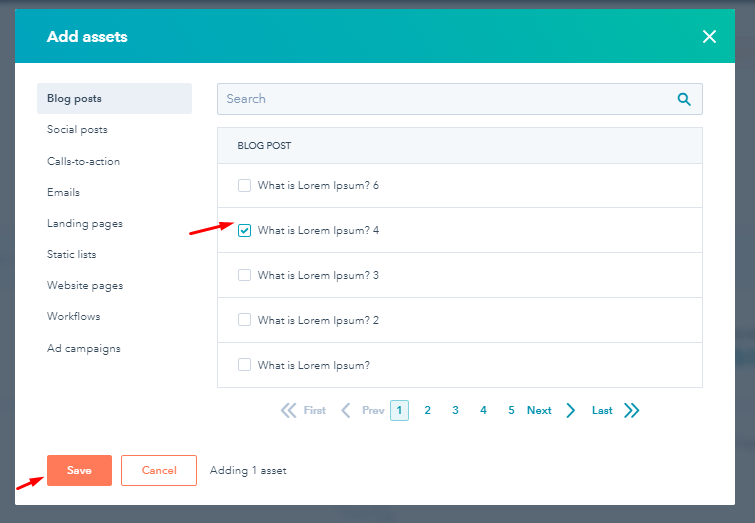
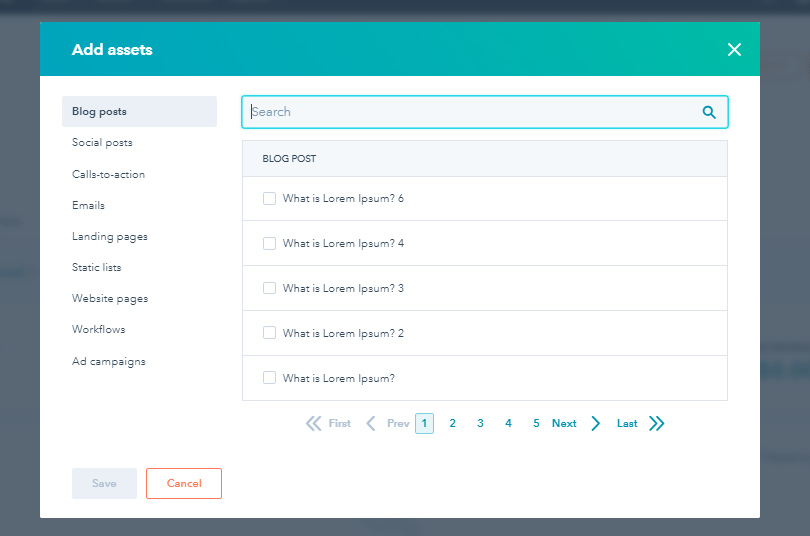
Now there you go! That’s how you can create a campaign in HubSpot with these ten simple steps.
Over to you
Creating effective marketing campaigns isn’t easy, but if you follow these steps properly, then you can easily create a campaign in HubSpot that will further help you group your business and brand.
Remember, campaigns are the set of deliverables that will touch your audience in exciting and creative ways. Thus, if your campaign is created efficiently, then you can easily align your team towards one goal and offer valuable content to your audience.
So, what are you waiting for? Start giving lifeblood to both your company and campaign with the HubSpot campaign.
Still, if you need free HubSpot expert advice, feel free to contact us.
Editor– Divya Verma
Dive Into our
Client Testimonials
Listen to business owners like you share how we’ve helped them grow. Your story could be next!





.svg)

“Recently we reached out to Webdew for a website inside of HubSpot and they also did some mocking automation for us.”

“Webdew team was quite honest and quite easy to work with in terms of taking feedback implementing it, showing that it doesn’t happen again and things like making sure that it meets our expectations.”
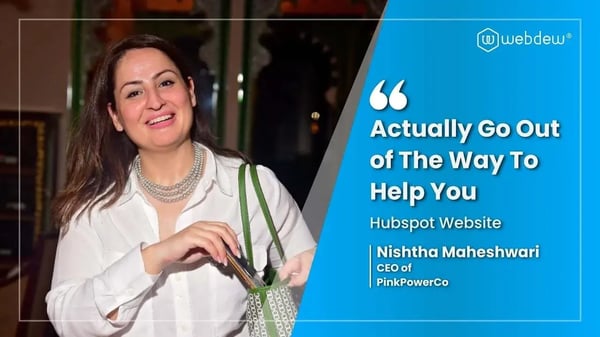
“We worked with webdew to help us build our HubSpot website and they did an amazing job with it. They were very quick.”

“webdew has helped us optimize the sales and marketing processes, and this is automating a lot of processes.”
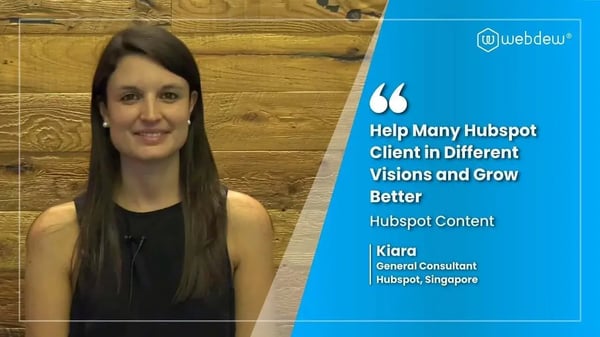
“Hi everyone my name is Kara and I work as a channel consultant at HubSpot Singapore. I’ve been working closely with webdew agency”

“Hi my name is Christian from OpenDoors Mortgage team and I’m in the mortgage business and just trying to work on new projects and kind of incorporating HubSpot for my operations”

“I’m one of the technology directors for Travelopia. We are the largest experiential travel company in the world. We’ve engaged webdew recently, not recently, it’s been about a couple of quarters now.”
“We worked with Chehak over the past several months to create a series of animated videos for an academic planner that we produce. And from the very beginning, she was absolutely professional and a pleasure to work with.”


6x
We helped clients multiply their website conversion rates through strategic design and UX optimization.
20%
Our marketing campaigns led to a 20% uplift in customer engagement across digital channels.
2K+
Delivered over 2,000 qualified leads through targeted funnels and smart automation.
120+
Our video content has earned 120,000+ views, driving brand awareness and audience retention.
“I recently had the pleasure of working with Chehak on a video demo project, and I was thoroughly impressed with her services.”
.svg)

Additional Resources
Access expert tips, trends, and strategies designed for small businesses. Stay ahead of the curve and make informed decisions with our comprehensive resources!