

 We typically respond the same day

Want to learn HubSpot without paying for a course? HubSpot Tutorials by webdew lives on a dedicated YouTube channel, where every lesson is a step-by-step video tutorial you can follow at your own pace.
The channel is built and maintained by webdew, a HubSpot Diamond Solutions Partner that has worked inside client portals since 2017. The videos come from the same team that handles onboarding, migration, and CRM management for B2B SaaS companies every day, so each tutorial reflects how the platform actually behaves, not how the documentation says it should.
We can't sit next to every HubSpot user, but we can record answers to the questions that come up in nearly every portal we touch. That is what this channel does.
TL;DR block
TL;DR: HubSpot Tutorials by webdew is a free YouTube channel with playlists covering HubSpot CRM, Sales Hub, Marketing Hub, Service Hub, reports and dashboards, and account settings. Each video walks through one specific task from click to result. Start with the settings playlist to configure your portal, then move to the CRM playlist. The channel is produced by webdew, a HubSpot Diamond Solutions Partner.
What are HubSpot Tutorials by webdew?
HubSpot Tutorials by webdew is a YouTube channel created by webdew's certified HubSpot specialists. It features how-to videos organized into six playlists: HubSpot CRM, Sales Hub, Marketing Hub, Service Hub, reports and dashboards, and HubSpot settings.
Each video is a step-by-step guide to one specific task, such as adding an email signature, building a custom funnel report, or editing property values on records. You search the topic, open the matching video, and follow along inside your own portal. No login, no course enrollment, no cost.
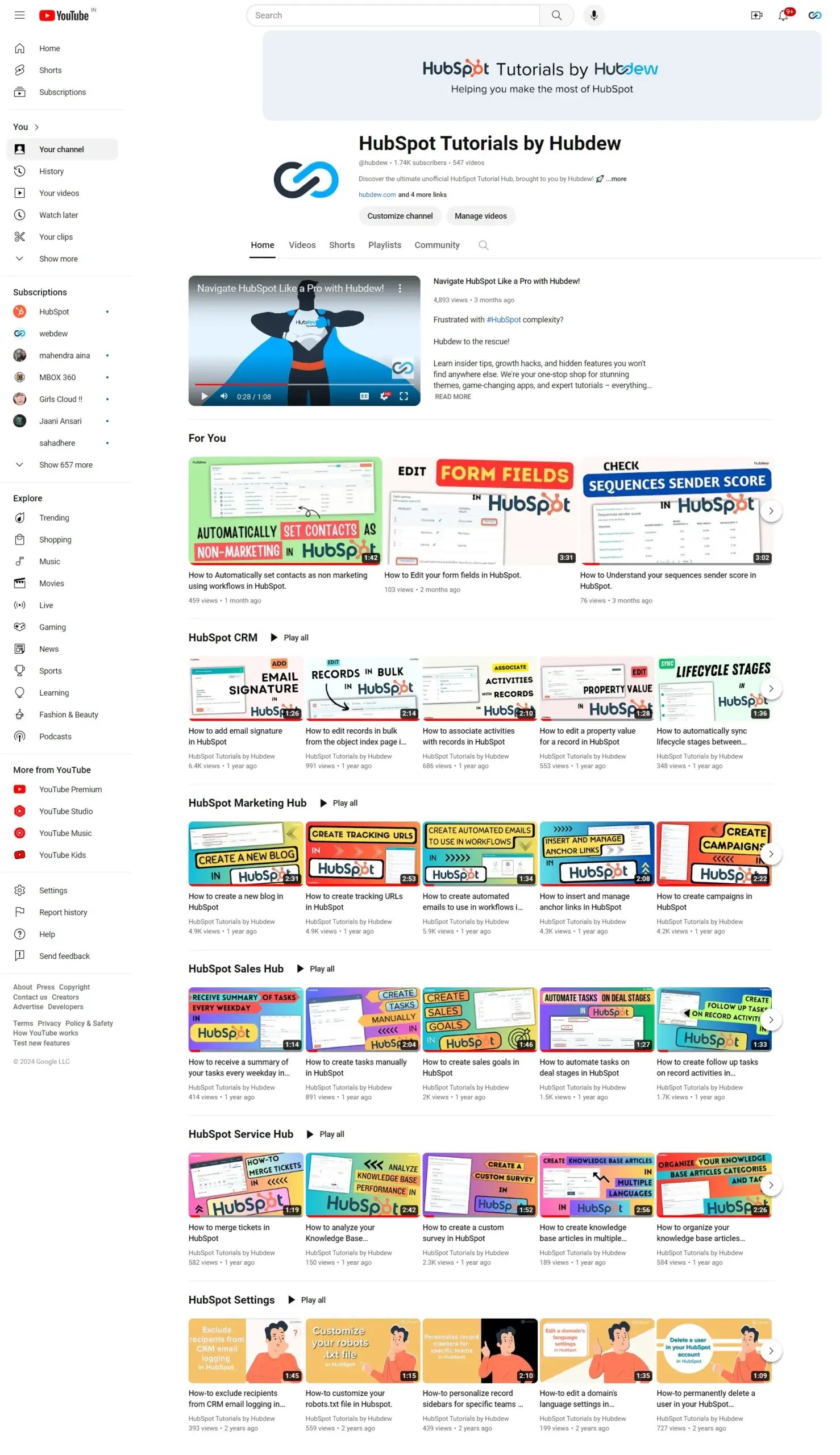
Ready to browse? Explore the full HubSpot Tutorials channel and pick the playlist that matches the hub you work in.
Why learn HubSpot from webdew's tutorials?
Anyone can record a screen. What separates this channel is who is behind it. webdew has held HubSpot Solutions Partner status since 2017 and reached the Diamond tier in 2020, a tier HubSpot awards for sustained sold and managed revenue plus certified staff. The tutorials reflect verified, current platform knowledge because the people recording them configure HubSpot portals for clients every week.
The goal of the channel is simple: help you align your marketing, sales, and service activity on one platform without hiring anyone. And if you later decide you want hands-on help, the same team that made the videos offers HubSpot consulting and HubSpot onboarding.
Client results back this up. Sameer Jhaveri, Managing Director at XcellHost Cloud Services, says webdew helped his team optimize sales and marketing processes by automating large parts of them. You can watch that testimonial and others in the client stories section at the bottom of this page.
What is the best way to learn HubSpot?
The best way to learn HubSpot is in sequence, not at random. Start with the HubSpot settings step-by-step tutorials to configure your portal correctly, because settings decisions like users, teams, and branding affect every other hub. Then move into the HubSpot CRM playlist to manage contacts on that solid foundation. Once contacts and pipelines make sense, branch into the hub you use most: Marketing, Sales, or Service.
Pair the videos with a sandbox habit. Watch one tutorial, then immediately repeat the steps in your own portal while it is fresh. Ten minutes of doing beats an hour of watching.
If you prefer structured courses with certificates, HubSpot Academy is the official companion resource. It is free, and its certification courses typically run between two and six hours of lessons each. Use the Academy for theory and certifications, and use this channel when you are stuck on a specific task and need to see the exact clicks.
HubSpot Tutorials by webdew Highlights
The channel covers the platform playlist by playlist, from HubSpot CRM through account settings. Here is what each one handles.
HubSpot CRM Playlist
The HubSpot CRM playlist shows you how to organise, track, and build relationships with leads and customers. Videos cover core CRM features such as live chat, meeting scheduling, and email tracking.
It is also the place to look when a small task blocks you: adding email signatures, editing the property value of a record, or creating custom call outcomes. Each video focuses on a single task, so you can fix the problem and get back to work.
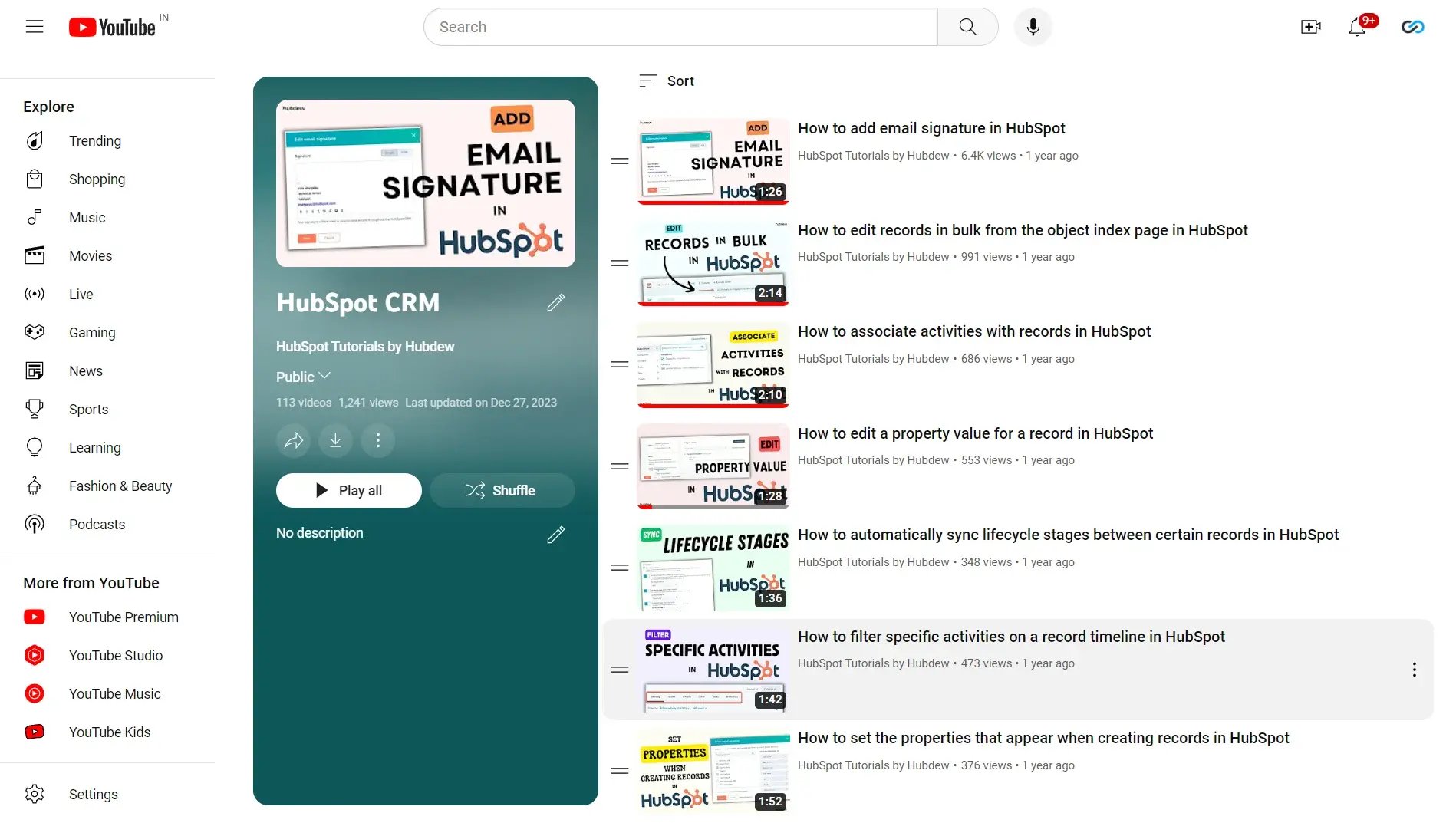
Click here to explore more about HubSpot CRM Tutorials by webdew.
HubSpot Service Hub Playlist
The Service Hub playlist helps teams deliver a connected customer experience. The videos walk through Service Hub features and show how to make a service team more efficient, whether you are connecting customer service data or analyzing how your knowledge base performs.
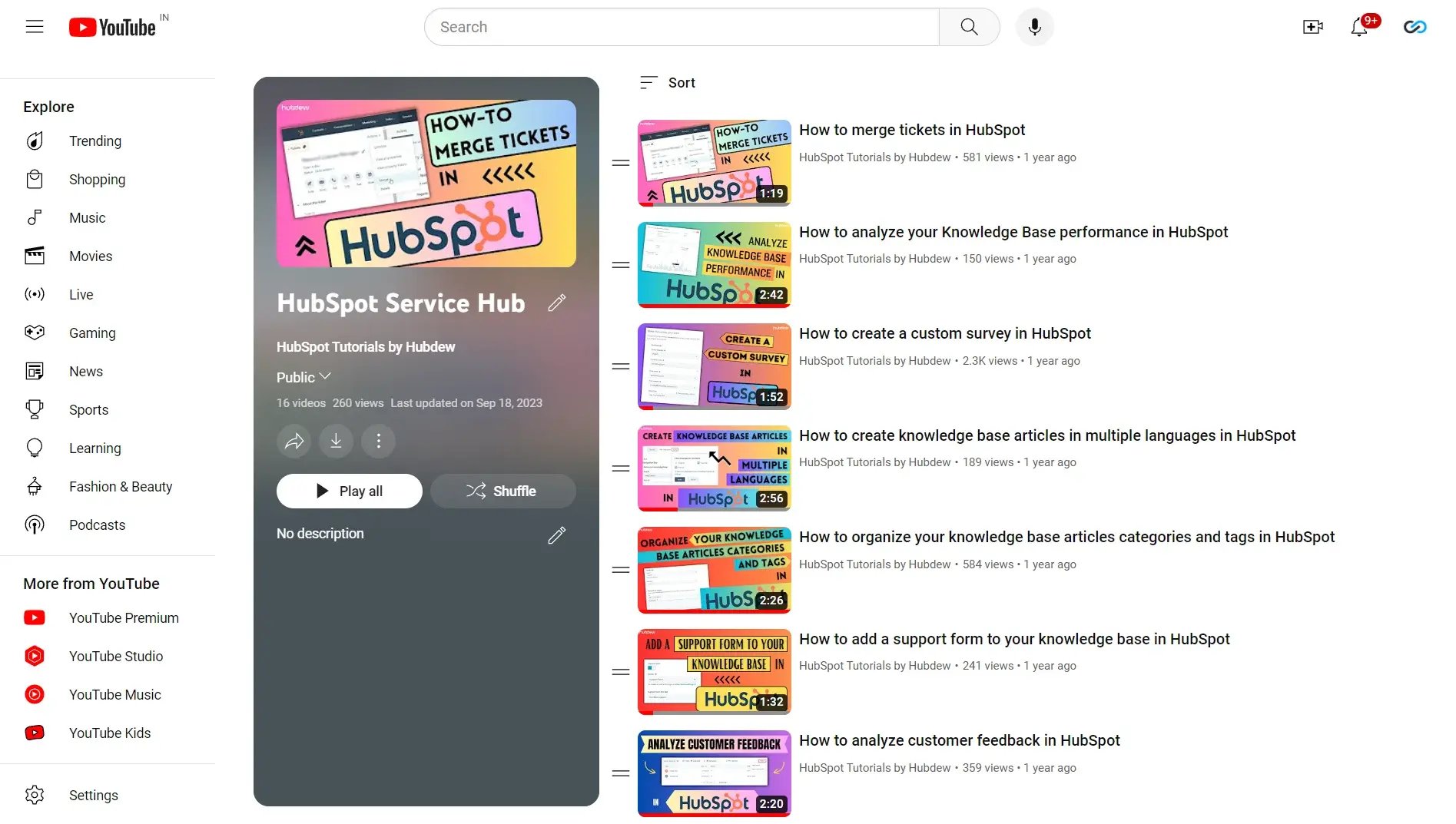
Browse the Service Hub tutorial playlist on YouTube.
HubSpot Sales Hub Playlist
If managing, contacting, and tracking leads in HubSpot feels harder than it should, the Sales Hub playlist is where to start. The videos share practical fixes that help you get more out of the HubSpot Sales Hub tools without trial and error.
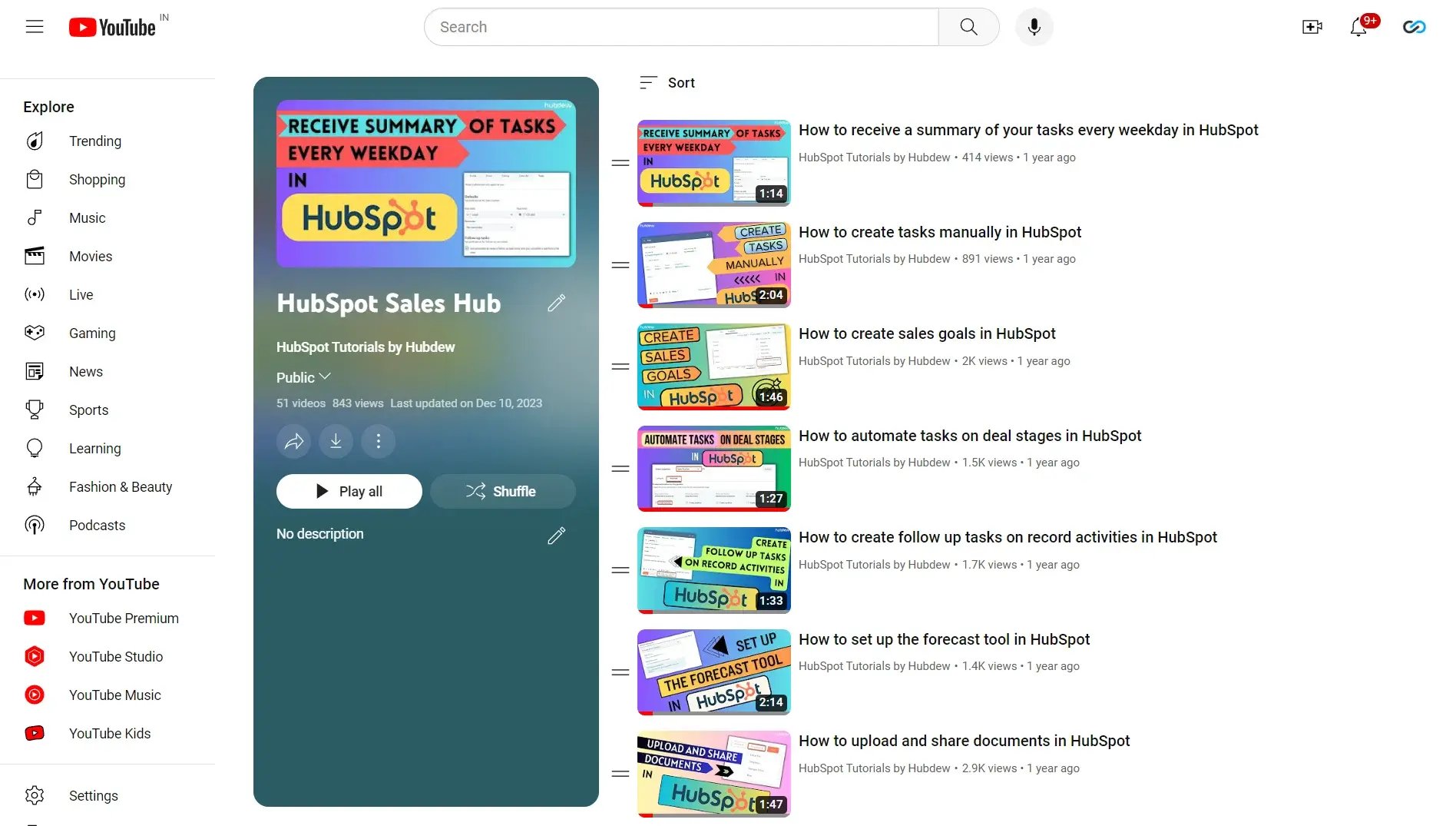
Browse the Sales Hub tutorial playlist on YouTube.
HubSpot Marketing HubPlaylist
HubSpot Marketing Hub is part of HubSpot CRM and handles email, sequences, and contact nurturing. The Marketing Hub playlist covers workflows in depth, since workflows are a native Marketing Hub feature that powers most automation use cases. The step-by-step videos take you through building an automated sequence from trigger to action.
One dependency to know before you press play: workflows live inside Marketing Hub, so you need an active Marketing Hub subscription (Professional or above) before the workflow tutorials apply to your portal.
Beyond workflows, the playlist covers tasks like inserting and managing anchor links, using progressive fields in forms, and adding Google Tag Manager to HubSpot.
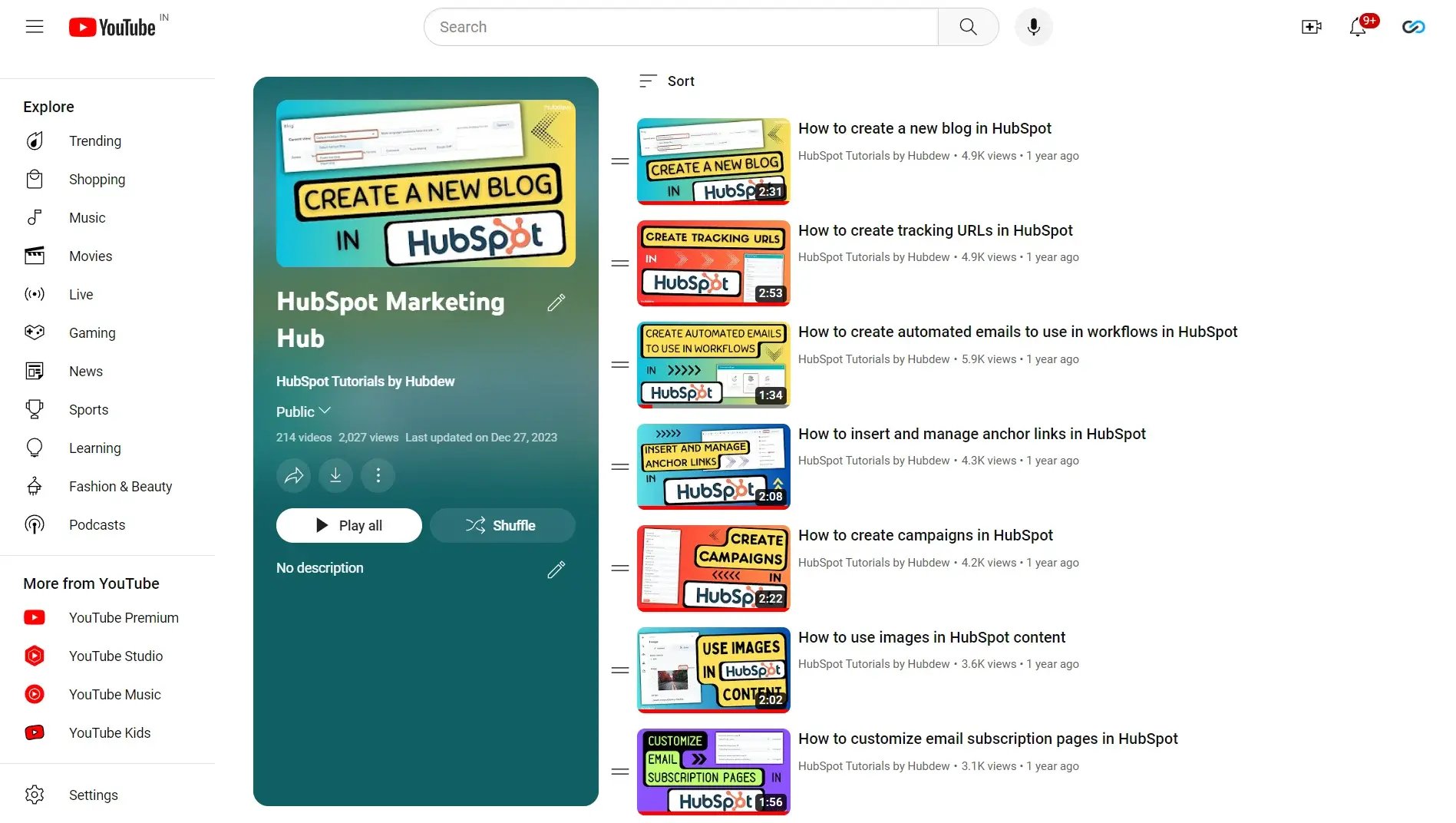
Browse the Marketing Hub tutorial playlist on YouTube.
HubSpot Reports and Dashboards Playlist
HubSpot reporting is the measurement layer for marketing, sales, and service together. It pulls analytics on traffic sources, customer and contact data, lifecycle stage reports, and more, drawing data from every hub you run.
[DELETE: the live page links the phrase "YouTube channel" in this section to smartproxy.com, an unrelated third-party blog about scraping YouTube comments. Remove that link immediately, independent of everything else in this update.]
The reports playlist shows you how to create sales reports with the sales analytics tool, embed external content on a dashboard, and build custom funnel reports.
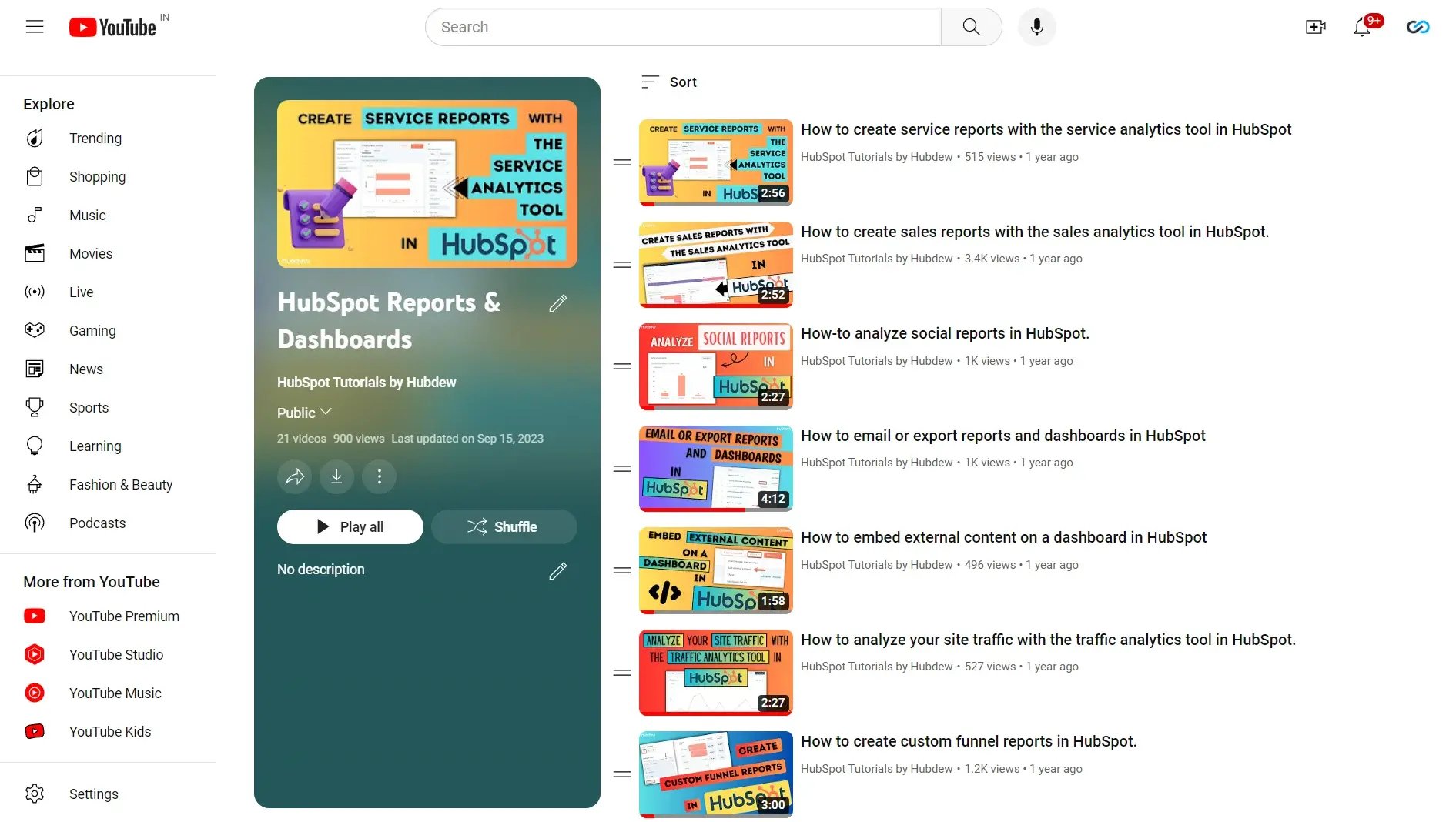
Browse the reports and dashboards tutorial playlist on YouTube.
HubSpot Settings Playlist
Account settings feel tedious, but they configure the foundation that every other HubSpot feature depends on, which is why this playlist is the recommended first stop before the CRM or hub-specific tutorials.
The videos cover deleting a user from your account, customizing branding for your content, creating and editing teams, prospect tracking, and other setup tasks that pay off across the whole portal.
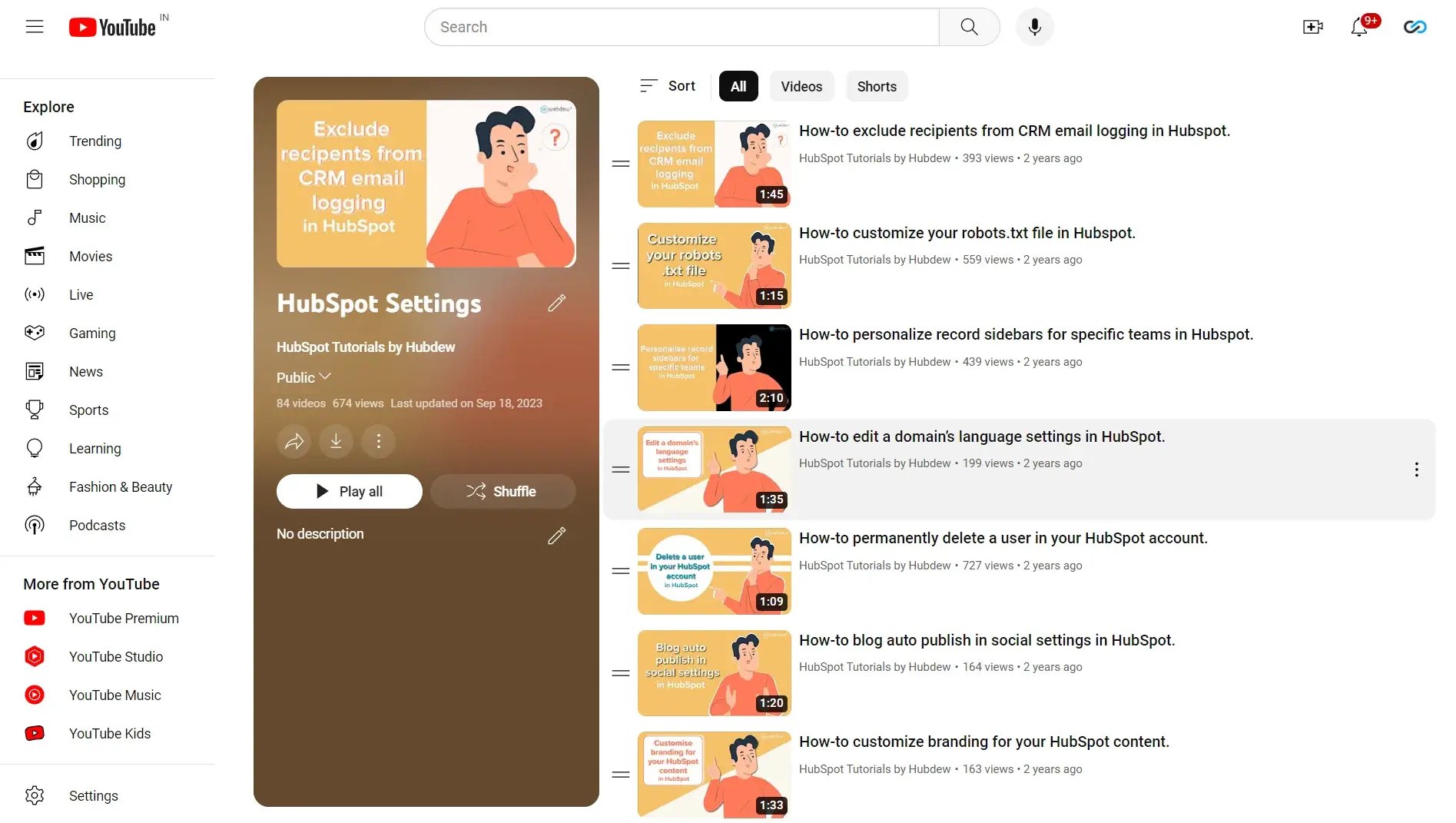
Browse the settings tutorial playlist on YouTube.
Is HubSpot difficult to learn?
No. HubSpot is widely considered one of the easier CRM platforms to pick up because the interface follows consistent patterns across hubs. Most users handle basic navigation, contact records, and simple emails within their first few days.
How long full comfort takes depends on scope. Learning one hub for daily work usually takes a few weeks of regular use. Administering a multi-hub portal with automation, custom reports, and integrations takes longer, and that is exactly the gap the tutorials in this channel close: each video removes one obstacle at the moment you hit it.
Where can I learn HubSpot for free?
You have two strong free options, and they work best together.
HubSpot Academy is HubSpot's official learning platform. It is genuinely free, including the certification courses and exams. Use it for structured learning paths and credentials.
HubSpot Tutorials by webdew is the task-level companion. When the Academy tells you what a workflow is but you need to see exactly where to click to build one, the channel's step-by-step videos fill that gap. Everything on the channel is free to watch, no signup required.
Paid HubSpot training exists through third-party course platforms and bootcamps, but for most users the two free resources above cover the full learning curve.
Ready to make the most of HubSpot?
HubSpot Tutorials by webdew exists to help you grow with HubSpot on your own terms: free, searchable, and specific. Every video answers a question a real user brought to us, whether it came from settings, CRM, or one of the hubs.
If you reach the point where watching is not enough and you want specialists inside your portal, talk to webdew's HubSpot team or review our HubSpot management services.
Dive Into our
Client Testimonials
Listen to business owners like you share how we’ve helped them grow. Your story could be next!



.svg)
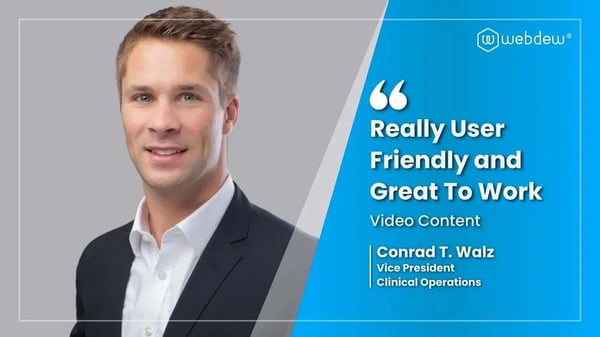
“Recently we reached out to Webdew for a website inside of HubSpot and they also did some mocking automation for us.”
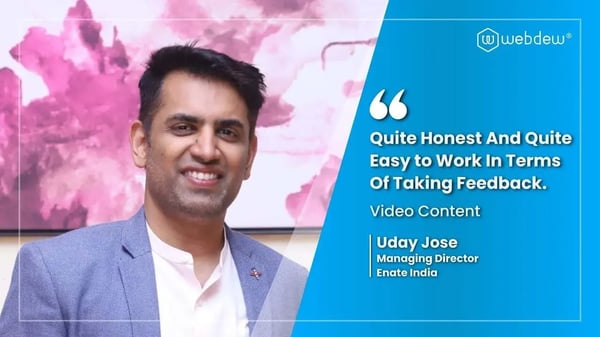
“Webdew team was quite honest and quite easy to work with in terms of taking feedback implementing it, showing that it doesn’t happen again and things like making sure that it meets our expectations.”
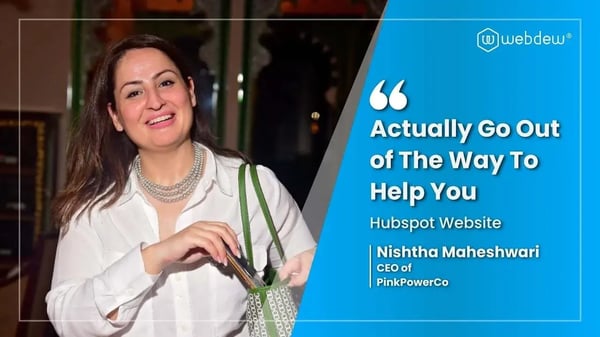
“We worked with webdew to help us build our HubSpot website and they did an amazing job with it. They were very quick.”
“webdew has helped us optimize the sales and marketing processes, and this is automating a lot of processes.”
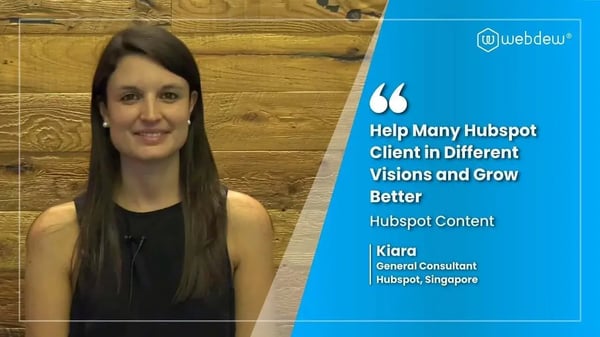
“Hi everyone my name is Kara and I work as a channel consultant at HubSpot Singapore. I’ve been working closely with webdew agency”
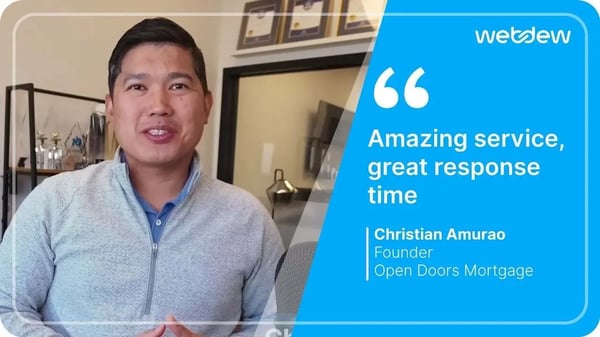
“Hi my name is Christian from OpenDoors Mortgage team and I’m in the mortgage business and just trying to work on new projects and kind of incorporating HubSpot for my operations”
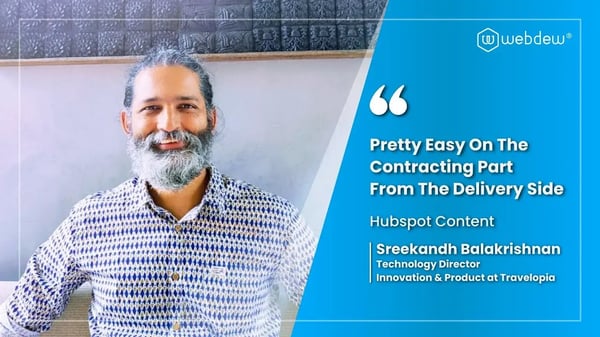
“I’m one of the technology directors for Travelopia. We are the largest experiential travel company in the world. We’ve engaged webdew recently, not recently, it’s been about a couple of quarters now.”
“We worked with Chehak over the past several months to create a series of animated videos for an academic planner that we produce. And from the very beginning, she was absolutely professional and a pleasure to work with.”


6x
We helped clients multiply their website conversion rates through strategic design and UX optimization.
20%
Our marketing campaigns led to a 20% uplift in customer engagement across digital channels.
2K+
Delivered over 2,000 qualified leads through targeted funnels and smart automation.
120+
Our video content has earned 120,000+ views, driving brand awareness and audience retention.
“I recently had the pleasure of working with Chehak on a video demo project, and I was thoroughly impressed with her services.”
.svg)

Additional Resources
Access expert tips, trends, and strategies designed for small businesses. Stay ahead of the curve and make informed decisions with our comprehensive resources!