Pros
- User-friendly interface
- The basic version is free
- Comprehensive and reliable features
- Regular updates based on search engine algorithms
Cons
- Limited customization options

HubSpot Services

HubSpot Audit
HubSpot Platform
webdew SaaS Services

HubSpot Audit
 We typically respond the same day

You can expect to hear from me or a member of our senior strategy team soon.
CEO, webdew
We typically respond the same day
You can expect to hear from me or a member of our senior strategy team soon.
CEO, webdew

When creating a WordPress site, your next action plan is to inform people about your products and services. You cannot grow your business without letting people know that you exist.
The search engine optimization plugins will help you achieve just that. They are essential in ranking your WP website higher in Google SERPs. These plugins can streamline numerous SEO tasks, from creating timestamps to optimizing content.
However, choosing the right SEO plugins for WordPress can be daunting. The market is saturated, but you must choose the best options. This article will discuss some of the best SEO plugins for WordPress sites in 2024.
Remember that you cannot just search on Google and choose a random WordPress SEO plugin. Your decision depends highly on your preferences and the SEO features you seek.
For example, it will be different if you’re looking for a highly compatible plugin with cost-effective pricing. Thus, you need to be transparent about what type of plugin you should use for your site. That being said, let’s look at my list of the best plugins for WordPress.
Yoast SEO is one of the best SEO plugins for WordPress. It’s popular because of its comprehensive tools that can boost the overall SEO aspects of your site. Moreover, Yoast SEO can help you with content analysis and technical SEO enhancements.
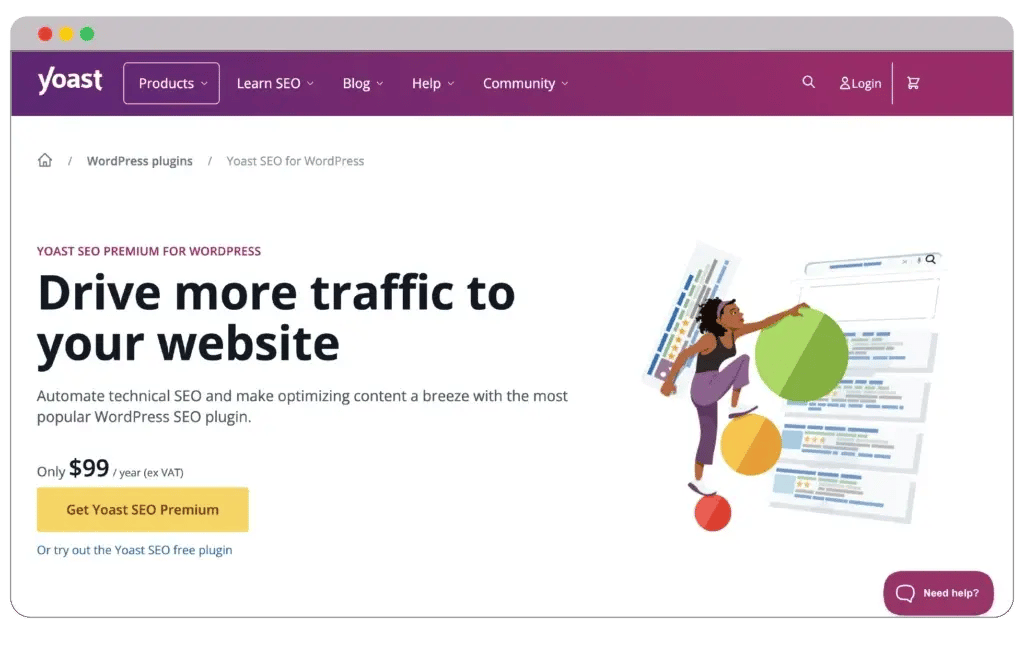
This best SEO plugin WordPress comes with a traffic light system. It will offer excellent feedback on your content through color-code indicators. For instance, you will see green, orange, and red color coding.

If the color code is green, your content is properly SEO optimized and is good to go. On the other hand, orange indicates mediocre SEO optimization, and red indicates poor local SEO optimization.
Pros
Cons
But that’s not all. SEO plugins like Yoast can also optimize your WordPress on-page elements, boosting your overall SEO rankings. It can help you know the proper meta tag length as well as keyword density.
1. Free: $0
2. Premium: $99/month
3. All: $299/month
I personally like the readability and SEO analysis feature. In fact, when I used to use Yoast SEO, this feature helped me improve my writing a lot. You will also receive actionable feedback on your content.
I recommend you purchase the Yoast SEO premium edition. It will boost the content analysis capabilities, allowing you to include multiple keywords in one post.
With capabilities like social network integration, XML sitemap production, and on-page analysis, All in One SEO (AIOSEO) is one of the best WordPress SEO plugins.
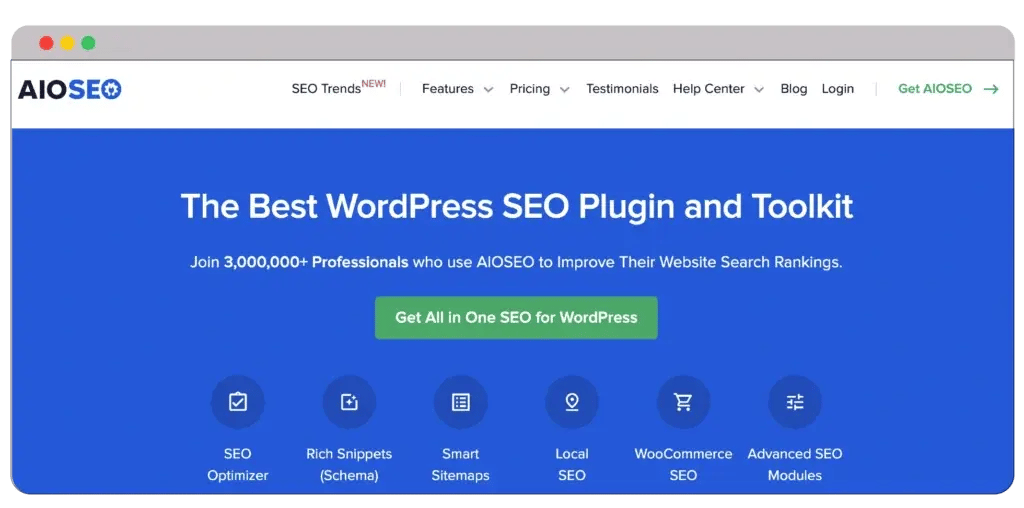
It serves users of all skill levels, from novices in SEO to seasoned experts. The TruSEO function of All in One SEO, an on-page analysis tool that rates your content and offers helpful advice to improve your page’s ranking potential, is one of its best features.

It evaluates text readability, meta robot tags, and keyword usage. AIOSEO’s premium SEO edition is advantageous for specific applications.
Pros
Cons
On top of that, you will get news sites with its Google News sitemap connection or eCommerce stores with WooCommerce SEO implementation for optimizing product pages and categories.
1. Basic: $3/month
2. Plus: $5/month
3. Pro: $10/month
4. Elite: $20/month
If you need high-ranking keywords for your blog posts, AIOSEO can help. It will suggest keyword ideas based on relevant word counts, links, headers, and media.
However, the Basic and Plus plan isn’t that beneficial for online businesses. Yes, they can help you if you have a small personal website. But if you own a complicated site, the Elite plan will prove more beneficial.
Within the WordPress community, Rank Math SEO is well-liked for its intuitive setup wizard and potent AI-powered tools for producing SEO-friendly content.

This easily raises a website’s visibility and search engine ranks. The Rank Math plugin’s cutting-edge Content AI function helps with keyword research and recommends the best word counts and headings.

It also aids in creating outlines, the original writing of your article, and its parts, such as the introduction and conclusion. This includes Rank Math in the list of top SEO plugins for WordPress.
Pros
Cons
In contrast to certain other WordPress SEO plugins, Rank Math SEO’s paid edition can be installed on an infinite number of personal websites when using the PRO plan, and up to 500 client websites when using the BUSINESS and AGENCY subscriptions.
1. Pro: $4.92/month
2. Business: $20.99/month
3. Agency: $49.99/month
However, there’s one drawback. The Rank Calculus depends on your membership category; SEO’s AI features need credits; one keyword search uses 500 credits. If you conduct extensive keyword research, this might become costly.
Except for that, Rank Math is one of the best SEO plugins for WordPress. I currently use Rank Math to optimize my articles before publishing. It’s simple and easy to understand.
The SEO Framework is a quick WordPress plugin that scans your WordPress website and generates essential SEO meta tags in any language.
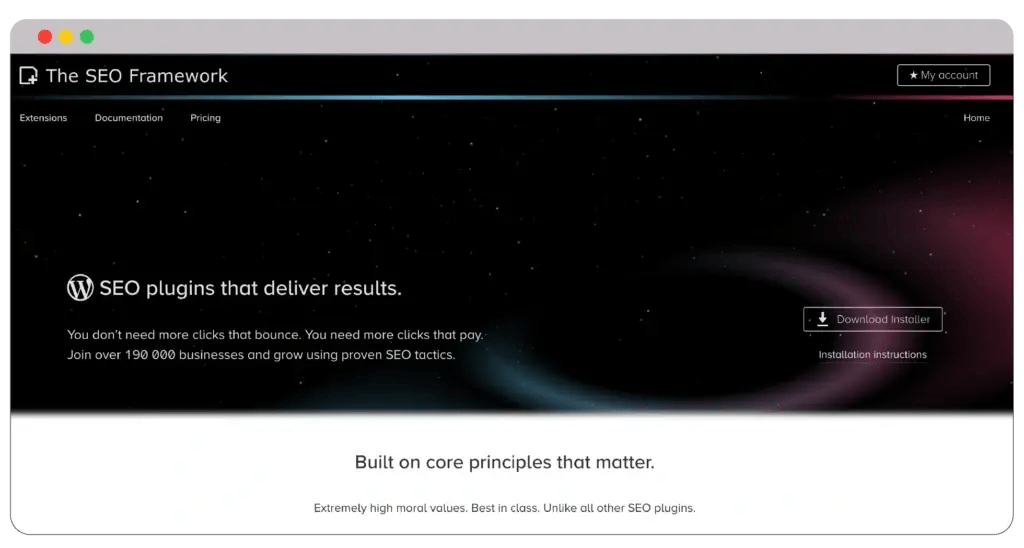
The SEO Framework, which is well-known for its performance, guarantees quicker loading times by preventing slow queries and database bloat. Its SEO assault prevention feature also ensures that search engines index the optimal version of your content.

This best free SEO plugin for WordPress is perfect for anyone who values producing SEO-friendly content because it prioritizes automation, speed, and security.
Pros
Cons
Your time will be freed up to create content as you will receive SEO names and meta descriptions specific to your website’s environment.
1. Free: $0
2. Pro: $7/month
3. Business: $17/month
4. Agency: $27/month
Additionally, it checks your sites and articles for more than 70 SEO flaws and provides helpful suggestions for fixes.
But, most of the features are reserved for premium plans. Even though most SEO WordPress plugins follow this practice, I still don’t like this.
SEOPress, a feature-rich WordPress SEO plugin, manages page redirection, traffic reporting and analysis, social media sharing, on-page and technical optimization, and other site management features.
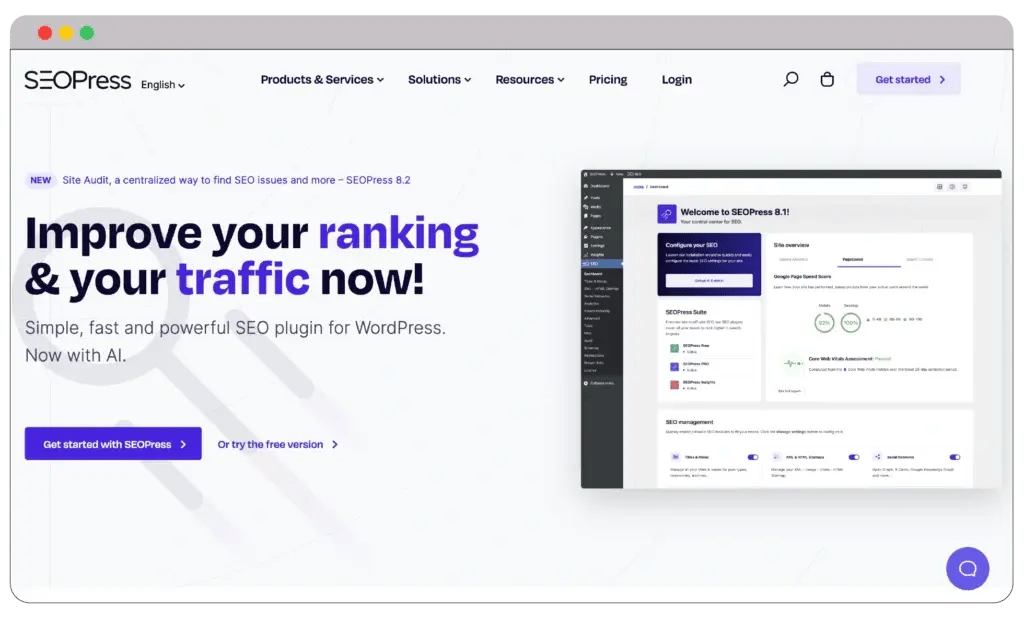
Its Universal SEO Metabox works well with several page builders, including Divi Builder and the built-in WordPress block editor.

This lets you add social networking tags, SEO titles, meta descriptions, and schema markups to every post from your favorite builder.
Pros
Cons
To provide general traffic data and evaluate the traffic to your content depending on several dimensions or filters, such as author, category, or post types, this SEO tool also integrates Google Analytics.
1. Free: $0
2. SEOPress Pro: $49/month
3. SEOPress Pro Unlimited: $149/month
SEOPress is one of the best SEO plugins for WordPress, primarily because it allows you to include multiple keywords in one blog post.
Last but not least is the integration of AI. The premium version uses artificial intelligence and machine learning algorithms to generate meta titles and descriptions.
Squirrly SEO is an all-in-one SEO plugin that offers data-driven insights from its cloud services and machine learning technology to assist WordPress users in optimizing their websites.
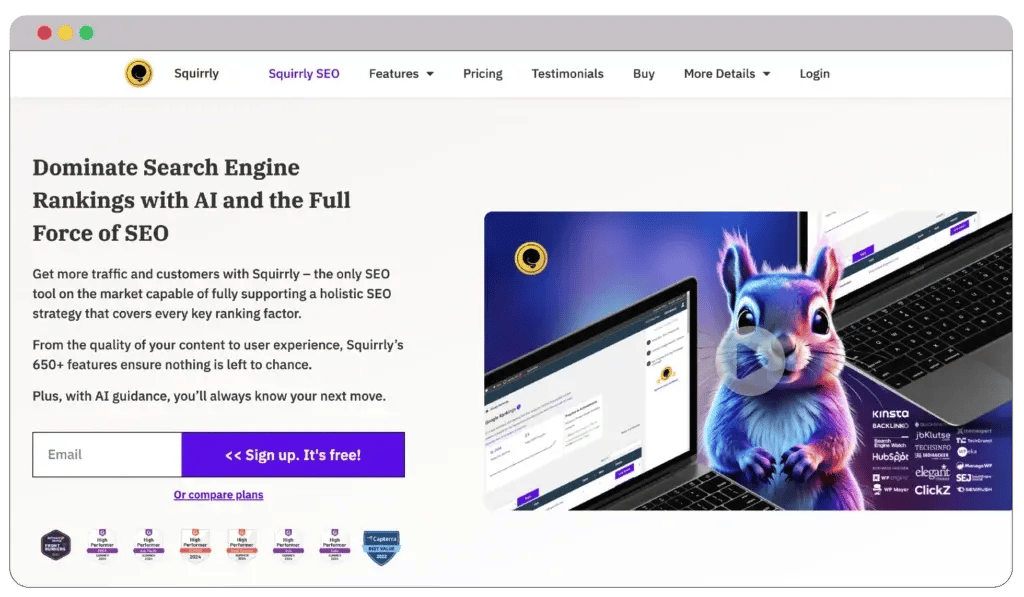
Using this SEO tool, you may distribute internal links inside your content, conduct keyword research, and examine what appears on search engine results pages (SERPs). Newton is an AI-driven SEO consultant.

Another noteworthy feature is the Focus Pages section, which tracks important pages you wish to rank better. It assists with the entire SEO audit process by providing a list of precise actions to raise their position.
Pros
Cons
Squirrly SEO also provides a live assistant feature. It will help you know top-notch keyword suggestions based on your content optimization for both human readers and search engines.
1. Free: $0
2. Pro: $9.99/month
3. Web Dev Kit: $51.20/month
4. Business: $71.99/month
But the SEO automation aspects are quite weak. For example, the SEO automation settings need more refinement. This may be why Squirrly SEO cannot resolve 404 errors effectively.
Nevertheless, it can research the perfect keywords as per your content needs. Just feed the required information, and Squirrly will generate keywords without any issues.
WP Meta SEO allows you to update image file names, SEO link titles, and website meta data in bulk from a single interface.
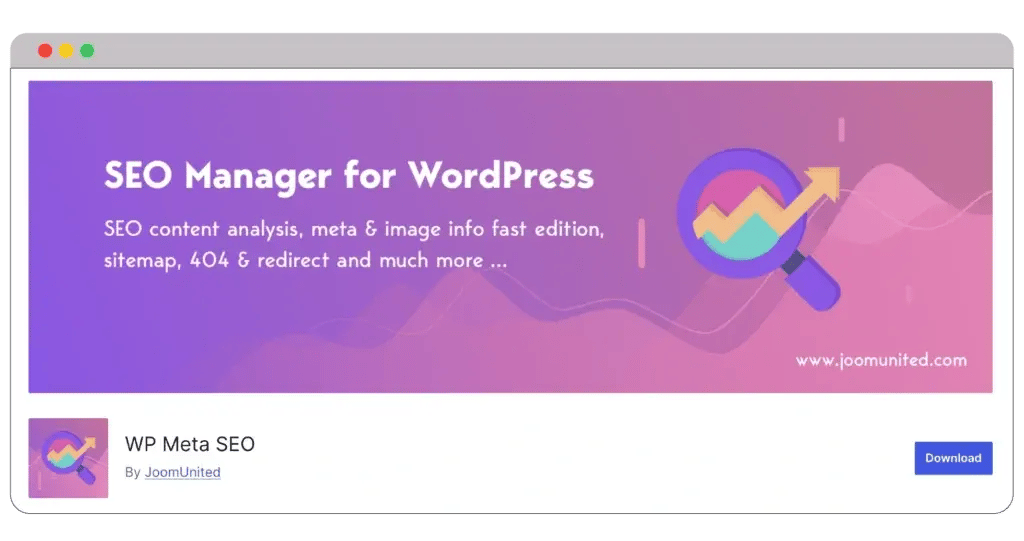
For effective SEO management, it has bulk copy functionality and AJAX storing. This WordPress SEO plugin excels in on-page optimization by analyzing components like page titles in headings and content, alignment between page URLs and titles, and meta titles and descriptions.

WP Meta SEO solves this problem by allowing you to directly optimize picture sizes within your articles and pages, unlike some plugins that reduce image sizes utilizing HTML scaling, which can negatively impact SEO.
Pros
Cons
Google Analytics Integration provides options to exclude specific WordPress user groups in order to provide more accurate website performance information.
You’ll also like the AJAX implementation feature. This makes WP META SEO one of the best SEO plugins for WordPress.
However, its social sharing capabilities, such as the inability of Facebook to display content thumbnails, are a source of concern.
SmartCrawl is one of those SEO plugins that slips under the radar. It’s nothing spectacular, but it serves the job well enough not to draw attention to itself.
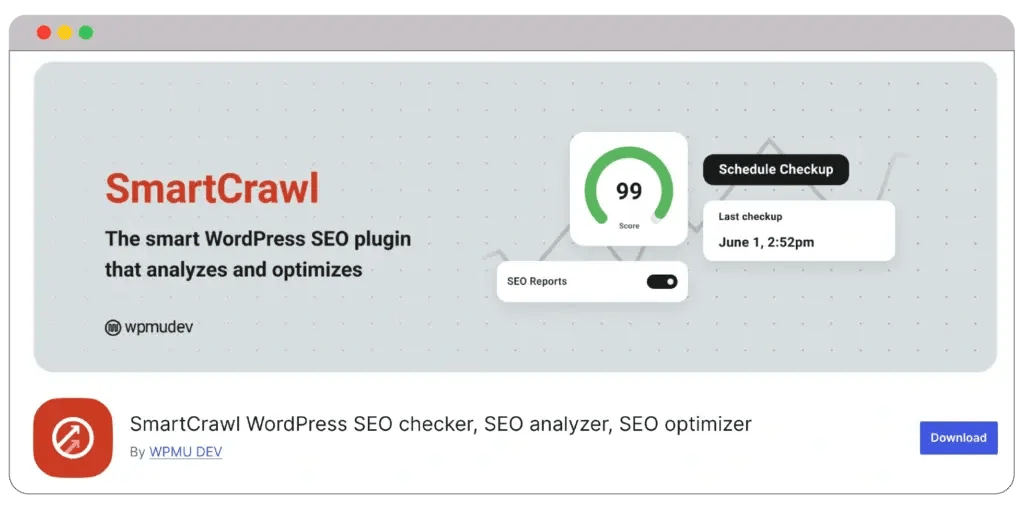
As implied by the name, SmartCrawl will notify Google when it is time for a new crawl of your website whenever you add new material. I tested several apps, and none of them offered anything like this.

To get you started, a one-click setup procedure is provided. After that, you may customize the site’s meta, schema markup, social media, and XML sitemap settings using additional menu options.
Pros
Cons
Apart from that, though, using the WordPress admin panel and its clear, uncomplicated layout is great. From the SmartCrawl dashboard, you can monitor your general SEO settings and execute SEO audits (supported by Google Lighthouse) to get advice for boosting SEO.
1. Basic: $15/month
2. Standard: $25/month
3. Freelancer: $50/month
3. Unlimited: $100/month
One drawback is that, although other SEO packs are site-wide, the ones they advise you to perform appear to be restricted to the homepage.
You may automate linking for particular keywords, schedule SEO audits and white-label reports, and check for broken URLs, 404 errors, and repeated redirections with the premium version.
Slim SEO is an incredibly lightweight, feature-rich SEO plugin that automatically sets up your WordPress website. This is great if you prefer a hands-off approach and don’t want to become confused by SEO jargon.
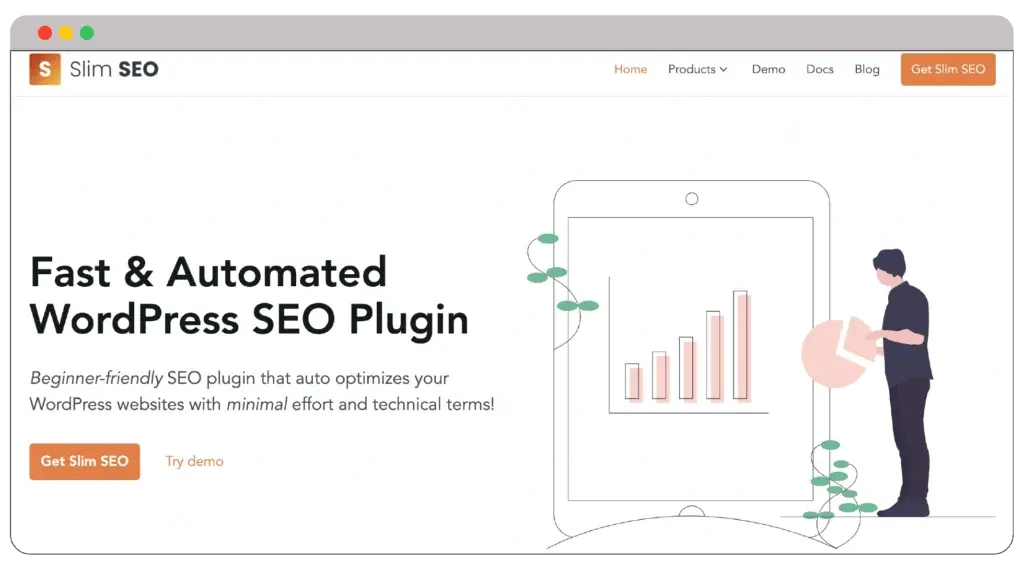
For instance, Slim SEO automatically creates a meta description from your post or page if you have enabled meta tags. You can always add your description; just consider it a backup plan.

The alt text for the image follows the same rules. If you submit an image SEO without providing any alt text, Slim SEO automatically provides the file name as the alt text. Although it’s not very good, it’s still better than nothing.
Pros
Cons
SEO data from several plugins, such as Yoast SEO, Rank Math, The SEO Framework, Redirection, and 401 Redirects, can be imported and moved.
1. Personal: $39/month
2. Agency: $79/month
3. Freelancer: $59/month
Furthermore, Slim SEO works well with other plugins—particularly page builders like Divi, Beaver Builder, and Elementor. That being said, Slim SEO isn’t very good for on-page SEO and advanced SEO optimization.
You can change the meta title and description, add a canonical URL, designate images for Facebook and Twitter sharing, and hide or unhide the page from search engines after each post or page. Nevertheless, unlike other plugins, it lacks readability and content analysis tools.
MonsterInsights is not an SEO plugin, but it does allow you to easily integrate Google Analytics with your WordPress website without the need to hire a developer or know how to code.
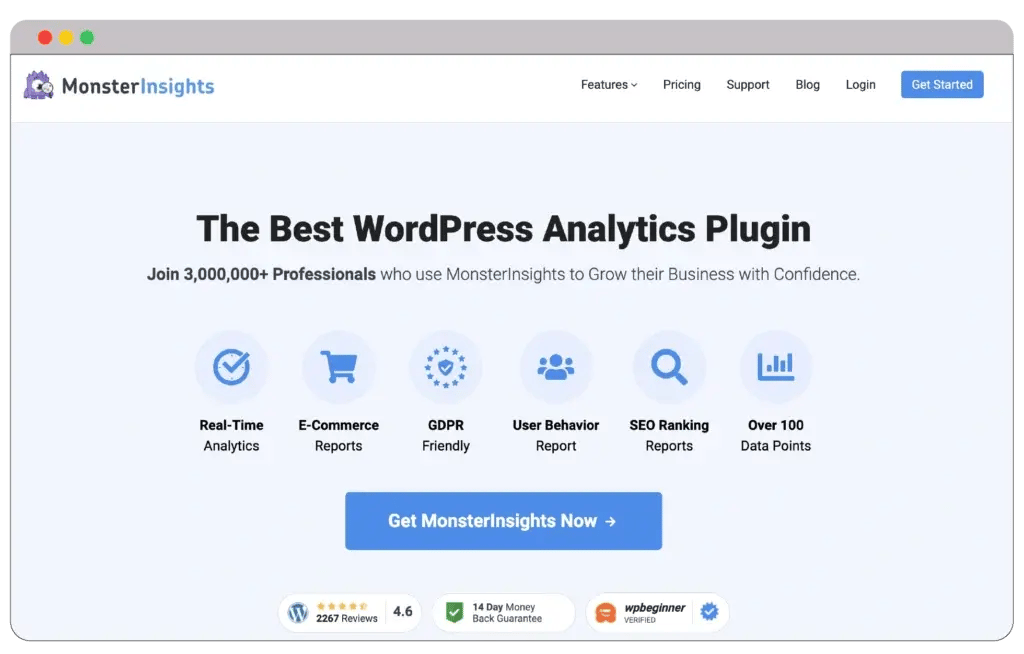
It offers an easy-to-use interface for tracking numerous important indicators related to website performance right from the WordPress dashboard.

You can view your site’s performance data on the real-time SEO analytics dashboard, such as active visitor numbers, acquisition sources, and popular content.
Pros
Cons
With the help of this function, you can decide on your SEO approach and user experience based on statistics.
1. Plus: $249/year
2. Pro: $499/year
3. Agency: $999/year
In addition to SEO, site owners can monitor product performance and transactions by tracking eCommerce-related data. These thorough insights are useful for improving conversion rates and comprehending consumer behavior.
Apart from a plugin, MonsterInsights is also an excellent place to optimize your headings. I used to use MonsterInsights to improve my headline score as CoSchedule stopped being reliable.
WP Rocket is one of the best SEO plugins for WordPress. WP Rocket is a premium WordPress caching plugin that uses SEO strategies like static file compression, cache preloading, and page caching to improve site speed and performance.
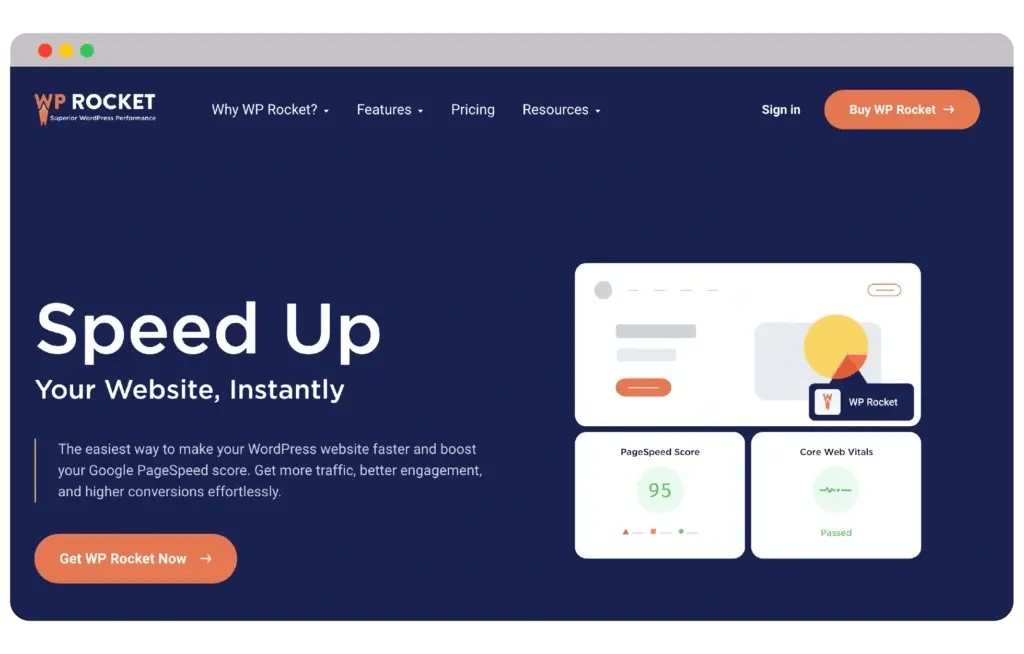
WP Rocket’s client-side page caching, which generates static HTML pages from your content, is one of its best features.

This considerably speeds up the time it takes for a page to load and lowers the server’s processing burden. Because of the plugin’s simple setup requirements and intuitive UI, you can use this SEO for WordPress tool at any level.
Pros
Cons
WP Rocket can help you with cache preloading. This feature will trigger the caching process. As a result, it will ensure that visitors receive the fastest-loading version of your pages.
1. Single: $59/month
2. Plus: $119/month
3. Infinite: $299/month
Moreover, WP Rocket can also be useful for minification and optimization. It can reduce the size of your JavaScript, CSS, and HTML files, which will speed up your loading times.
But keep in mind that you don’t get any free SEO version. So, there’s no way to try the features. I recommend you choose a free version, and if it doesn’t work for you, ask for a refund within 14 days.
Having the best SEO plugins for WordPress websites will always help you stand apart from the crowd. You can optimize your content better, and your website will achieve higher search engine results page rankings.
As a result, you can boost your business’s visibility and authenticity. Your potential customers will start trusting your business more, leading to more sales and success.
So, how many SEO plugins have you used before? Have you found the best one? Let me know in the comments below.
Listen to business owners like you share how we’ve helped them grow. Your story could be next!





.svg)

“Recently we reached out to Webdew for a website inside of HubSpot and they also did some mocking automation for us.”

“Webdew team was quite honest and quite easy to work with in terms of taking feedback implementing it, showing that it doesn’t happen again and things like making sure that it meets our expectations.”

“We worked with webdew to help us build our HubSpot website and they did an amazing job with it. They were very quick.”

“webdew has helped us optimize the sales and marketing processes, and this is automating a lot of processes.”

“Hi everyone my name is Kara and I work as a channel consultant at HubSpot Singapore. I’ve been working closely with webdew agency”

“Hi my name is Christian from OpenDoors Mortgage team and I’m in the mortgage business and just trying to work on new projects and kind of incorporating HubSpot for my operations”

“I’m one of the technology directors for Travelopia. We are the largest experiential travel company in the world. We’ve engaged webdew recently, not recently, it’s been about a couple of quarters now.”
“We worked with Chehak over the past several months to create a series of animated videos for an academic planner that we produce. And from the very beginning, she was absolutely professional and a pleasure to work with.”


We helped clients multiply their website conversion rates through strategic design and UX optimization.
Our marketing campaigns led to a 20% uplift in customer engagement across digital channels.
Delivered over 2,000 qualified leads through targeted funnels and smart automation.
Our video content has earned 120,000+ views, driving brand awareness and audience retention.
“I recently had the pleasure of working with Chehak on a video demo project, and I was thoroughly impressed with her services.”
.svg)

Access expert tips, trends, and strategies designed for small businesses. Stay ahead of the curve and make informed decisions with our comprehensive resources!