

 We typically respond the same day

As a designer, I understand the importance of having a self-explanatory and memorable logo. Indeed, the logo is the face of your entire business website. It’s the first visual through which people know what you are selling and your business.
Well! A memorable, beautiful, attractive, trendy logo is essential but not a cakewalk. Designing a logo sometimes takes a lot of time and effort; even professional designers like me are stuck designing a perfect logo for businesses.
This is the reason I always go for the best logo makers. Logo makers are the fastest and easiest way to make a custom logo for your business. Logo maker’s websites provide workspace, graphics, and customization tools options to the users.
Also, it gives you the freedom to make, edit, select colours, choose 2D graphics and icons, and text customization for your logo.
These days, there are many new and old logos on the internet. Thus, choosing the best from the entire list is challenging. To help you with the same, I have gathered the best logo makers that I feel are worth their price.
Before you move forward to learn about the logo makers, you should get a quick understanding of the benefits of having a professional logo.
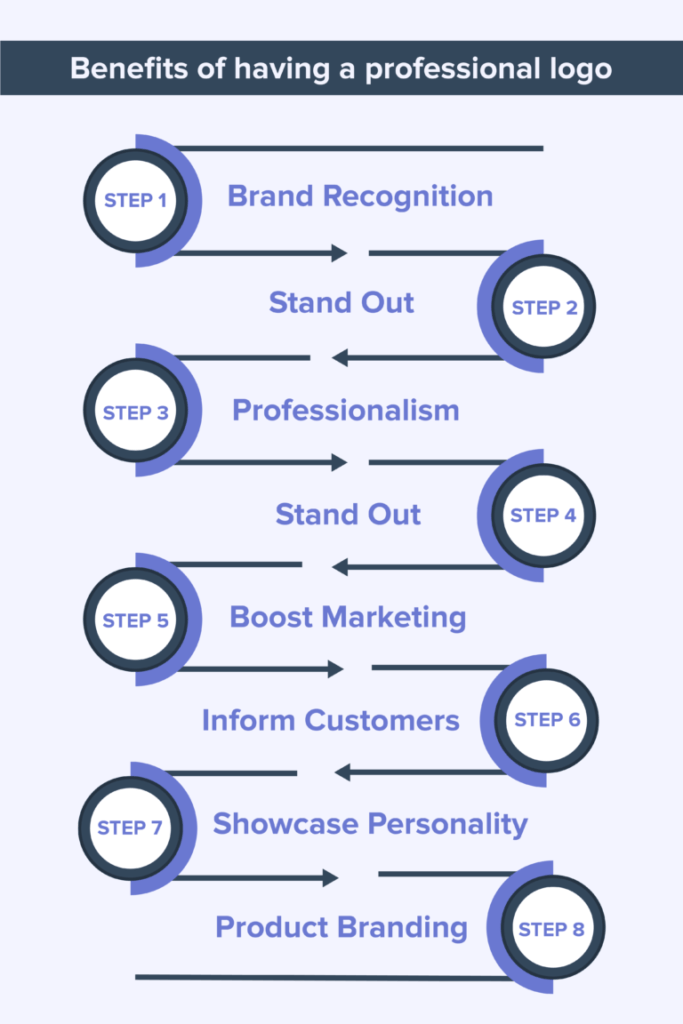
So let’s quickly analyze these best online logo maker tools for you.
8 Most Popular Online Logo Makers to choose from
1. Looka
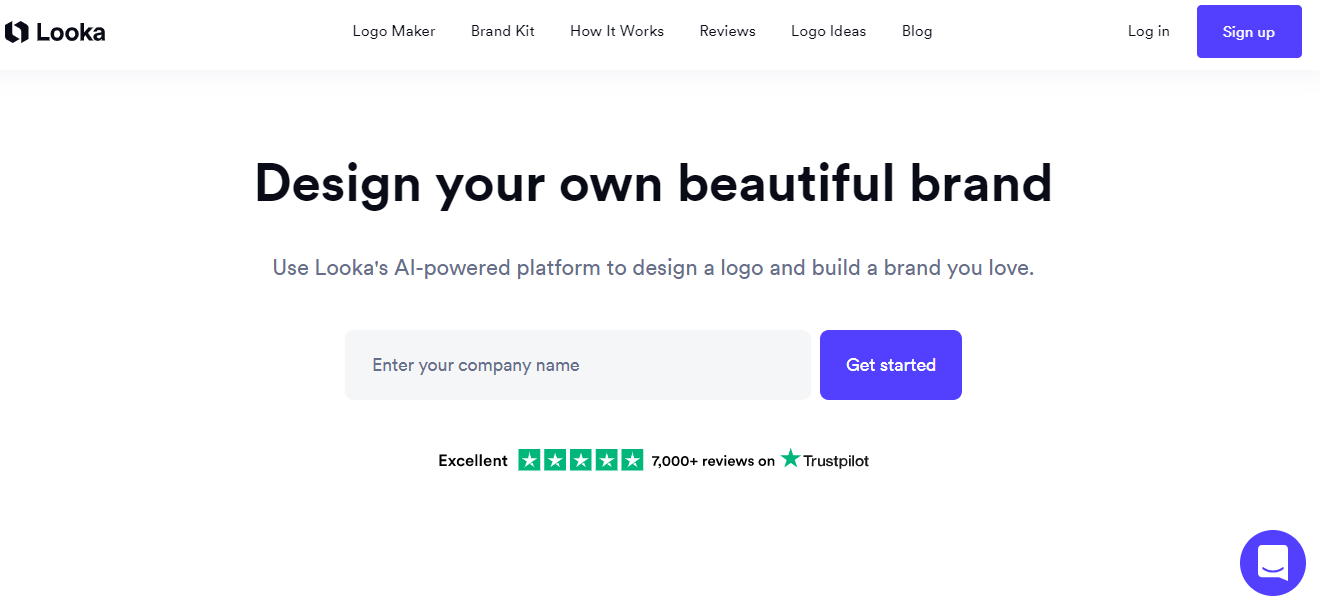
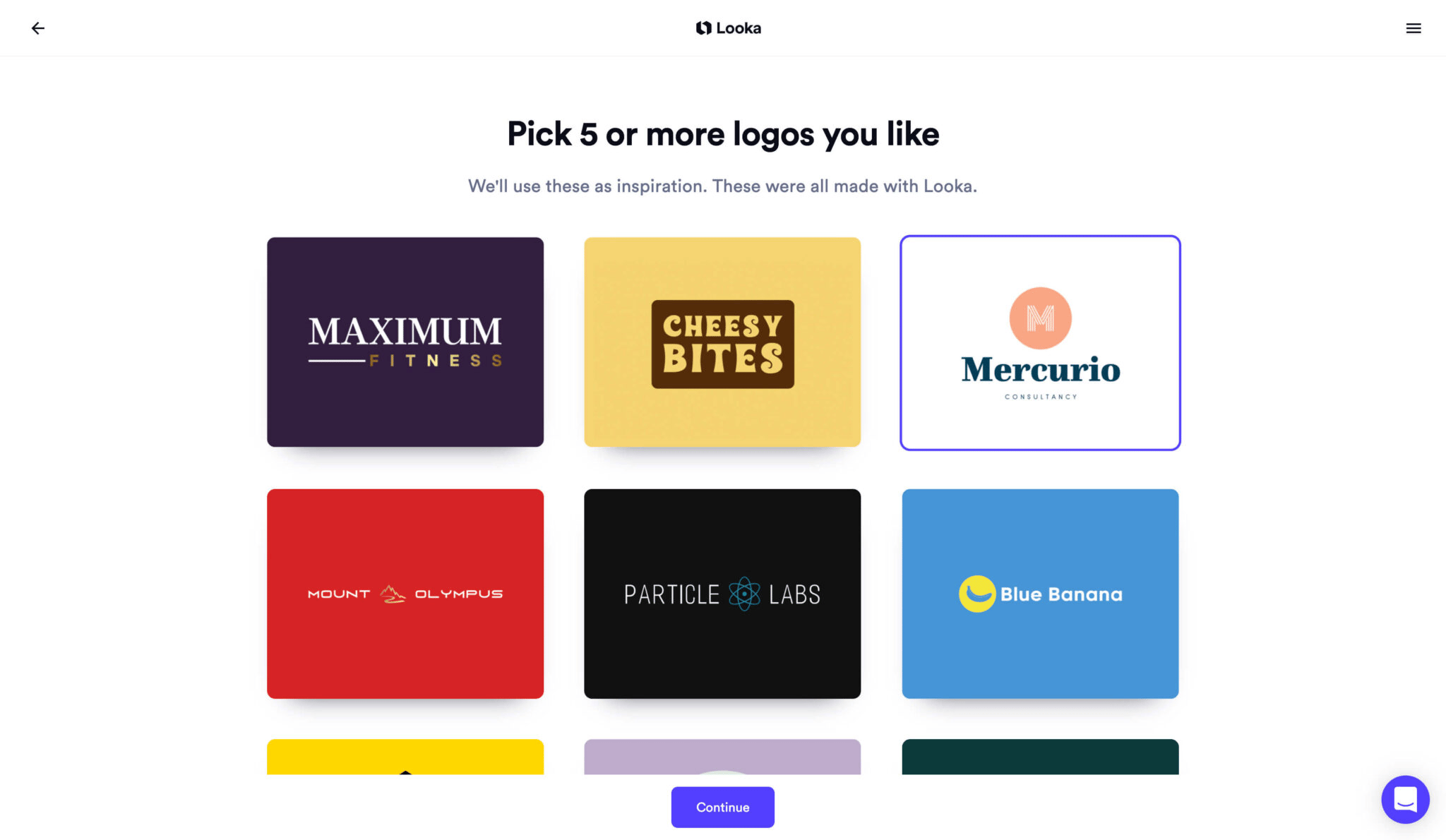
Do you want to design a beautiful brand by yourself that helps you bring your brand to life? Then Looka is one of the best logo makers that will help you make a logo you will feel proud of. It is an AI-powered platform that offers a brand kit and steps by going through which you can easily understand the workings of the tool.
Here on this platform, you will get 100s cool logo ideas that will help you act smartly and professionally. So, if you want the easiest way to design a logo, you can add Looka to your checklist.
2. Wix
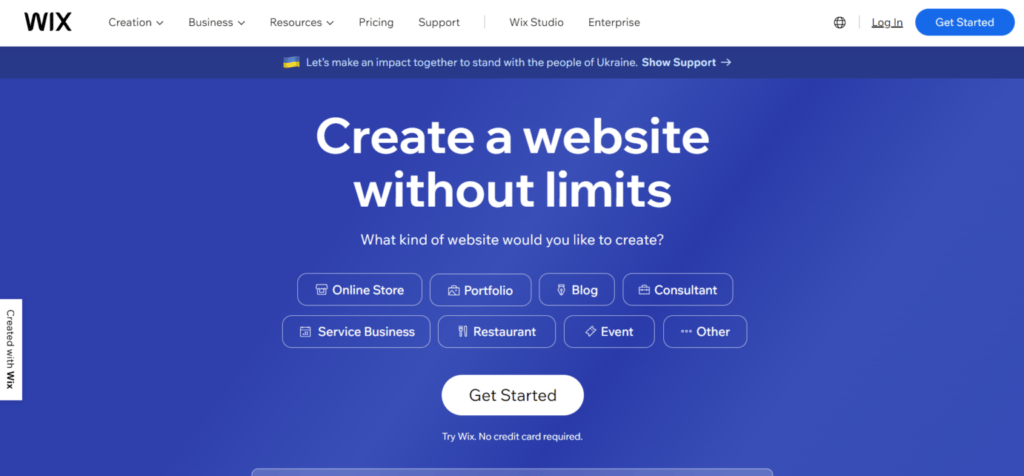
Wix logo maker is one of the best logo generator tools that inspire users to create logos online. This tool provides us with a variety of logo designs — including modern, minimalist, and retro logo designs — based on some questions that we answered during the logo designing process like-
- Name of the brand
- Kind of business
- Kind of look and feel that you want for your logo.
- Then it shows you logo results five times to choose one of them
- Where do you want to use your logo, like a website, social media, etc.
After answering these questions, it takes a few seconds to come up with logo designs based on your answers.
Later, you can edit your logo by renaming it or replacing the identical icon used in your logo. Wix provides you with the option of customizing a logo by just selecting it; it opens tools like text, colour pallets, backgrounds, and shapes.
The creation of logos through Wix is as simple as narrating a story. Say, if you have a clear thought about what you want and how your logo should look, then wix will help you get the desired results.
If I talk about pricing, the Wix logo maker tool offers three plans: Free, Basic, and Advanced. The basic plan starts at $20, and the advance plan starts at $50.
3. LOGO.com
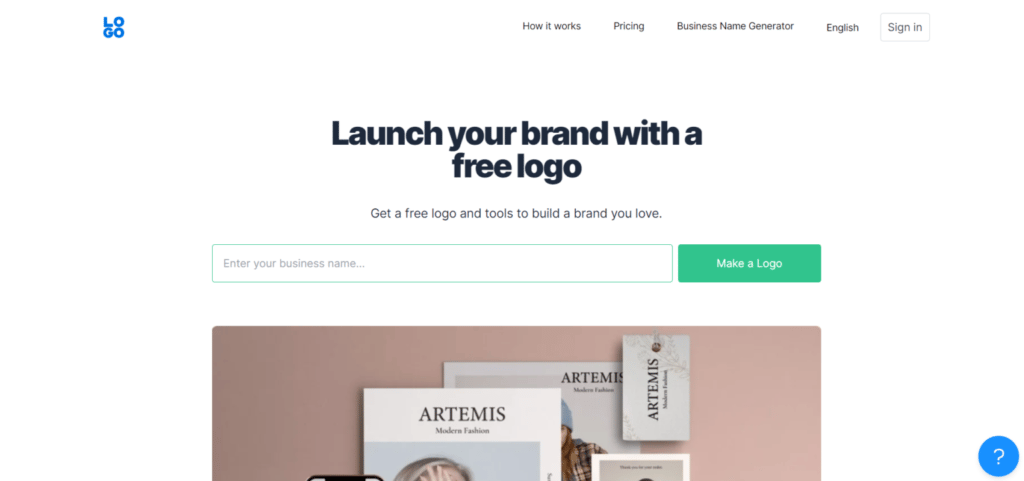
The name says it all. LOGO.com is the leading website that can provide the perfect logo designs with its hearty free logo maker. The brand prides itself on offering customers unique and memorable designs at minimal cost and maximum convenience.
With its AI-powered capabilities, LOGO.com gives customers the opportunity to craft their perfect logo with simple business details and design preferences.
You also have the choice to take your branding a step further by getting business cards, email signatures, letterheads, and so much more—all of which automatically have your logo and brand colours plastered proudly on them.
4. Canva
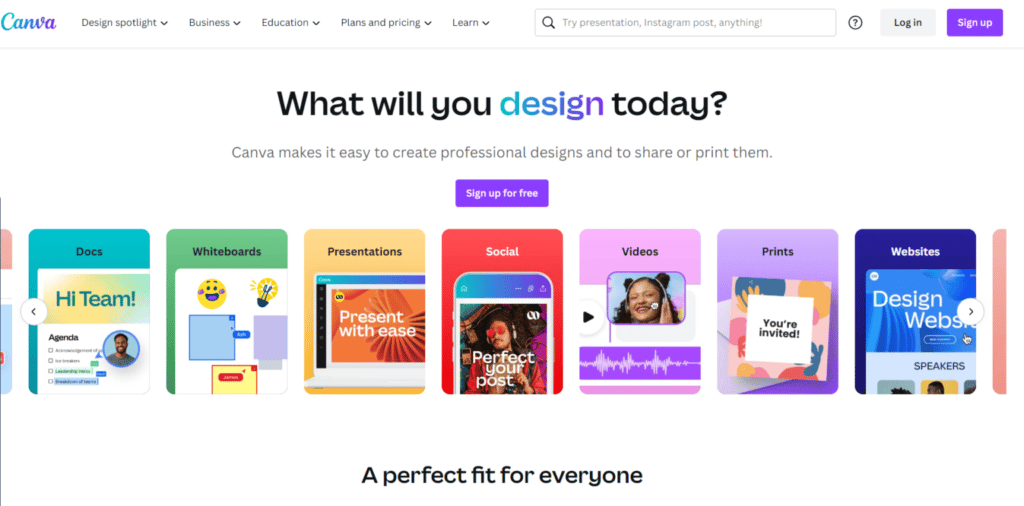
Canva is another logo maker tool that allows users to design and create unique and effective visual branding logos. Starting Canva logo maker provides ready-made templates that make it easy to edit these templates by changing graphics, text styles, positions, and transformations. You can also browse a variety of YouTube channel logo templates, which help streamline the logo design process, especially for new creators.
Some Canva offers are free, whereas many attractive and visionary templates come under a premium subscription. I often use Canva while designing the logos as it helps me modify them like a king.
The best part, you can download the designed logos in two different formats, which can be published directly on different social platforms.
Now, if I talk about its pricing, it offers three different plans: Free, Pro, and Enterprise. The Pro version starts at $9.95 monthly, and the Enterprise version starts at $30 monthly.
5. LogoMaker
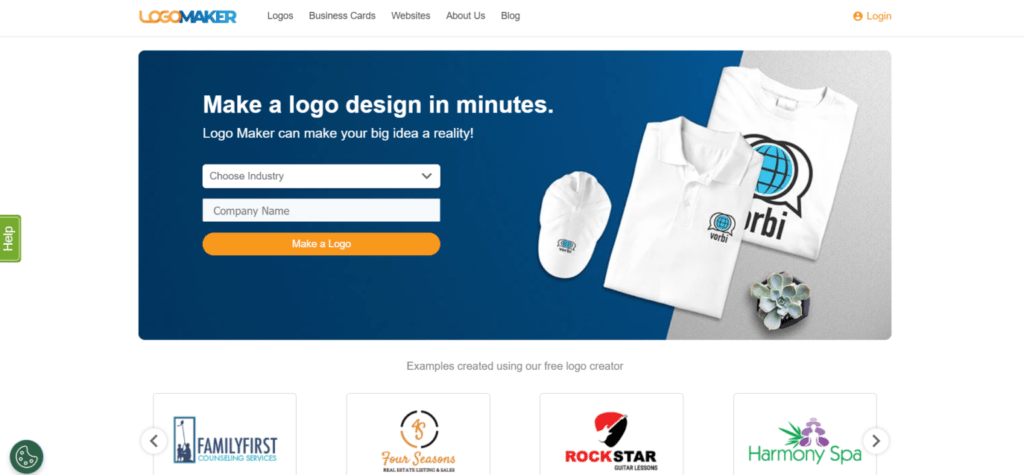
As the name suggests, Logomaker is another popular option designers choose to create fast, simple, and stunning logos without any hassle. This software is mainly chosen for speed. Its magnitude of customization options makes it effortless for users to create an excellent logo in minutes.
Logomaker is a global custom design platform for entrepreneurs, businesses, schools, and individuals. With the help of the LogoMaker tool, anyone can make a logo, banner, t-shirt art, and much more without being a designer or having design experience.
LogoMaker provides you with a do-it-yourself platform that mainly focuses on six design fields :
- Graphics
- Fonts
- Shapes
- Colors
- Outline
- Opacity
You can download it after designing the web or print-ready files. If I talk about its pricing, it is divided into four plans: basic for free, essential at $40, premium at $60, and custom at $99.
6. Design
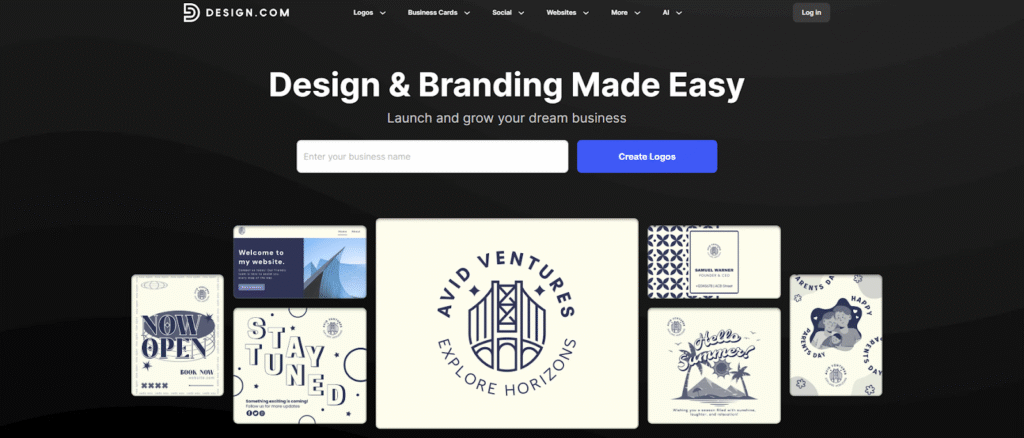
Design.com makes it incredibly easy to bring your brand ideas to life with the help of AI. Whether you need a logo, website, business card, or even a complete presentation, its smart design tools do the heavy lifting so you can focus on your vision.
Just type in your business name, and the AI logo maker instantly creates professional designs you can customize in seconds. You can also explore AI tools for posters, flyers, social media posts, and more: all from one simple dashboard.
Everything is built to save you time without sacrificing quality. The designs are unique, commercially safe, and available in multiple file formats, making them ready for print or online use.
It’s a complete creative toolkit powered by AI, made for anyone who wants to look professional without the usual design hassle.go.
7. BrandCrowd
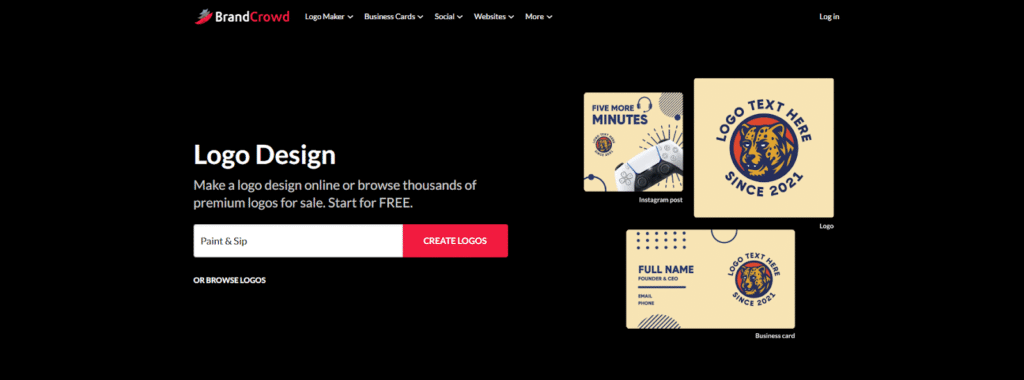
BrandCrowd helps you create a professional logo in minutes, with no design skills required. Its AI-powered logo maker quickly turns your ideas into ready-to-use designs that look like they were made by a professional.
You simply enter your business name, choose your favorite styles, and let BrandCrowd’s AI do the rest. From there, you can tweak colors, fonts, and layouts until it feels just right. It also offers tools for business names, social media posts, and marketing materials to ensure your branding remains consistent across all platforms.
With thousands of exclusive templates to choose from, BrandCrowd makes it easy for anyone to build a brand they’re proud of. It’s fast, fun, and surprisingly personal: precisely what you need when starting something new.
Now you can choose and select your logo design with the mockups provided.
8. Turbologo
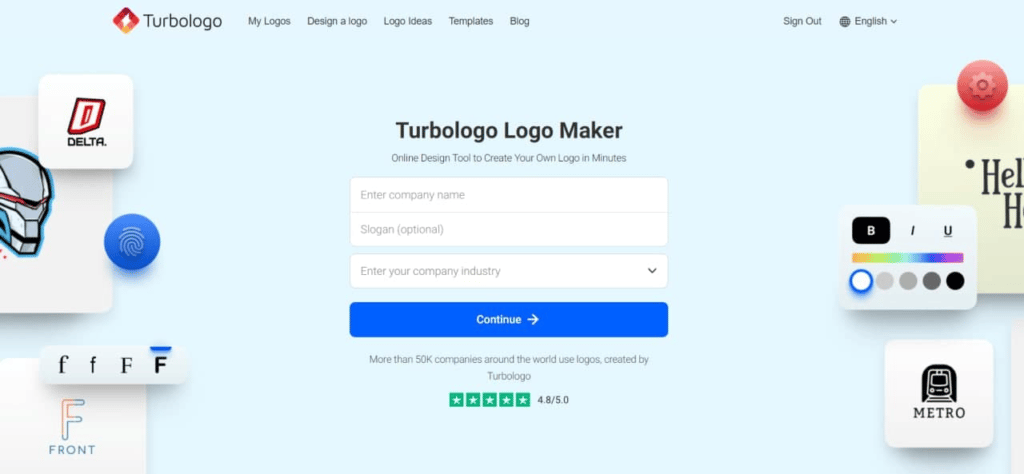
Turbologo is the easiest logo generator, and you can create a professional logo in 5 minutes. AI technologies power the logo maker, so designs look unique and diverse.
The design process is very easy and intuitive, just follow the steps and customize the final results. Logo preview mode helps you to understand how the logo will look on different surfaces and sizes.
You can customize final results by the drag-and-drop editor: move elements, change colours, fonts, or replace icons. Turbologo has a huge library of graphic elements with more than 4 million icons, hundreds of fonts, and colour palettes.
Download is available in the most popular formats: PNG, SVG, and PDF. Transparent background and vector files are available.
Ready to choose the Best Logo Maker?
We all know that Logo is the face of our business. That’s why everyone is putting their best efforts into making a great shiny, and fresh-looking logo. To get the best logo, designers use excellent logo makers that are easy to use and time-saving.
As this modern world is coming up daily with new styles and trends, choosing the best from a list of thousand is a real hassle. You also need a creative and experienced designer with good knowledge of colours, fonts, and typography, especially if you wish to stand apart from the competition.
Apart from this, people, these days need some minimalistic and mixing of typography and icons. Here in webdew, we have a team of very creative and experienced graphic designers under the guidance of up to dated leads.
We assure you that now you can design your logo better than ever before. Feel free to get in touch with our designers.
Happy logo creation!
Dive Into our
Client Testimonials
Listen to business owners like you share how we’ve helped them grow. Your story could be next!




.svg)
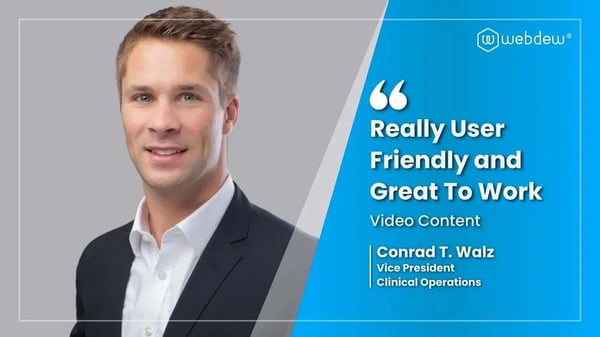
“Recently we reached out to Webdew for a website inside of HubSpot and they also did some mocking automation for us.”
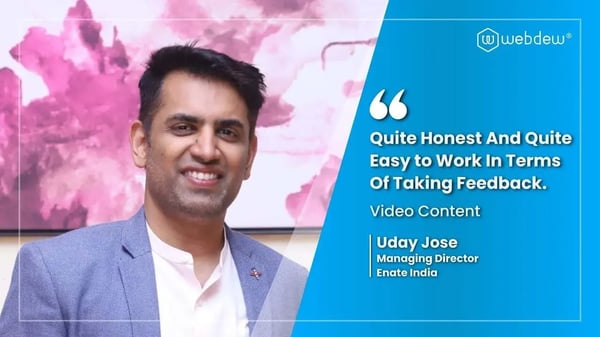
“Webdew team was quite honest and quite easy to work with in terms of taking feedback implementing it, showing that it doesn’t happen again and things like making sure that it meets our expectations.”
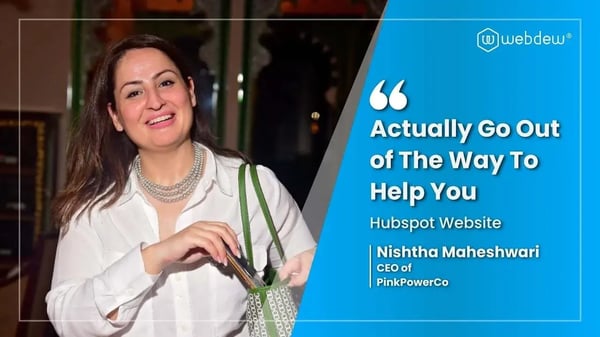
“We worked with webdew to help us build our HubSpot website and they did an amazing job with it. They were very quick.”
“webdew has helped us optimize the sales and marketing processes, and this is automating a lot of processes.”
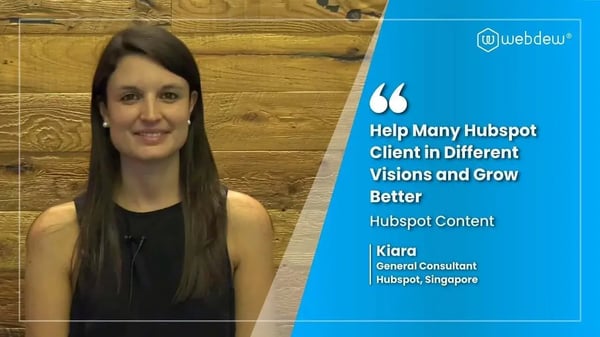
“Hi everyone my name is Kara and I work as a channel consultant at HubSpot Singapore. I’ve been working closely with webdew agency”
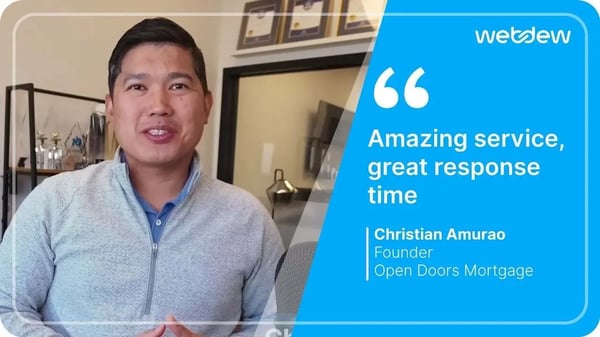
“Hi my name is Christian from OpenDoors Mortgage team and I’m in the mortgage business and just trying to work on new projects and kind of incorporating HubSpot for my operations”
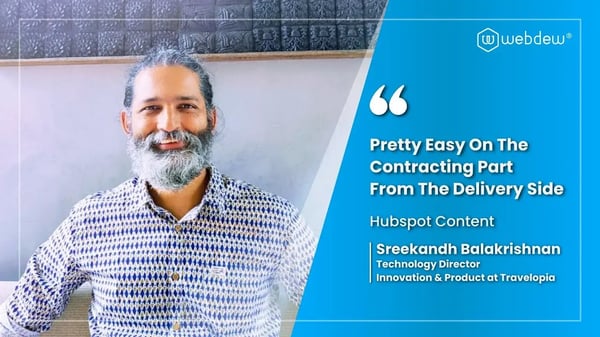
“I’m one of the technology directors for Travelopia. We are the largest experiential travel company in the world. We’ve engaged webdew recently, not recently, it’s been about a couple of quarters now.”
“We worked with Chehak over the past several months to create a series of animated videos for an academic planner that we produce. And from the very beginning, she was absolutely professional and a pleasure to work with.”


6x
We helped clients multiply their website conversion rates through strategic design and UX optimization.
20%
Our marketing campaigns led to a 20% uplift in customer engagement across digital channels.
2K+
Delivered over 2,000 qualified leads through targeted funnels and smart automation.
120+
Our video content has earned 120,000+ views, driving brand awareness and audience retention.
“I recently had the pleasure of working with Chehak on a video demo project, and I was thoroughly impressed with her services.”
.svg)

Additional Resources
Access expert tips, trends, and strategies designed for small businesses. Stay ahead of the curve and make informed decisions with our comprehensive resources!