

 We typically respond the same day

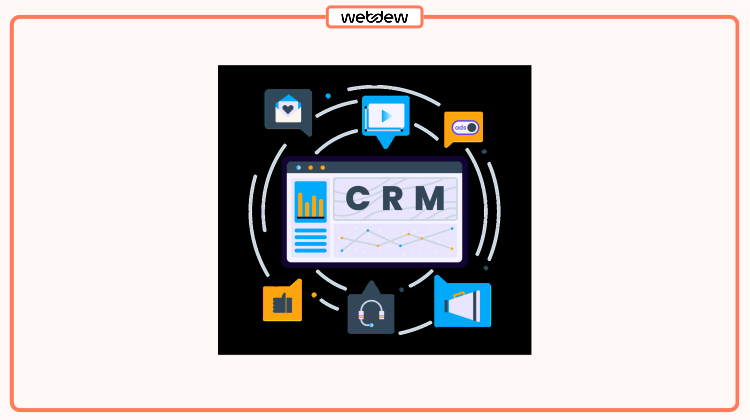
Most B2B SaaS teams have CRM automation available to them. Most don't use it well.
It's not a budget problem. HubSpot and Pipedrive ship with automation built in. It's not exactly a training problem either. The gap between "we have automation" and "automation is running our sales process" is wider than it looks, and the reasons it stays that way don't get discussed enough.
Here are nine of them.
TL;DR
B2B SaaS teams underuse CRM automation because of setup debt, unclear ownership, poor data quality, and a culture that still treats manual tasks as more reliable. The fix isn't more tooling. It's better decisions about which processes to automate, who owns them, and how to maintain them.
1. The CRM Data Is Too Dirty to Automate Against
Automation only works if the data it reads is accurate. If lifecycle stages are wrong, lead source fields are blank, and deal stages haven't been updated in weeks, any workflow you build will fire at the wrong time, to the wrong people.
This is the most common root cause and the slowest to fix because data cleanup isn't visible work. But it's the prerequisite for everything else. A workflow that enrolls contacts based on lifecycle stage means nothing if lifecycle stage is never updated. If your team is assessing what a well-structured CRM looks like before building automation on top of it, the customer relationship management system fundamentals covers how contact records and pipeline fields should be structured for workflows to function reliably.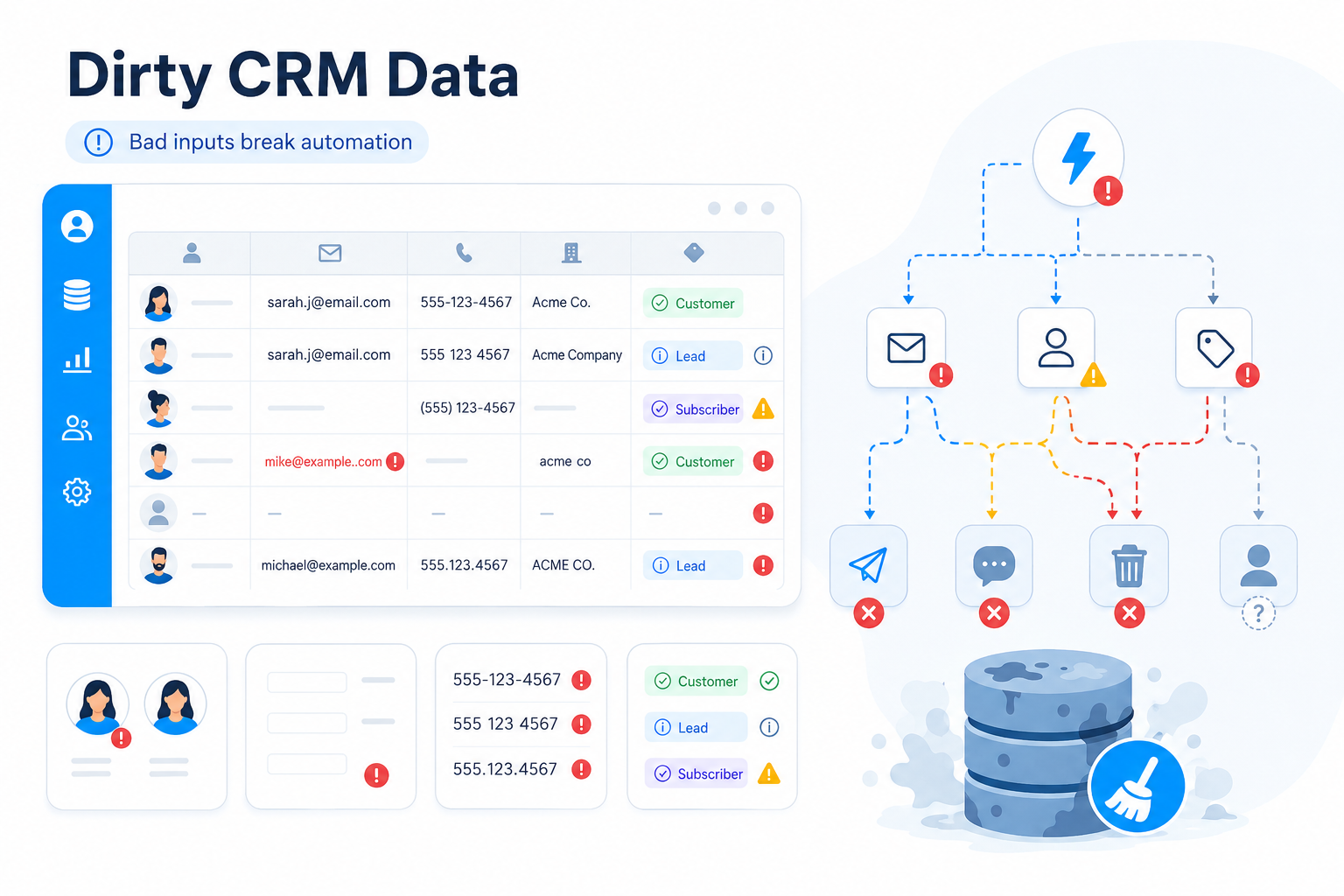
Key Points:
- Dirty CRM data causes automation to trigger on incorrect contact records.
- Lifecycle stage accuracy determines which workflows enroll the right contacts.
- Data cleanup is a prerequisite for reliable CRM automation, not an optional step.
2. Nobody Owns the Automations
Sales built a few sequences. Marketing set up some nurture flows. Someone in RevOps created a deal stage workflow two years ago. Nobody knows who maintains any of it, and when something breaks, three people think it's someone else's problem.
Workflows get built and forgotten. Nobody reviews them when the sales process changes. The result is a CRM running automations that conflict with each other, re-enroll contacts who've already converted, or send emails to people who closed six months ago. Automation ownership needs to live somewhere specific, usually RevOps, with someone accountable for each workflow's full lifecycle: built, documented, reviewed quarterly, and retired when no longer relevant.
Key Points:
- Automation ownership assigns accountability for workflow creation, maintenance, and retirement.
- Unowned workflows conflict with each other and produce incorrect contact enrollments.
- RevOps teams that own automation reviews catch process drift before it affects pipeline.
3. Reps Don't Trust What They Can't See
A lot of CRM automation breaks down at the human layer. Reps know a workflow exists, but they don't know what it does or when it fires. So they complete the task manually anyway, which creates duplicate touchpoints and corrupts the data the automation was supposed to capture.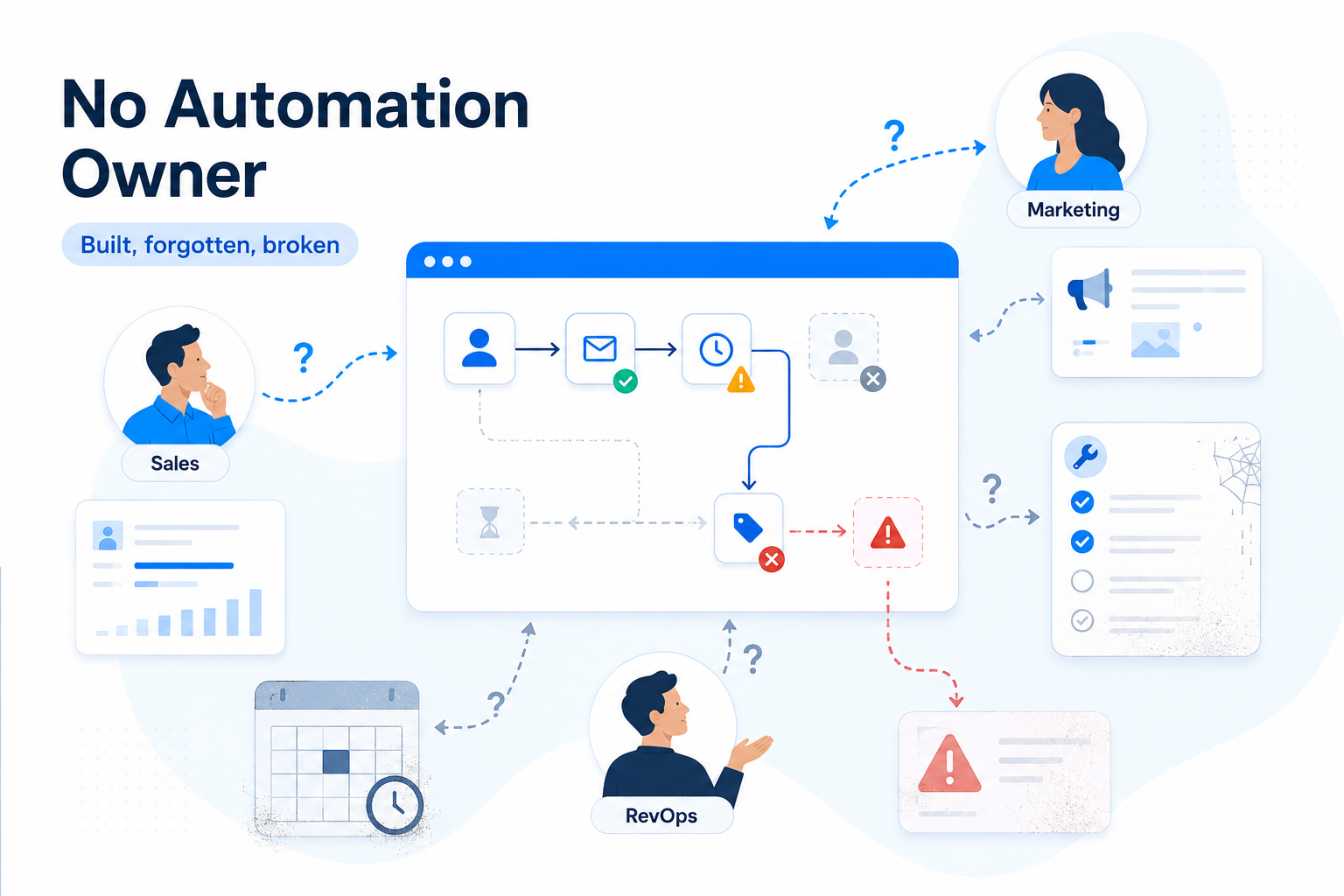
This isn't a technology failure. It's a communication failure. Reps should be able to see which workflows are active on a contact, what's been sent, and what's queued. Making automation visible to reps, not just to admins, is what gets it actually used.
Key Points:
- Reps who can't see active workflows default to manual tasks and create duplicate touchpoints.
- Workflow visibility in the CRM shows reps what automation has run and what's scheduled.
- Trust in CRM automation increases when sales teams can see outcomes, not just setup.
4. The Automations Were Built for an Old Process
Sales processes change. Automation doesn't update itself.
A workflow built when your ACV was $8K looks different from what you need at $40K. The trigger conditions, the timing, the content, the handoff logic: all of it was calibrated to a process that may no longer exist. But because the workflow is running and nobody's complained loudly enough, it keeps going. The clearest sign of this problem is when reps say the CRM doesn't match how they actually sell.
Key Points:
- Outdated automation workflows reflect a sales process the team no longer follows.
- Trigger conditions built for low-ACV sales cycles break when deal complexity increases.
- Quarterly automation reviews catch process drift before it distorts pipeline data.
5. Lead Routing Is Still Manual
Automated lead routing is one of the best places to start with B2B SaaS CRM automation. When a trial signup comes in, speed-to-assign matters. The faster a qualified lead gets to the right rep, the higher the conversion rate. But in a lot of teams, routing still involves someone checking a spreadsheet.
Manual routing is slower, introduces human error, and captures no routing data in the CRM. If you're looking at how lead routing fits into a broader SaaS funnel, SaaS marketing automation covers how routing, scoring, and handoff automation connect across the funnel.
Key Points::
- Automated lead routing assigns qualified leads to sales reps based on territory, company size, or ICP fit.
- Manual routing delays first contact and prevents routing logic from being tracked in the CRM.
- Lead routing automation captures assignment data that informs rep performance and territory planning.
6. Marketing and Sales Automation Don't Talk to Each Other
B2B SaaS CRM automation usually lives in two places: the marketing platform and the CRM. If those systems aren't well connected, you get a broken handoff. Marketing scores a lead as qualified, but that score doesn't show in the CRM. A rep works a contact through a sequence, but that activity doesn't affect marketing enrollment.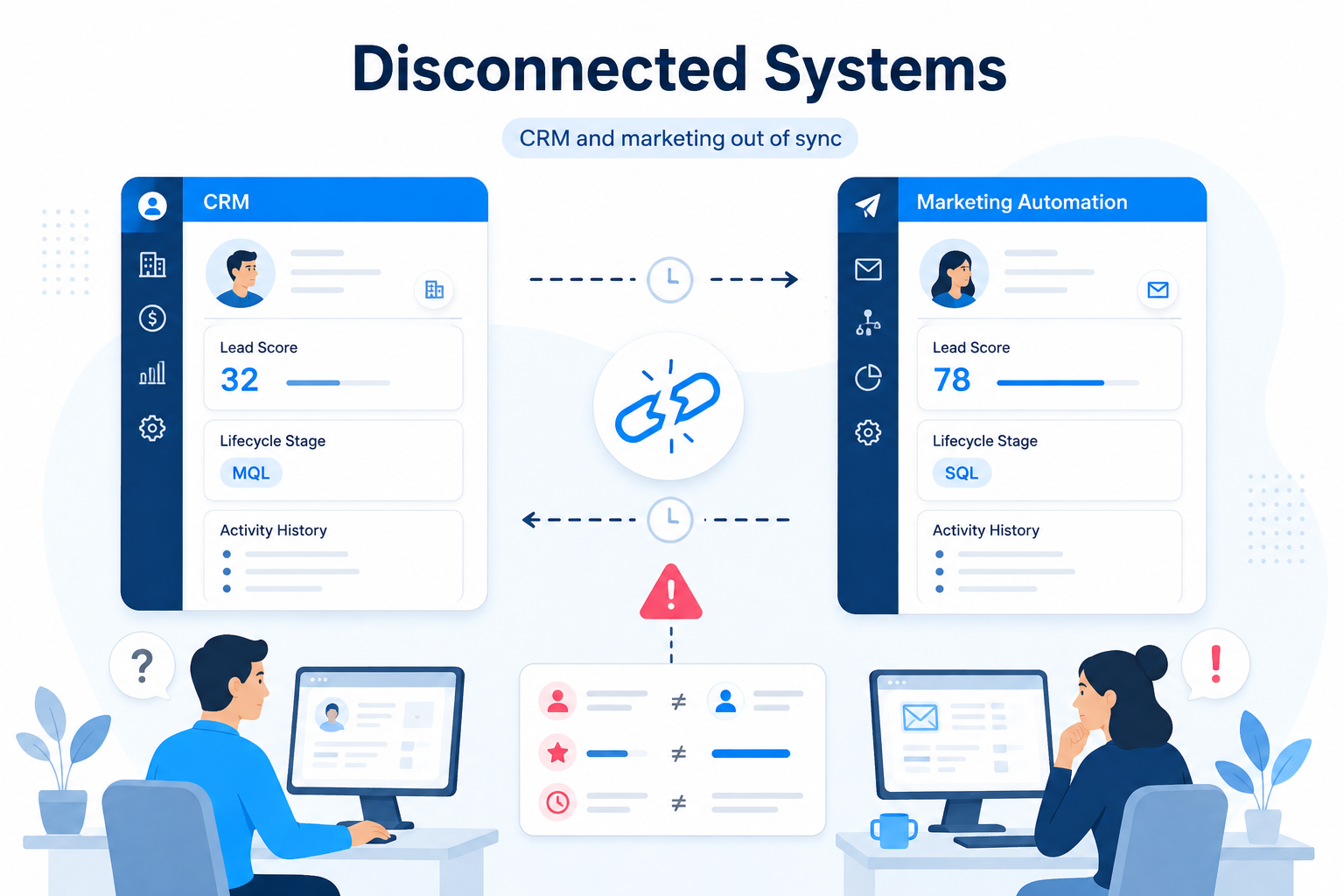
This is a data sync problem. The two systems need to share contact records, activity history, and lifecycle stage in real time, not in a batch sync that runs once a day. For a closer look at how to connect these systems and avoid this disconnect, marketing automation with CRM covers the data sync and handoff logic that ties both platforms together.
Key Points:
- CRM and marketing automation platforms share contact records, activity history, and lifecycle stage.
- Real-time data sync prevents reps and marketers from working off different versions of the same contact.
- Integrated automation fires based on complete activity data, not just one system's view of the contact.
7. Nobody Measured Whether It Worked
Most teams set up automation and never check whether it changed anything. Did the workflow improve follow-up time? Did the sequence lift reply rates? Did deal stage automation make pipeline reporting more accurate?
Without measurement, there's no feedback loop. Automation that doesn't work keeps running. Automation that does work doesn't get expanded. The fix is low-effort: pick two or three metrics per workflow, baseline them before activation, and review 60 days later. Most teams don't clear that bar.
Key Points:
- CRM automation performance metrics track workflow impact on follow-up time, reply rates, and pipeline accuracy.
- Unmeasured workflows run without feedback and produce no evidence for further automation investment.
- 60-day post-activation reviews compare baseline metrics to outcomes for each active workflow.
8. The Tooling Is Too Fragmented
Some teams run separate platforms for CRM, sequencing, enrichment, scheduling, and reporting. Each tool has its own automation logic. None of them share a single source of truth.
Fragmented tooling makes CRM automation harder than it needs to be. Workflows built in one tool don't know about activity in another. Debugging a broken enrollment means checking four systems to find where the logic failed. This is a real constraint for early-stage teams that assembled their stack incrementally. Business automation tools for B2B teams covers how to evaluate and rationalize automation tooling when the stack has grown faster than the process it supports.
Key Points:
- Fragmented automation tooling splits workflow logic across systems that don't share contact data.
- Enrollment debugging in fragmented stacks requires checking trigger conditions across multiple platforms.
- A system-of-record designation for automation ownership reduces conflicts between tool-level logic.
9. Manual Tasks Feel More Reliable
The last reason is cultural. In a lot of B2B SaaS sales teams, manual tasks still feel more trustworthy than automated ones. Reps prefer to write their own follow-up emails. Managers prefer to assign leads themselves. RevOps prefers to update deal stages by hand because they don't trust automation to get it right.
This becomes self-reinforcing. Manual processes don't improve. Automation nobody relies on never gets fixed.
Breaking the pattern means starting small: a few high-confidence workflows, measured carefully, with visible results. A team that sees CRM automation working correctly in one place is more willing to extend it. For teams reassessing platform fit, CRM software options for B2B SaaS covers how different platforms handle workflow automation natively.
Key Points:
- Manual task preference in sales teams reflects past automation failures that reduced trust in the system.
- High-confidence automation workflows build rep trust when they operate correctly and visibly.
- CRM adoption increases when automation reliability is demonstrated in a limited scope before expanding.
The Common Thread
Most of these problems share a root: automation was treated as a setup task rather than an ongoing responsibility. Workflows got built when a process was new and then left to run while the business changed around them.
Webdew helps B2B SaaS companies build CRM automation that reflects how their sales process actually works. If your automation isn't pulling its weight, talk to our team.
Dive Into our
Client Testimonials
Listen to business owners like you share how we’ve helped them grow. Your story could be next!





.svg)

“Recently we reached out to Webdew for a website inside of HubSpot and they also did some mocking automation for us.”
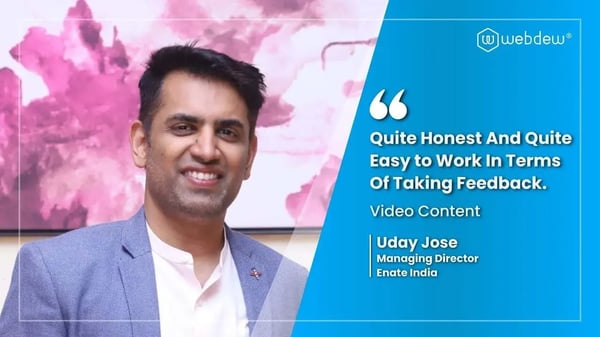
“Webdew team was quite honest and quite easy to work with in terms of taking feedback implementing it, showing that it doesn’t happen again and things like making sure that it meets our expectations.”

“We worked with webdew to help us build our HubSpot website and they did an amazing job with it. They were very quick.”

“webdew has helped us optimize the sales and marketing processes, and this is automating a lot of processes.”
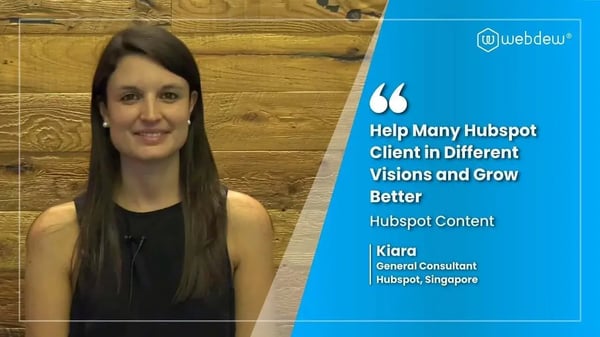
“Hi everyone my name is Kara and I work as a channel consultant at HubSpot Singapore. I’ve been working closely with webdew agency”

“Hi my name is Christian from OpenDoors Mortgage team and I’m in the mortgage business and just trying to work on new projects and kind of incorporating HubSpot for my operations”

“I’m one of the technology directors for Travelopia. We are the largest experiential travel company in the world. We’ve engaged webdew recently, not recently, it’s been about a couple of quarters now.”
“We worked with Chehak over the past several months to create a series of animated videos for an academic planner that we produce. And from the very beginning, she was absolutely professional and a pleasure to work with.”


6x
We helped clients multiply their website conversion rates through strategic design and UX optimization.
20%
Our marketing campaigns led to a 20% uplift in customer engagement across digital channels.
2K+
Delivered over 2,000 qualified leads through targeted funnels and smart automation.
120+
Our video content has earned 120,000+ views, driving brand awareness and audience retention.
“I recently had the pleasure of working with Chehak on a video demo project, and I was thoroughly impressed with her services.”
.svg)

Additional Resources
Access expert tips, trends, and strategies designed for small businesses. Stay ahead of the curve and make informed decisions with our comprehensive resources!